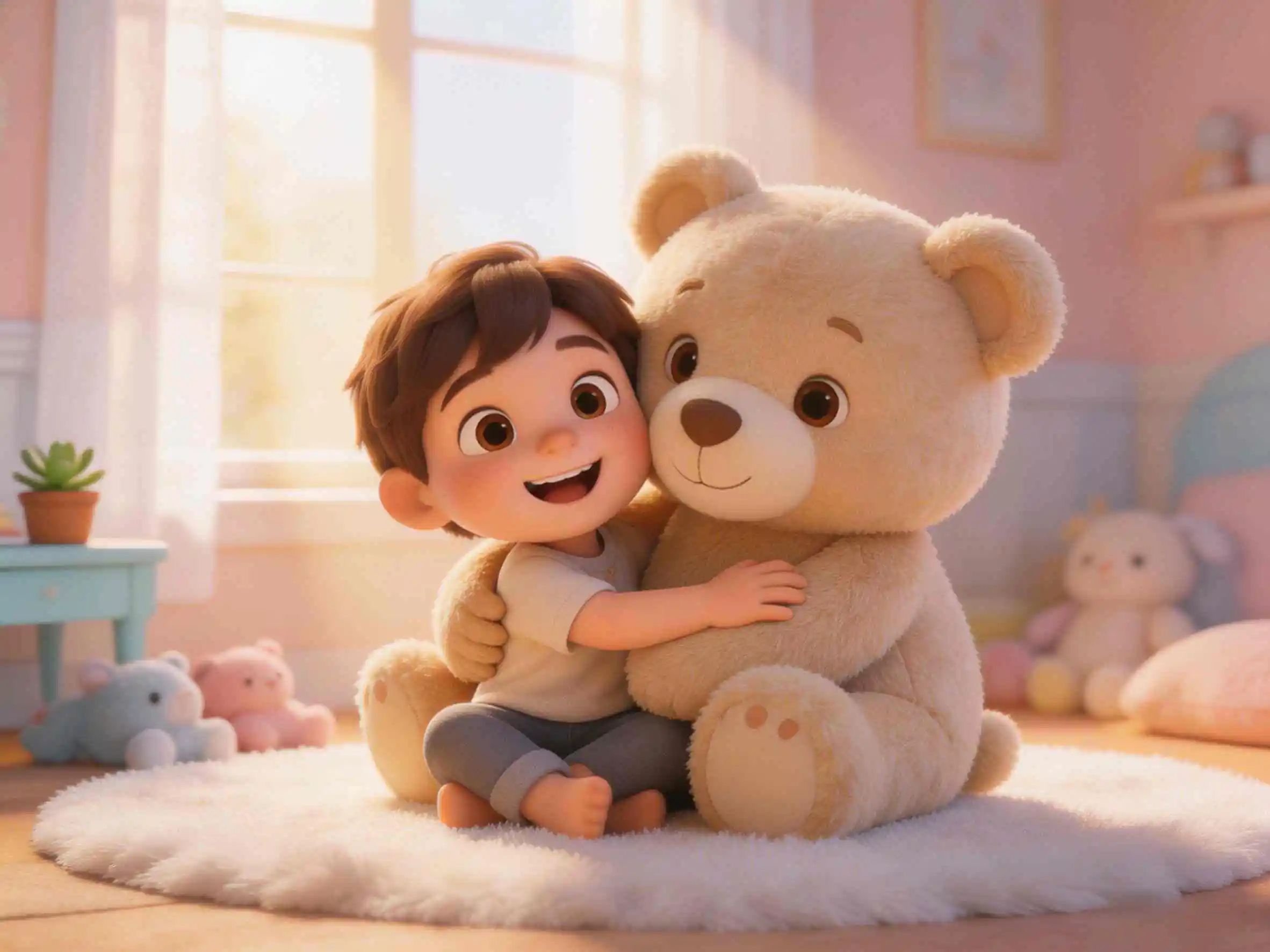
Got a completed script but zero animation skills? You've come to the right place. KiVi’s Story to Video mode is a premium text to cartoon solution built specifically for creators who demand complete control over their content. Instead of altering your unique voice, our advanced 3D cartoon generator for long-form scripts honors your exact words. Whether it’s an epic long-form story or an educational series, you can now turn your written masterpiece into a broadcast-ready show with a single click.
Why "Story to Video" AI Cartoon Generator Is Different
Are you a storyteller with a completed script? Maybe you've written a beautifully detailed children's book, or you've used ChatGPT to craft the perfect educational episode. If you already have the story exactly how you want it, you don't need an AI to rewrite it—you just need a studio to animate it.
Welcome to KiVi's automated story to video workflow. This workflow acts as your personal AI animation generator, turning your precise words into a stunning, long-form animated video without requiring any animation skills. Here is how you can turn your written masterpiece into a broadcast-ready show in just four simple steps.
Step-by-Step: How to Convert Script to Animation Online
Step 1: Paste Your Full Story — Your Script, Untouched
Unlike our Idea to Video mode which expands on a short prompt, "Story to Video" is all about honoring your exact words.
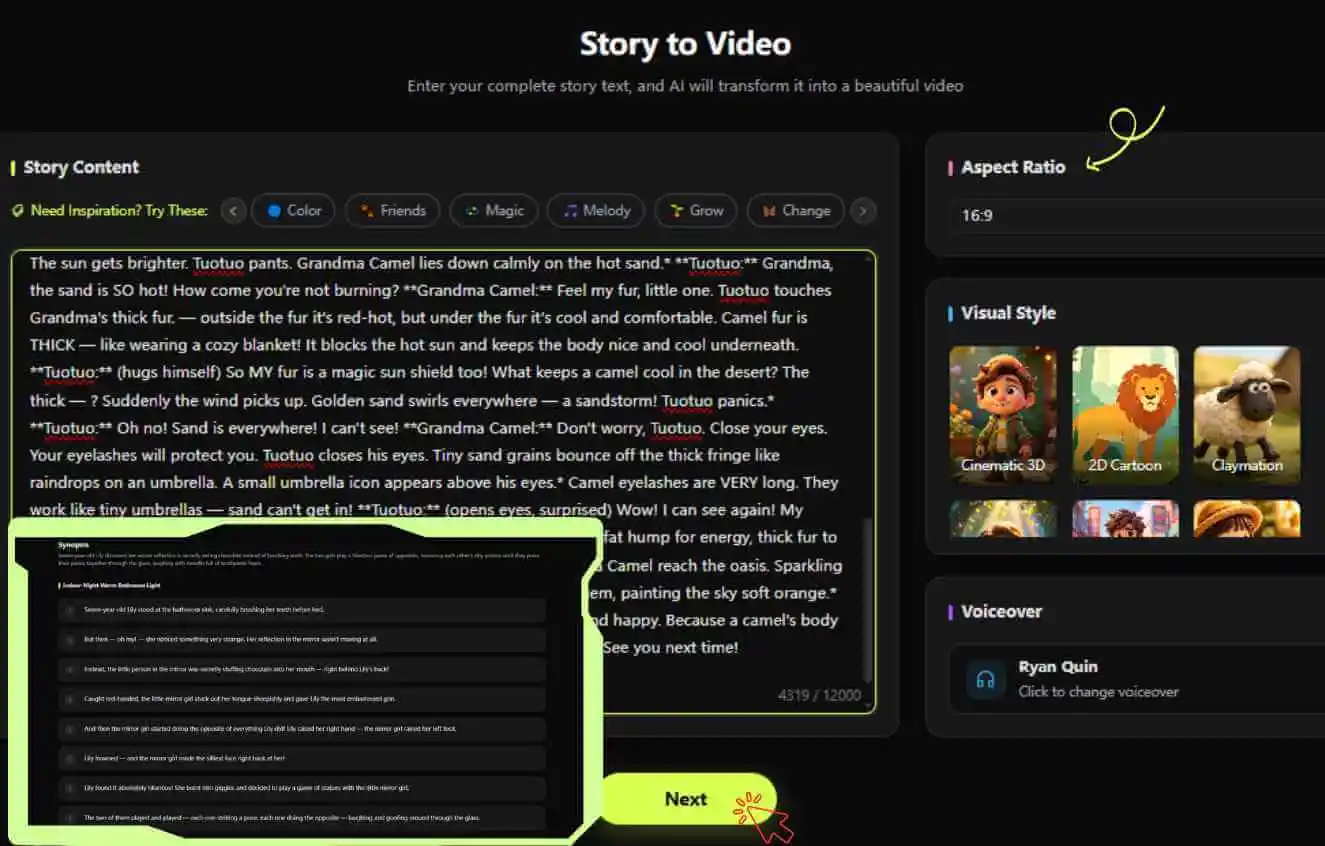
- Massive Text Capacity: Paste your complete script or storybook text directly into the input box. This mode supports a massive 12,000 characters, giving you more than enough room for an in-depth, long-form episode.
- Pure Narration: The AI will not alter, shorten, or rewrite your plot. It reads your text precisely as the final voiceover script, ensuring your unique voice and pacing remain exactly as you intended.
- Text to Cartoon Settings: Just select your Voiceover, pick your Visual Style (e.g., 3D Cartoon, Watercolor), and choose your Aspect Ratio (16:9 or 9:16). KiVi's text-to-cartoon engine will instantly break your text down into a professional storyboard.
Step 2: Lock Your Characters — Building Your IP
Even with your own script, you still get the full power of KiVi's world-class visual engine to ensure your branding remains strong and recognizable.
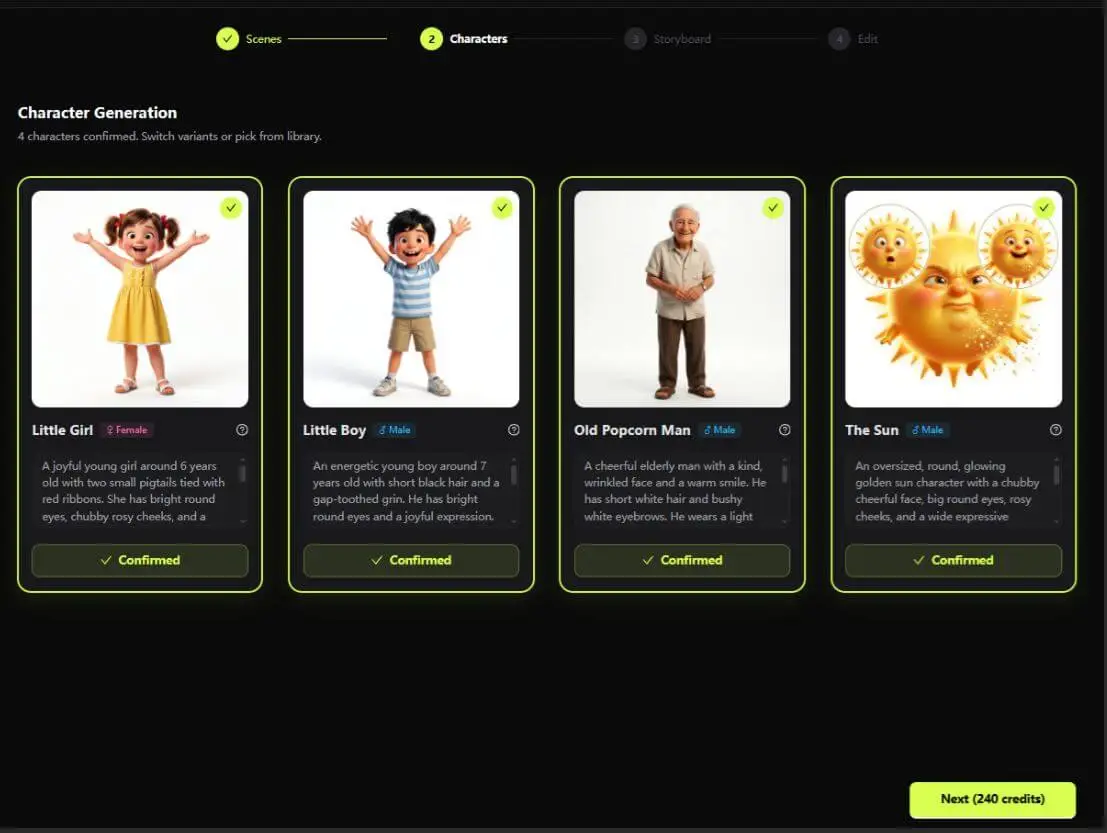
- Auto-Extraction: KiVi's AI intelligently scans your 12,000-character script and identifies the main characters you've written about—no manual tagging needed.
- Concept Art:The engine generates multiple concept art options for your cast based on the descriptions in your story, so you can pick the look that matches your vision.
- Perfect Character Consistency: Pick your favorite designs and lock them in. KiVi guarantees that these specific character models will remain 100% visually consistent across every single scene, building a recognizable IP for your audience.
Step 3: Animate & Add Music — The Magic Touch
Your exact story meets fluid animation. This is where the words on your page truly come alive.
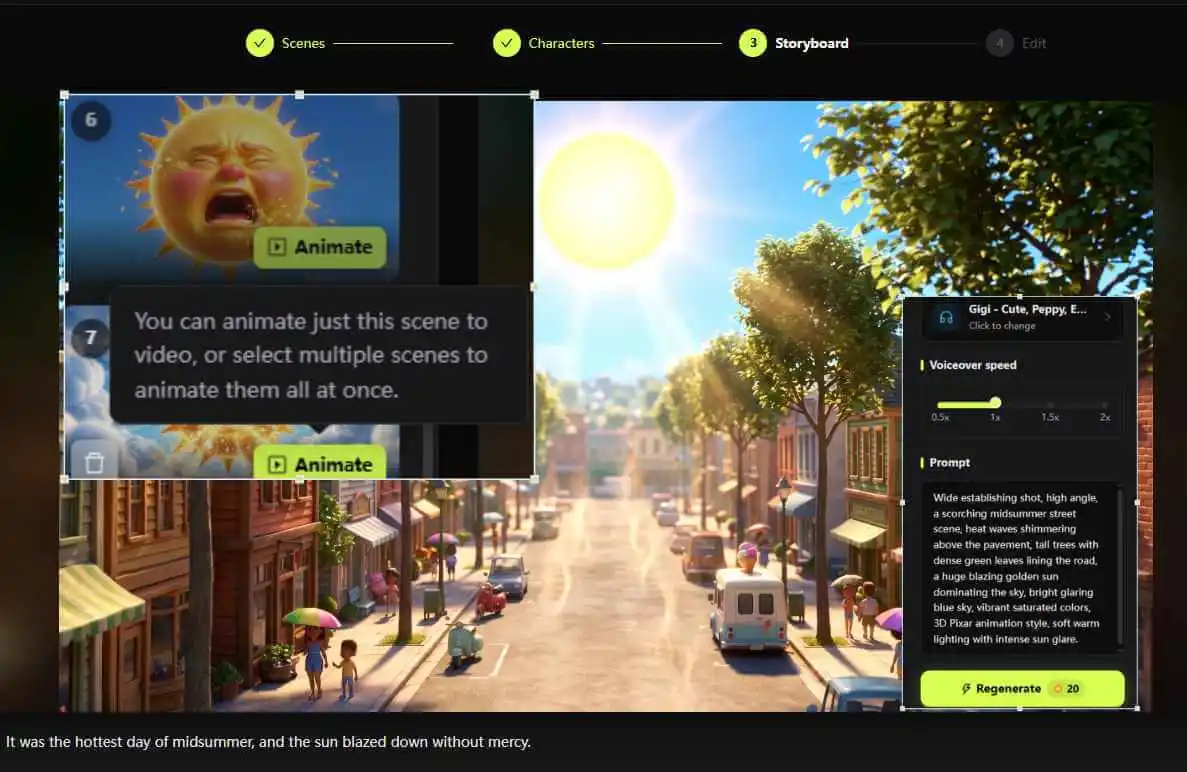
- One-Click Animation: Hit generate. KiVi takes your storyboard panels and animates them, ensuring the visuals perfectly match the pacing of your uploaded text.
- Set the Mood: An epic adventure needs an epic soundtrack. Browse and pick the perfect BGM from our built-in library. The music is automatically mixed and synced alongside your chosen storybook voiceover.
Step 4: Subtitles & Export — Ready for the World
The final polish to make your video YouTube-ready.
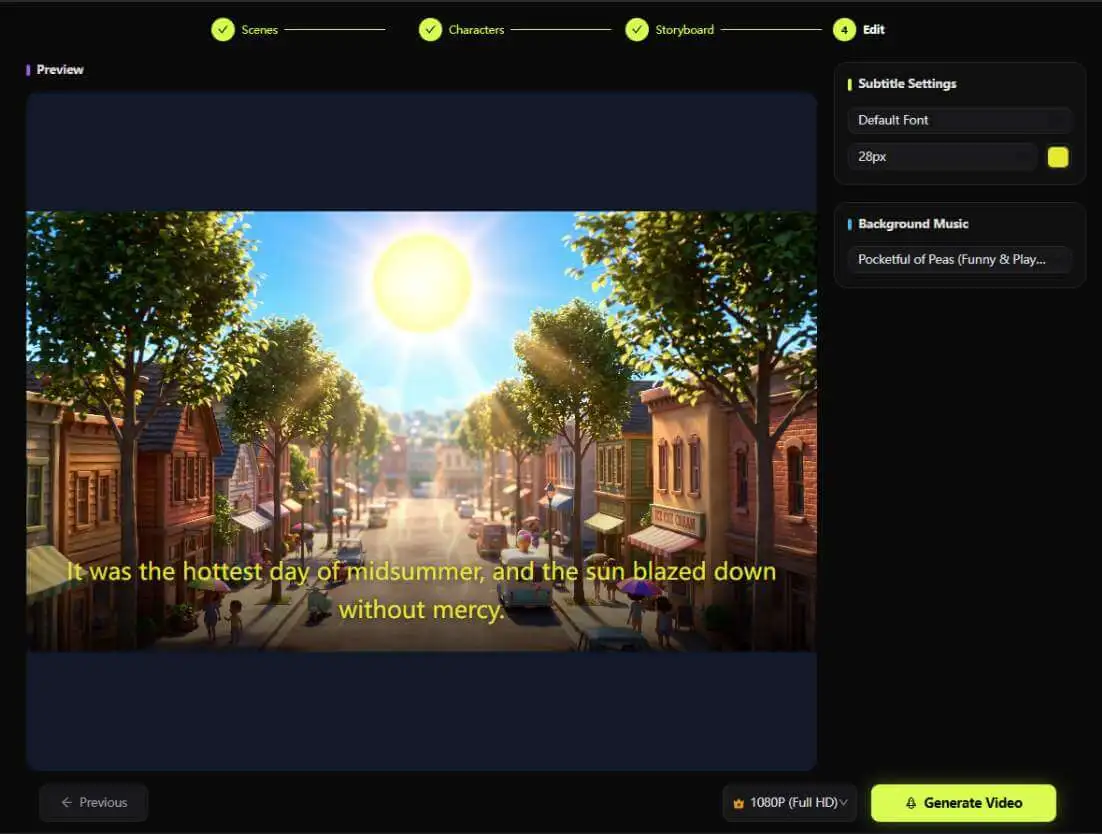
- Engaging Subtitles: Because this is your exact script, the subtitles will match perfectly. Customize the subtitle size, font, and style to make them highly readable and engaging for children.
- High-Quality Export: Select your preferred video quality.
- Publish: Export your masterpiece! Thanks to this powerful AI cartoon generator, you now have a complete, monetizable, kid-safe long-form video that tells your story, your way.
Enjoy Excellent Story to Video Animated Works
Why Creators Choose Story to Video Cartoon Generator
Traditional animation workflows require you to coordinate illustrators, voice actors, and editors—often over weeks or months. KiVi's Story to Video collapses that entire pipeline into minutes.
- Supports full 12,000-character scripts in one pass.
- Your exact words become the voiceover — zero rewrites.
- Character consistency guaranteed across every scene.
- BGM, subtitles, and 4K export all in one platform.
- Weeks of back-and-forth with illustrators and voice actors.
- Scripts often get altered or cut during production.
- Character designs can drift inconsistently across episodes.
- High upfront costs before a single frame is rendered.
Frequently Asked Questions About AI Cartoon Generation
Conclusion
You’ve done the hard work of writing a great story; let KiVi’s story to video technology handle the heavy lifting of animation. With this dedicated AI Animation generator workflow, your 12,000-character scripts are no longer just words on a page—they are fully realized, visually stunning animated episodes.
Ready to See Your Characters Move?
You've done the hard work of writing a great story. Let KiVi handle the heavy lifting of animation — paste your script and start creating today.