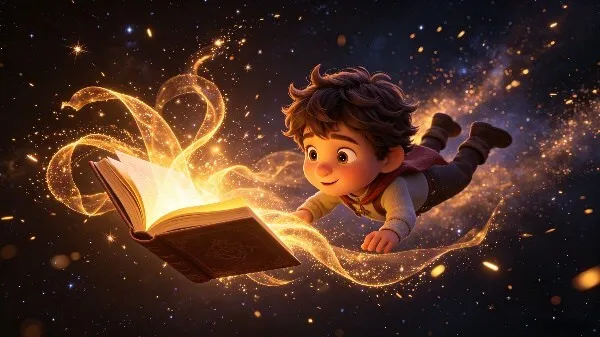
 Fastest
Idea to Video
One sentence in, one fully rendered scene out in about 15 seconds — the fastest loop you will find in any AI animations maker.
Try Idea to VideoKiVi AI — AI Kids Animation Generator
KiVi AI is a faster AI animation maker for creating kids stories, educational videos, social content, and YouTube animations with consistent characters and expressive narration.
✓No credit card required✓Commercial rights included✓Kid-safe content filters
FastestOne sentence in, one fully rendered scene out in about 15 seconds — the fastest loop you will find in any AI animations maker.
Try Idea to Video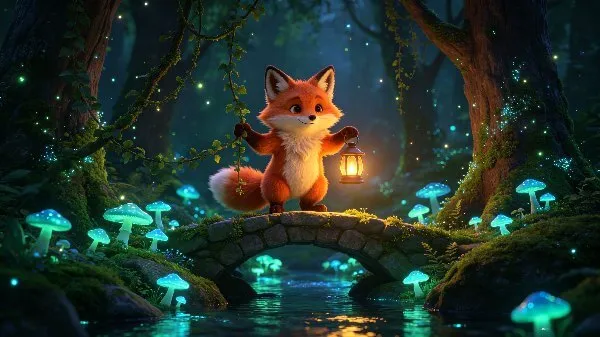 Most complete
Multi-scene episodes with locked characters, auto voiceover and smooth transitions — everything a 3D cartoon maker workflow needs.
Try Story to Video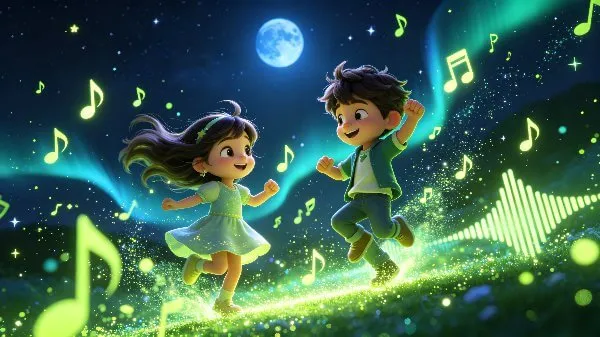 Best for reach
Turn lyrics into a lip-synced nursery rhyme or MV with original melody. The format that travels furthest on Shorts and TikTok.
Create Music VideoFrom highly tactile stop-motion to cinematic 3D. We tuned the AI to output exactly what kids love watching.
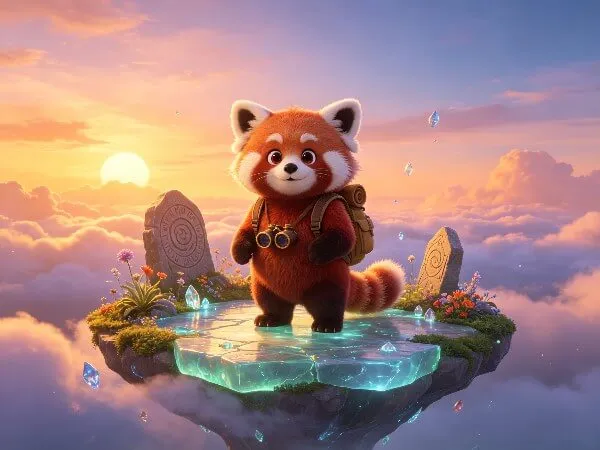
The animation style that gives a tech-intelligence feel — cinematic lighting, deep textures, expressive characters.
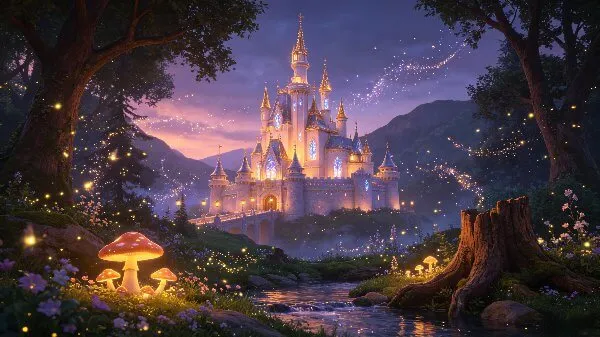
Magical aesthetics perfect for enchanting storybooks.

Classic colorful TV animation vibes.
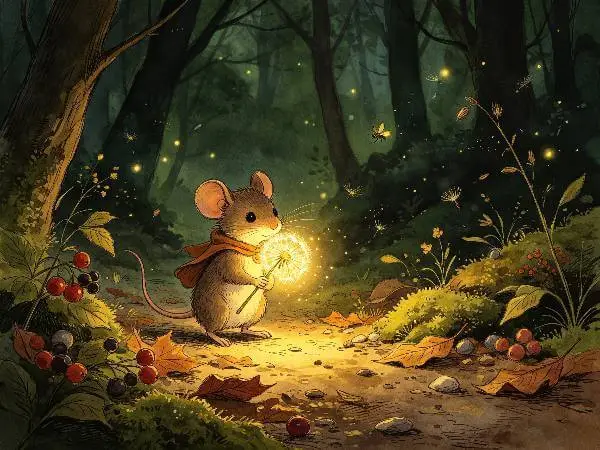
Classic illustrated picture books.
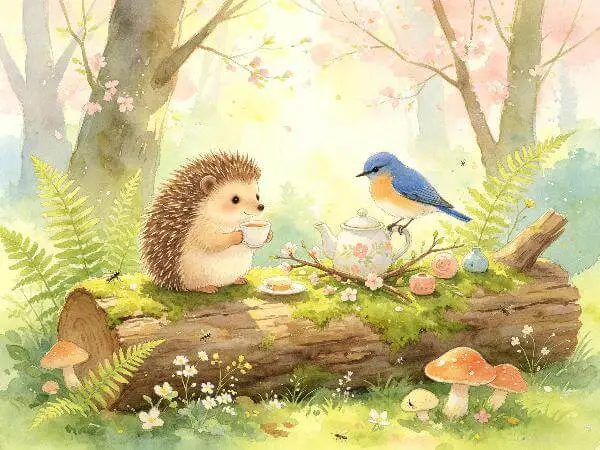
Soft and artistic strokes.
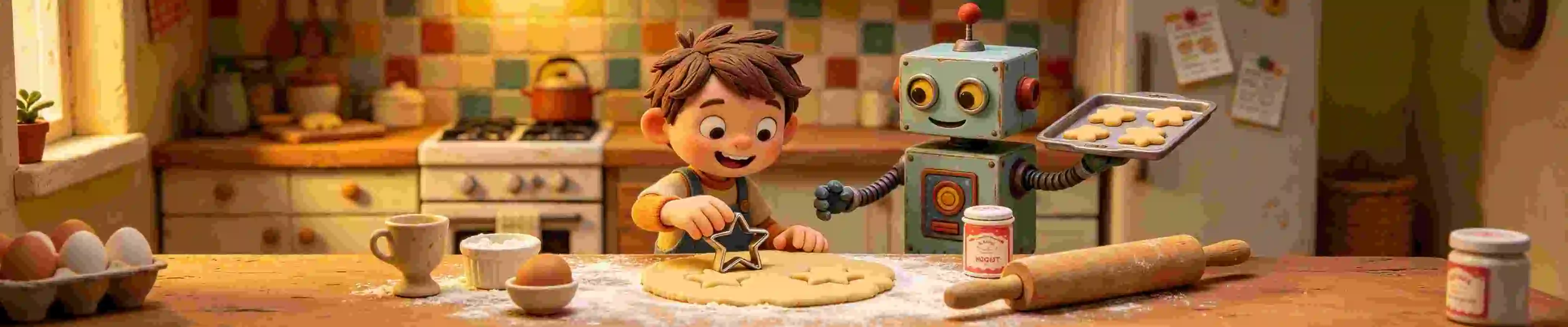
Make your own clay animation movies, frame by frame.
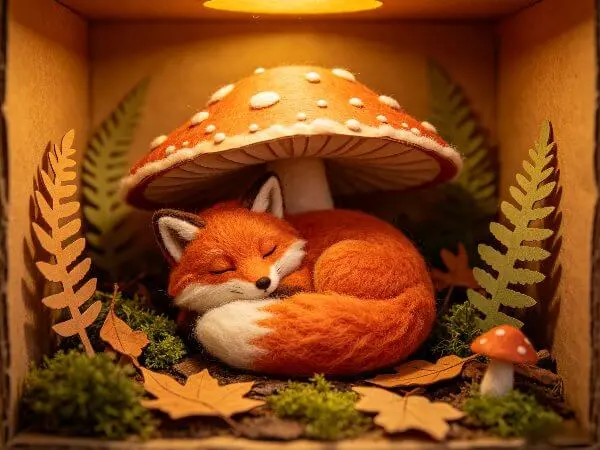
Felt, wool & shadow box.
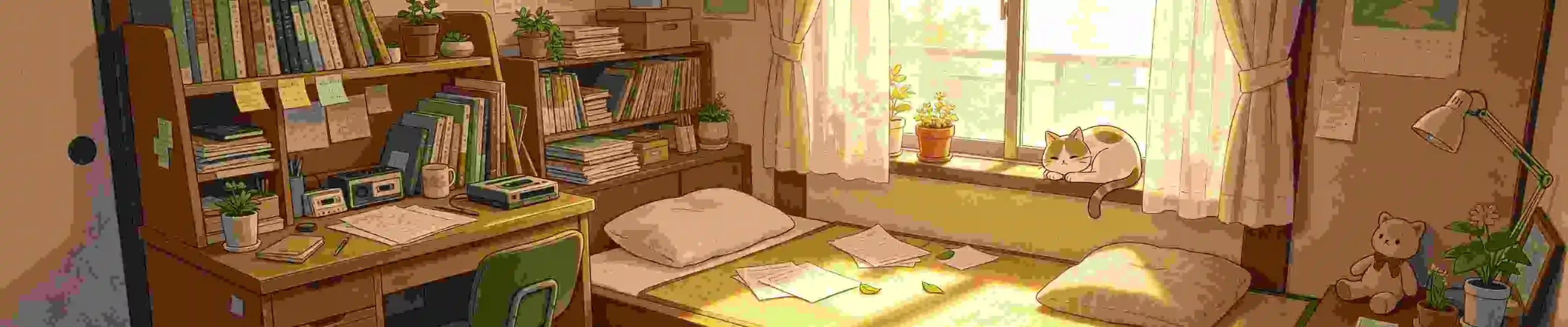
Warm, Lo-Fi Japanese anime aesthetics for relaxing content.
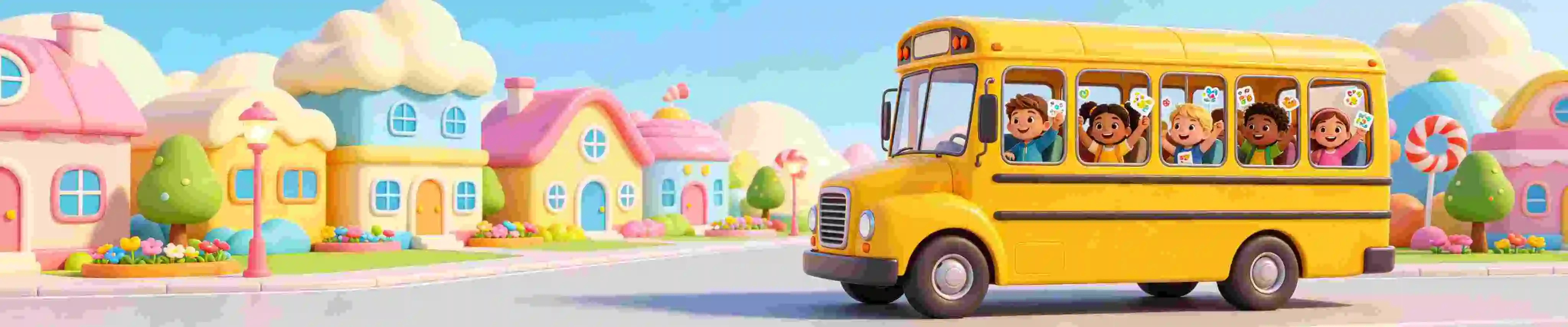
A clean, bright 3D Wise Toon look kids love.
Toolbox
Skip the blank prompt. Pick a tool, add a topic, and learn how to make educational videos using AI in minutes.
30+ focused generators, grouped by subject.
Open toolsLiteracyLetter sounds with matching animation and voiceover.
Open toolEarly learningTeach colors through a short story instead of flashcards.
Open toolCharacterDesign a cast member once, reuse it across the series.
Open toolSocial skillsA free social story creator for first days, sharing and transitions.
Open toolHabitsBrushing teeth, hand-washing and bath-time routines.
Open toolScienceThe solar system explained at a child's eye level.
Open toolStoriesGentle retellings with consistent characters.
Open toolLanguagesSame episode, new language and localized subtitles.
Open toolMusicOriginal melodies with lip-synced music videos.
Open toolReadingTurn any picture book into an AI reading video with warm narration.
Open toolVisualPreview and compare all nine visual styles.
Open galleryPerfectly framed for any screen—YouTube or TikTok. Get inspired by the wildest ideas brought to life with KiVi.
AI Kids Animation Generator
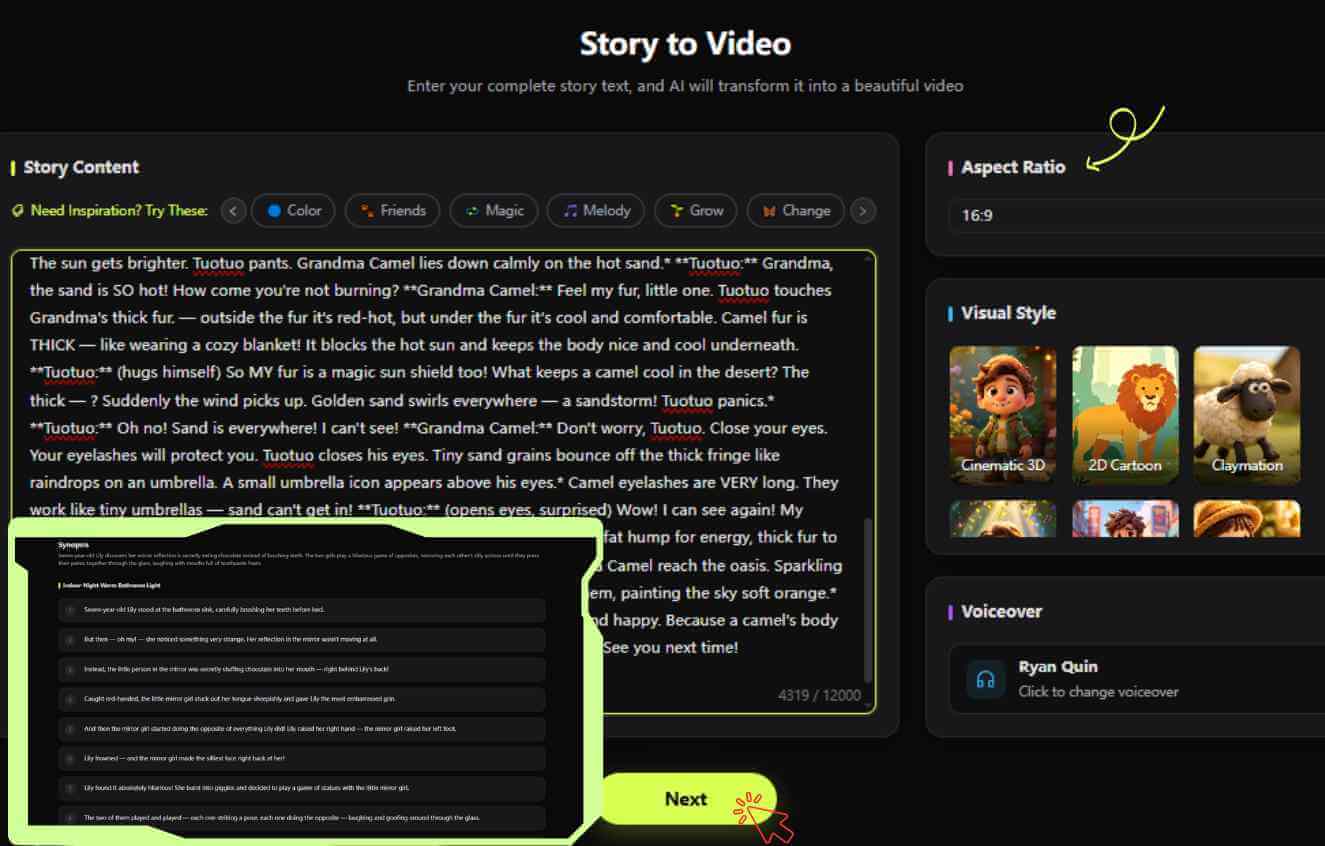
No editing skills needed. Just follow our simple workflow to bring your stories to life in minutes.
Core features
Consistent characters, localized voice and kid-safe guardrails.
Lock the cast once, then render every scene against it. No drift.
Localized voiceover and subtitles. No re-recording.
Upload a short sample. Every line keeps your warmth and pacing.
Sample → clone → whole episode
Prompts filtered before generation. Every scene reviewable.
Masterclass
Follow our step-by-step guide to create your first 3D cartoon video in minutes, see how top creators batch-produce viral hits with KiVi AI。
Subscribe @KiViAI_OfficialTutorials, case studies, and inspiration for your next cinematic project.
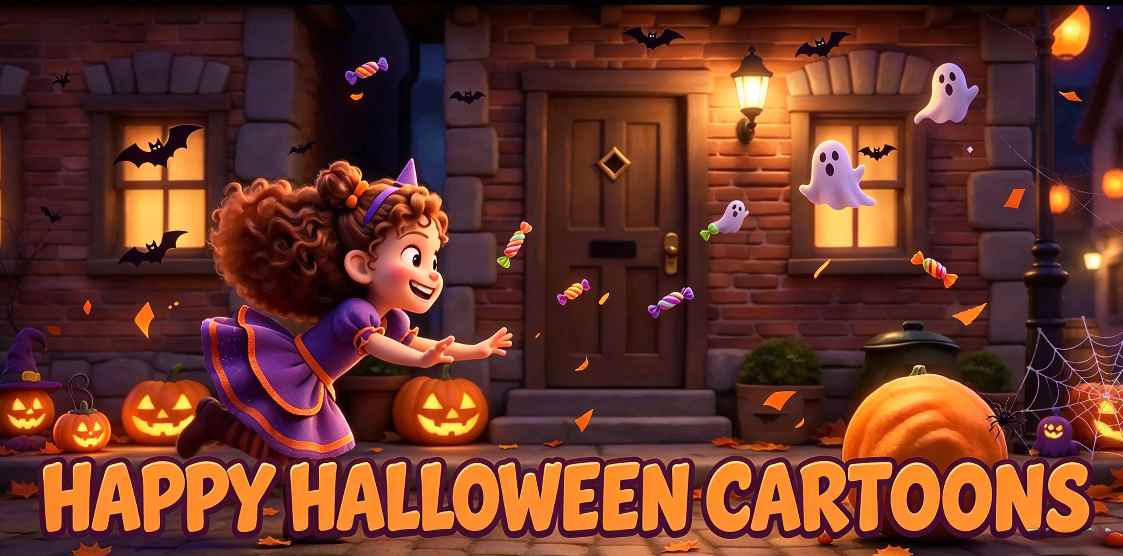 SEASONAL-HALLOWEEN
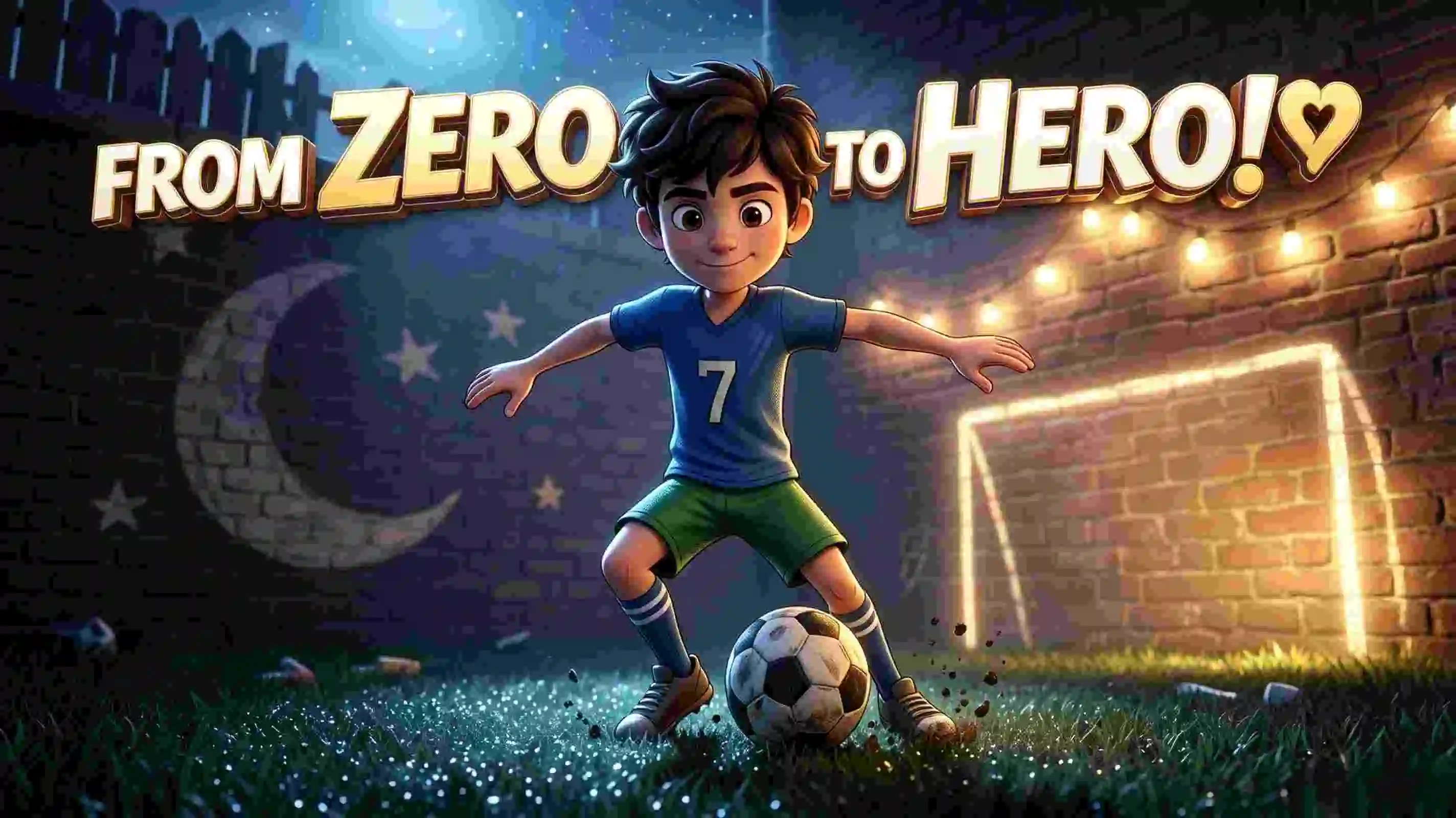 PARENTING & KIDS
 CREATORS
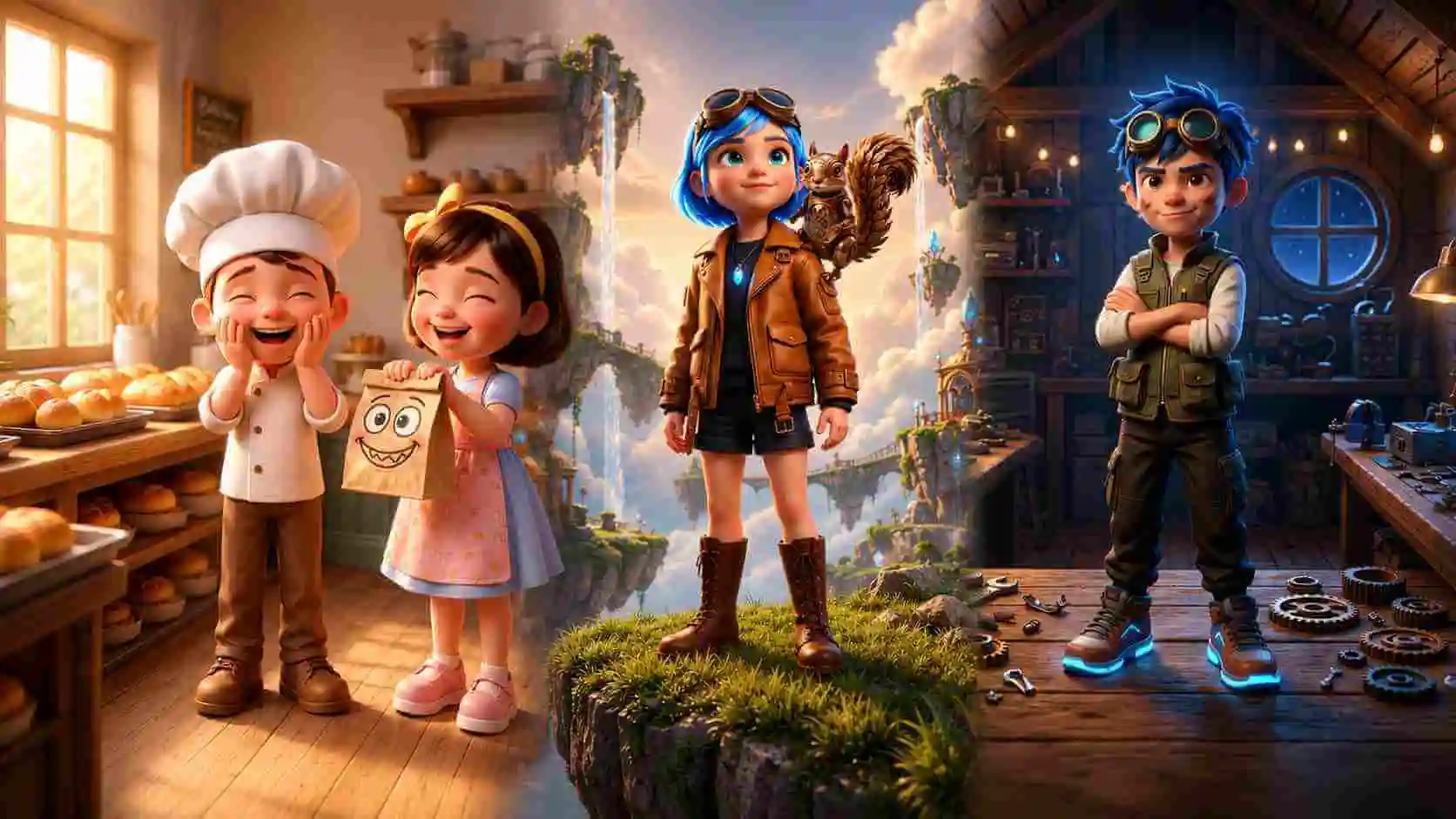 VISUAL STYLES
Time to publish
The same four production stages — only one of them fits in a single sitting.
Pricing
Every paid plan includes commercial rights and no watermark. Billed monthly or annually at a lower rate.
Prices in USD. Compare credit packs
Still unsure? Our team answers within one business day.
Contact supportYes — with a qualifying plan. Creator and Master plans both include full commercial rights: every video, image, voiceover and subtitle you generate is owned by you, so you can publish on YouTube, TikTok, Instagram Reels, in educational courses, or anywhere else and monetize normally.
The Starter plan is for personal, non-commercial use only — it is not licensed for monetization. The free tier follows the same rule. To unlock commercial rights, simply upgrade to Creator or Master. See our Terms of Service for full licensing details.
Join 100,000+ creators
Start with one idea. If it doesn't look right, regenerate — no credits wasted on setup.
✓No credit card✓Cancel anytime