Clean up songs for kids,
sung, sorted, animated.
One toy box, one character, every episode. A sentence becomes a tidy-up story — or a clean up song for kids — for your class or channel.
400 free credits to start · No card needed
Three tools for your cartoon series
Each tool takes a different kind of input — and returns the same animated tidy-up episode, with your characters and your look.
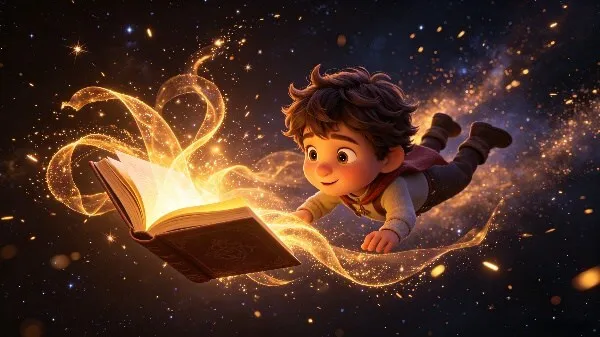
Idea to Video
You type a toy and a mess. KiVi writes the narration, breaks it into scenes, storyboards them and animates the lot.
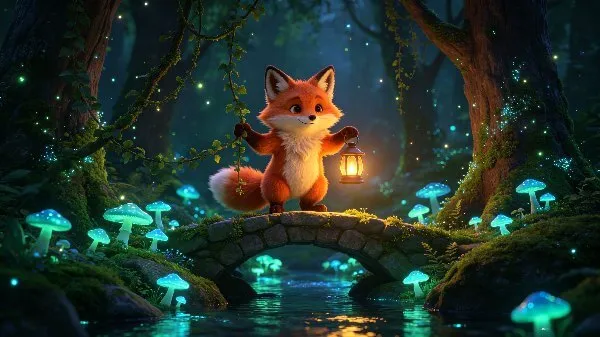
Story to Video
Already wrote the tidy-up routine or the bedtime story? Paste it and KiVi casts the characters, keeps them stable and animates every scene.
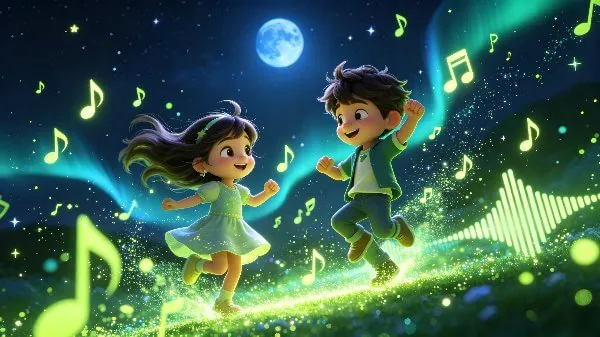
Music Video
Pick a built-in rhyme, write your own clean up lyrics, or let an idea become one. You hear two arrangements before the song is animated.
Nine looks. Pick one, keep it.
Pick a style once and the whole series keeps it — you never write a style prompt.
Cinematic 3D
Theatrical lighting, expressive faces and deep texture. Reads as premium storytelling and holds attention on a bigger screen.
Want to see them in motion? Open the styles gallery
Choose your pieces and try it now
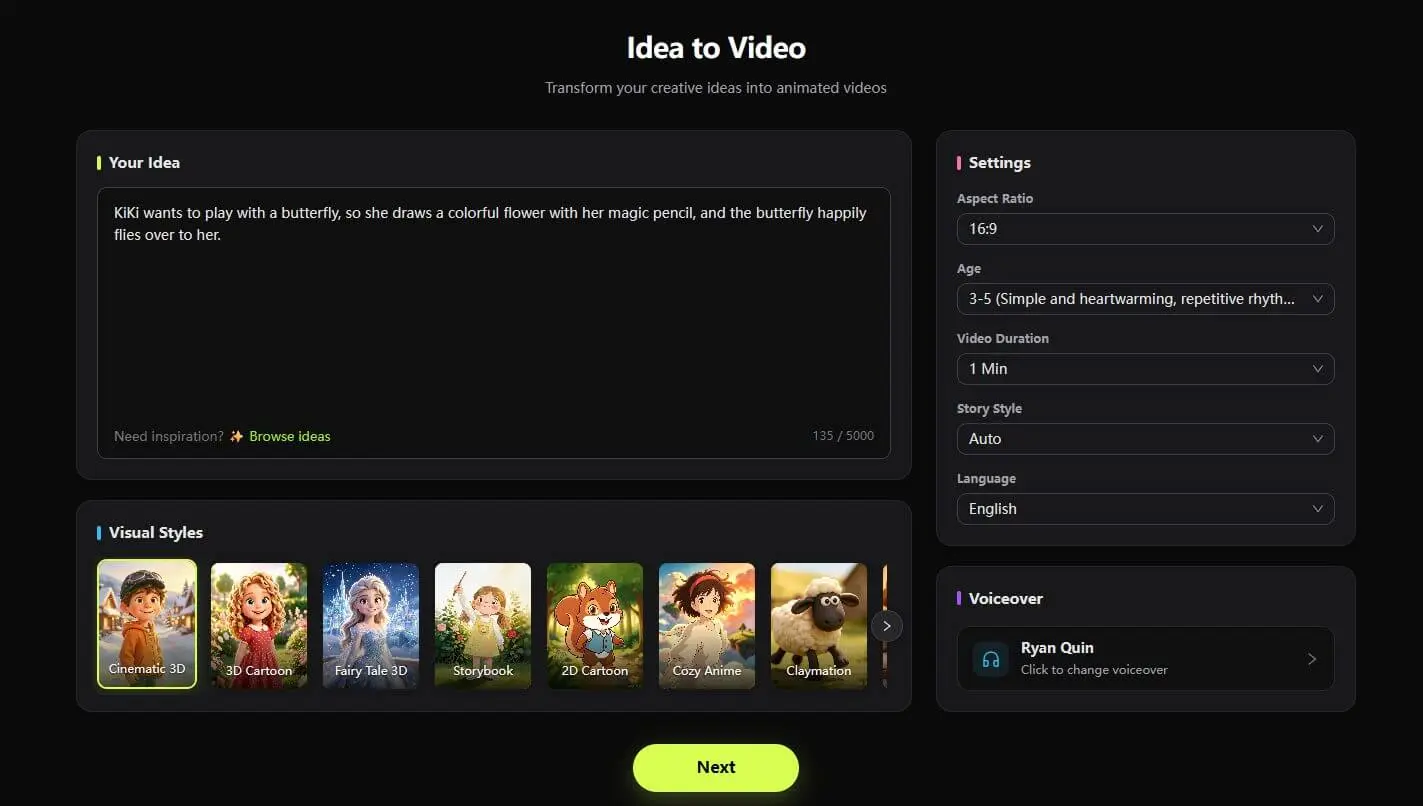
You write the idea — KiVi writes the narration and the prompts behind each scene, and every line stays editable.
How to make a clean up cartoon video
Three ways in — start from an idea, a story you already wrote, or a song. Every path ends in a finished, subtitled cartoon.
Built to teach tidy-up, not to render
Teachers, parents and kids-channel producers all need one thing: an animation a young child absorbs.
| What matters | KiVi AI | General AI video tools |
|---|---|---|
| Repetition that sticks | One toy, one place, one repeated line — the structure a tidy-up routine needs before it becomes automatic. | Cinematic pacing built for adult attention spans, not for repetition. |
| Same character across episodes | Choose a character once — face, hair and clothing stay stable through every scene and every episode. | The same character is re-interpreted scene by scene and drifts between cuts. |
| Narration that stays calm | Unhurried voiceover tones written for early learners, editable line by line with a single-line preview. | Generic commercial voices, fast and bright, tuned for marketing rather than listening. |
| Singing, not just talking | Music Video carries a clean up rhyme all the way to an animated song — singing voice included, female or male. | Visual generation only; a separate music tool is needed to get a singable result. |
| Fixing one bad scene | Regenerate a single scene, or edit its prompt first. The rest of the video is untouched. | Re-render the whole clip to change anything at all. |
| Publishing rights | Full commercial rights to everything you export — clips, narration and subtitles. | Licensing terms differ per tool and often restrict commercial use. |
Keep building the same series
One tidy-up episode rarely stands alone. These cover the rest of a kids-content workflow.
Habit Building Cartoons
Putting toys away is a habit. This is the same structure, one routine at a time.
Kids Hygiene Cartoons
The "put it back" routine sits right next to handwashing and brushing teeth.
Nursery Rhymes Maker
Where the sing-along side of a clean up song comes from.
Consistent Character
Why the same helper stays recognisable episode to episode.
Animated Lesson Planner
Turn a tidy-up routine into a full classroom lesson plan.
YouTube Kids Video Generator
Publishing the series to a kids channel, from idea to upload.
Kids Stories & Learning
The family-side library these tidy-up episodes feed into.
Fruit Videos for Kids
Same structure, different topic: one fruit, one action, one character per series.
Clean up cartoons and nursery rhymes
Follow the official walkthroughs — a narrated cartoon, a written story turned into animation, and a sing-along nursery rhyme.
Subscribe @KiViAI_Official Tutorial E02Idea to Video: turn one tidy-up prompt into a finished sceneStart here — nothing to prepare but a sentence.
 Tutorial E03Story to Video: turn a written tidy-up routine into animationFor teachers and creators who already have the text.
 Tutorial E07Nursery rhymes with AI: build the sing-along versionThe music-video route, from lyrics or from a simple idea.
Clean up songs for kids, answered
What kids-channel producers, teachers and educators usually ask before their first episode.
Make the routine short, repeatable and sung. One toy, one basket, one line a child can join in with — and the same character every time. KiVi AI builds that structure for you: you describe the toy and the mess, and the platform writes the narration, lays out the scenes, animates them and adds subtitles.
Describe the lesson in one sentence — the toy, the character, and the moment that changes. KiVi AI writes the narration, breaks it into scenes, draws the storyboard, animates it and adds subtitles. Prompts are written for you, so an idea becomes a finished episode without editing software or a render farm.
Yes. In Music Video you can pick a built-in classic rhyme, use your own lyrics, or start from a simple idea and let the lyrics write themselves. If you make your own track, you choose the genre and the singing voice — female, male, or random — and the platform returns two different arrangements of the same lyrics so you can listen and pick the one you like.
Yes, and it is one of the most common uses. An episode can cover one toy category, one place a toy belongs, or a whole room in a fixed order, and you set the audience age when the project starts — that controls how complex the story is. The same episode works on a classroom screen, a homeschool playlist or a kids channel.
KiVi AI reads your idea, story or song and pulls out the characters it finds, then generates concept art you can choose from. You can also pick a character you have used before. Once you settle on a design, KiVi keeps that face, hair and clothing stable in every scene, which is what makes a multi-episode series recognisable to a returning viewer.
No. You write one sentence — a toy and a situation, like a playroom that has to be clear before bedtime — and choose an aspect ratio, a visual style and a voice. KiVi AI writes the narration, breaks the story into scenes, draws the storyboard and animates it. Prompts are written for you, and if a shot is not right you can edit the prompt and regenerate just that scene.
Yes. You keep full commercial rights to the clips, narration and subtitles you export, so you can publish them on YouTube, play them in a classroom, bundle them into teaching materials or sell them.
720p is available on every plan, and 1080p is available on a membership. Pick the ratio at the start — 16:9 for widescreen lessons and YouTube, 9:16 for Shorts, phones and tablets. One project exports one ratio.
KiVi AI offers nine built-in visual styles — Cinematic 3D, 3D Cartoon, Fairy Tale 3D, Storybook, 2D Cartoon, Cozy Anime, Claymation, Handcraft and Watercolor. Claymation and Handcraft make a toy box look genuinely handmade, while 3D Cartoon and Cinematic 3D work well when you want a brighter, more energetic episode. Once you pick a style, KiVi keeps using it across the series.
Minutes for the setup, then generation time on top. There is no hard length limit — longer videos take proportionally longer to render — but most children's content works best short, so you can batch several episodes in one sitting.
Publish your first episode for free
One sentence in, a narrated or sung tidy-up animation out. New accounts start with 400 credits — no card needed.