🎨
Sarah K.
Bedtime Story Author
“The StoryBook style gave my fairy tales a soft, nostalgic glow that children adore. Parents keep commenting on the cozy drawings!”
From cinematic 3D to cozy storybook illustrations — explore all 9 AI animation styles for kids video available on KiVi AI. Each style is tuned for specific age groups and storytelling vibes.
Free to try · 5-minute first video
Three groups, nine distinct visual languages. Pick the aesthetic that matches your story.
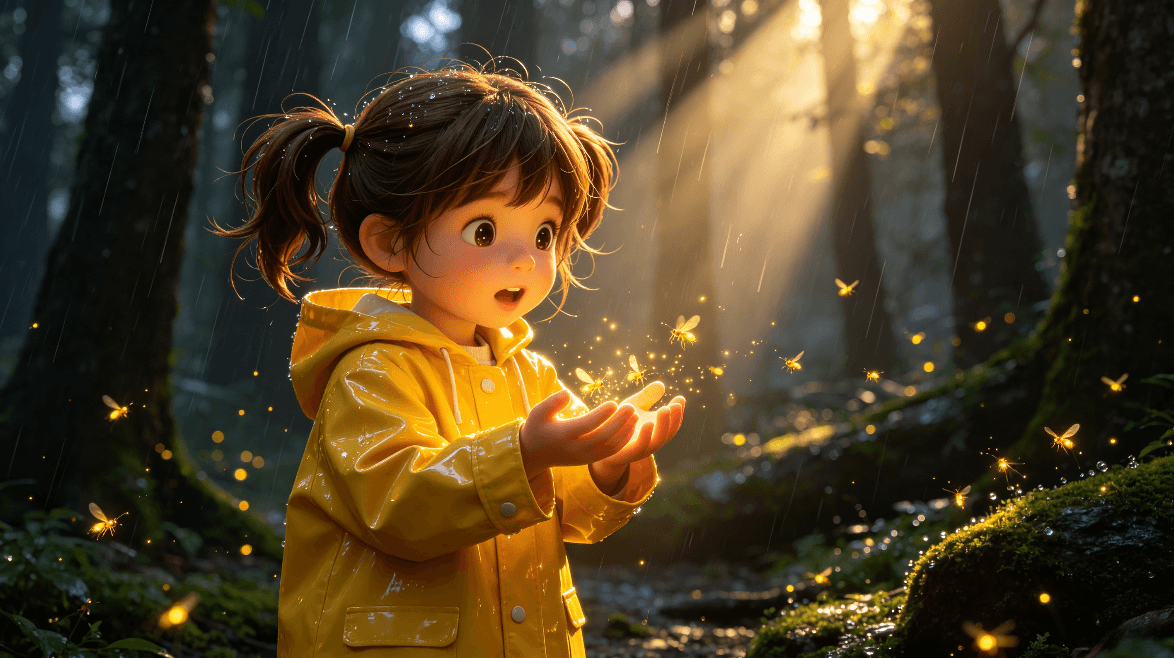
Theatrical lighting, expressive large eyes, microscopic fur and fabric textures, and deep emotional resonance.
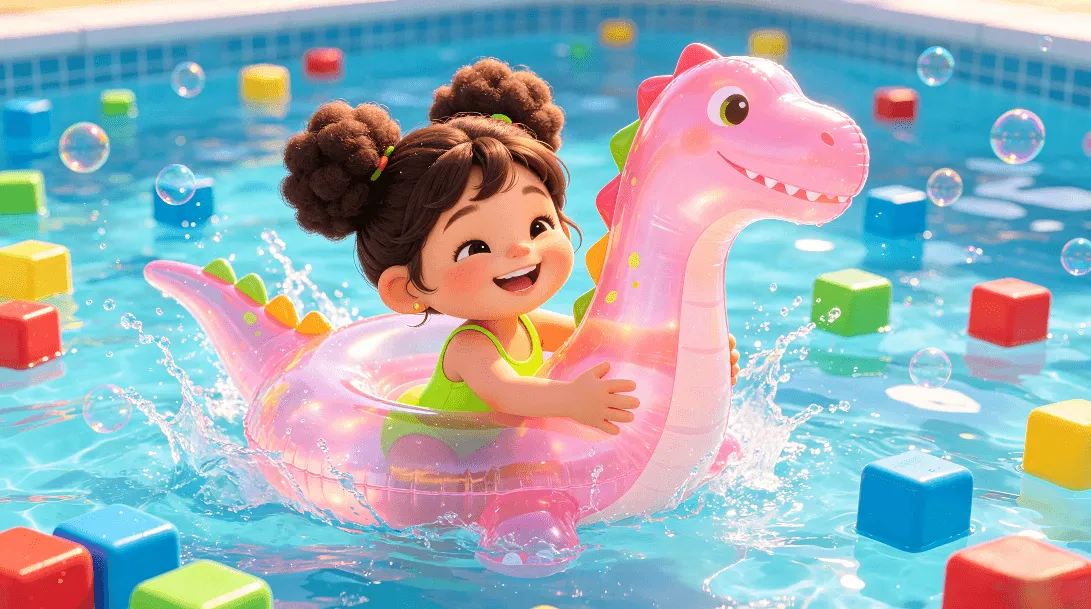
Smooth, bouncy rubber and plastic textures with bright, vibrant color blocks and high-impact energy.
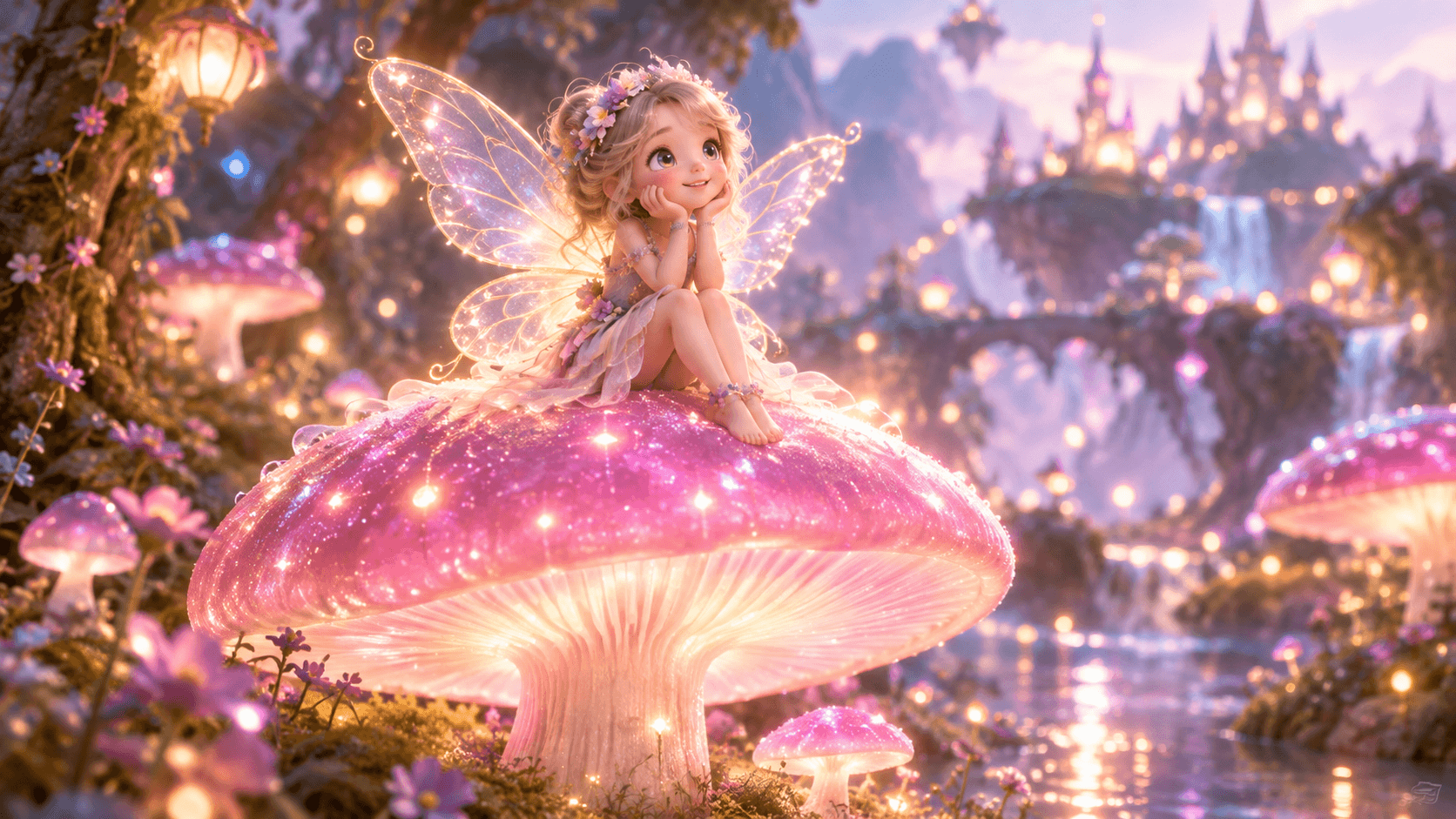
Ethereal glow, soft-focus environmental bokeh, poetic ambient lighting, and a dreamlike atmosphere.
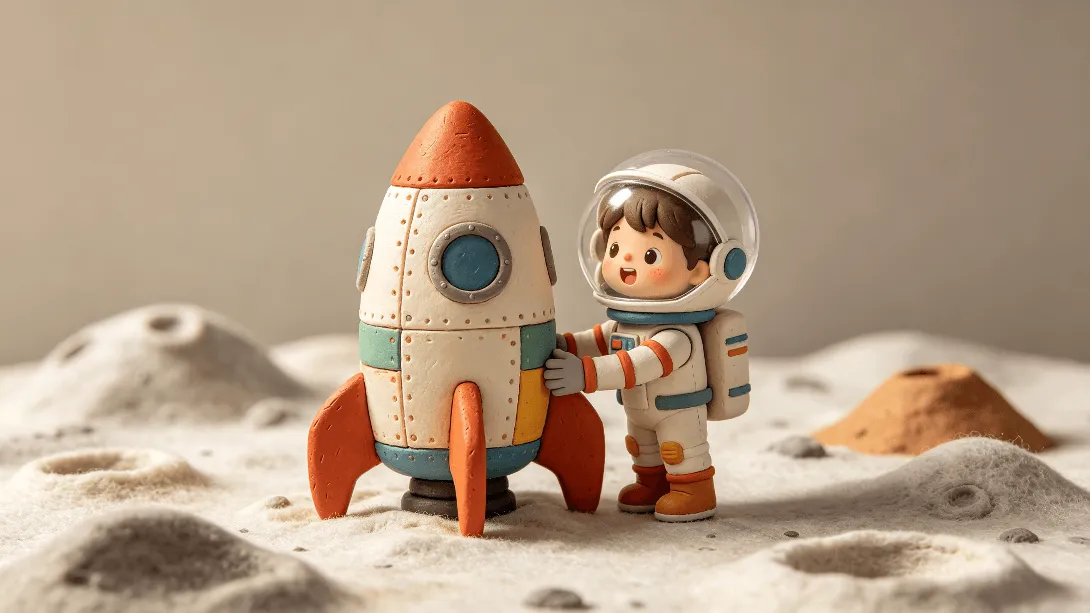
Digital stop-motion with molded clay textures, fingerprint details, and tactile weight.

Layered felted wool, fabric textures, papercut overlays, and cozy physical craft aesthetics.
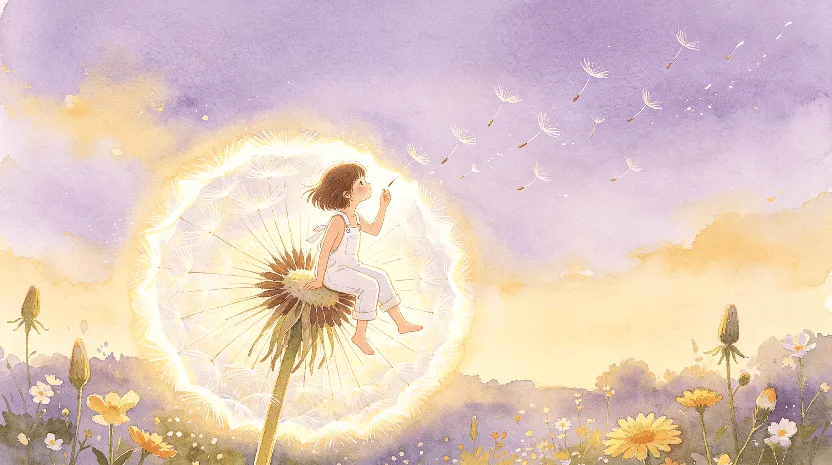
Muted palettes, painterly brush textures, soft gradients, and borderless organic shapes.
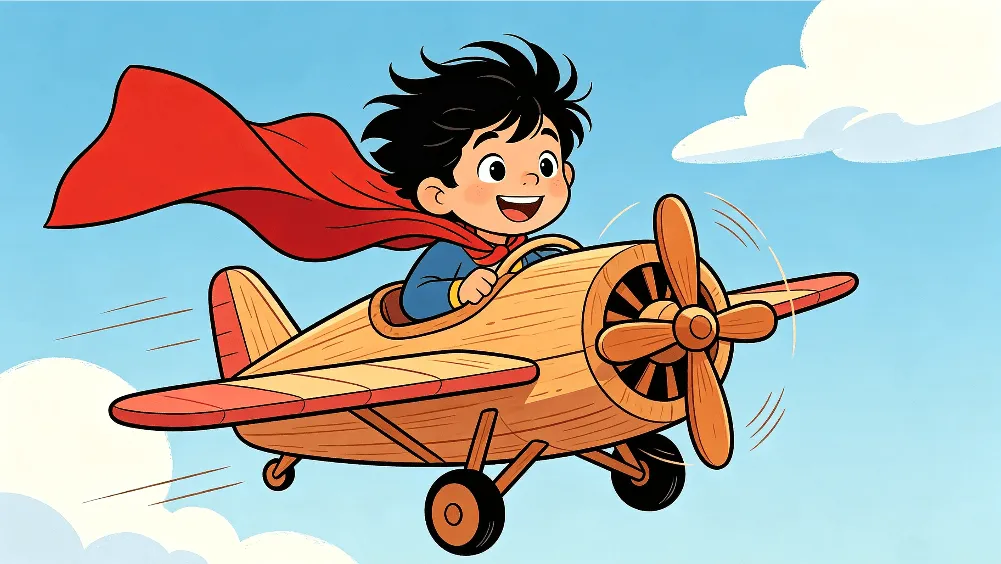
Crisp line art, saturated color fills, expressive faces, and a clear visual hierarchy.
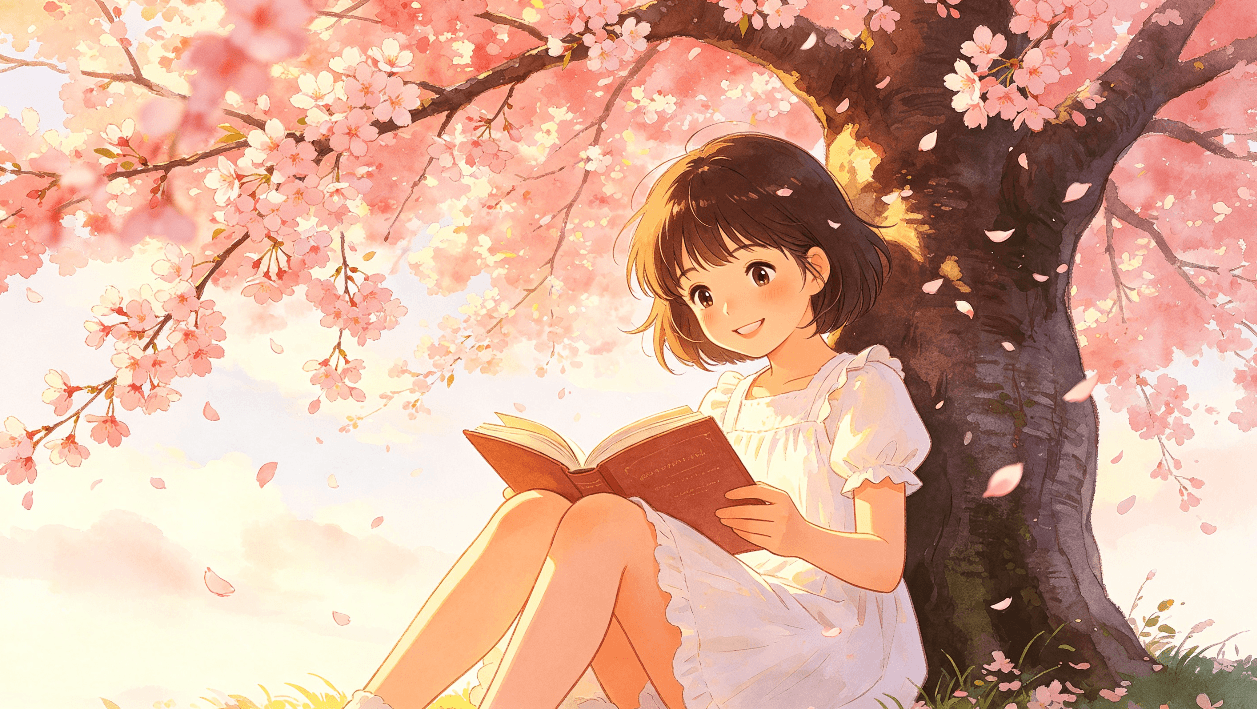
Kawaii-inspired character design, soft rounded features, warm palettes, and rich emotional expression.
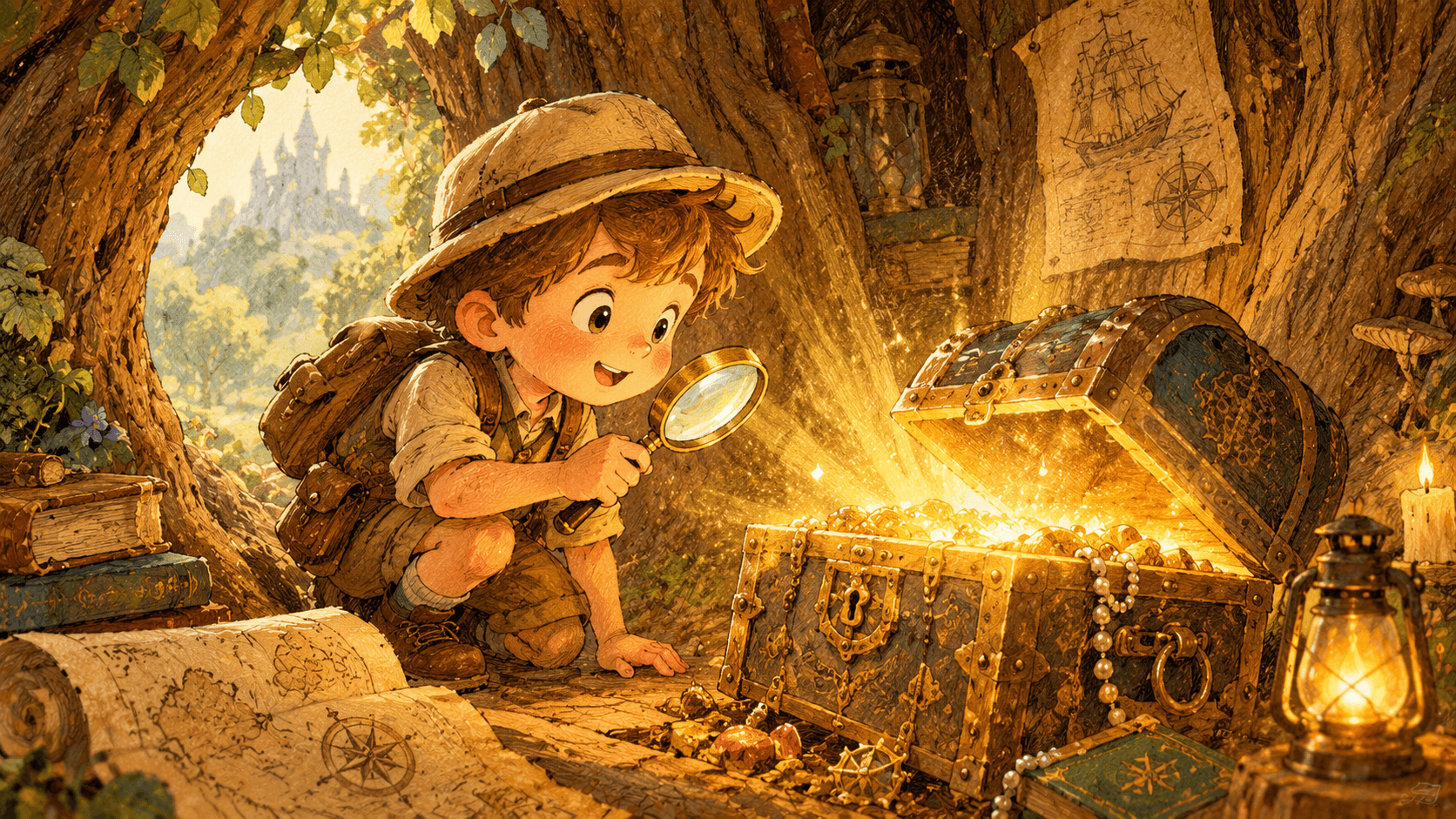
Classic picture-book aesthetics, painterly backgrounds, hand-drawn warmth, and cozy narrative lighting.
Watch how each style animates. Switch between widescreen for YouTube and vertical for Shorts or TikTok.
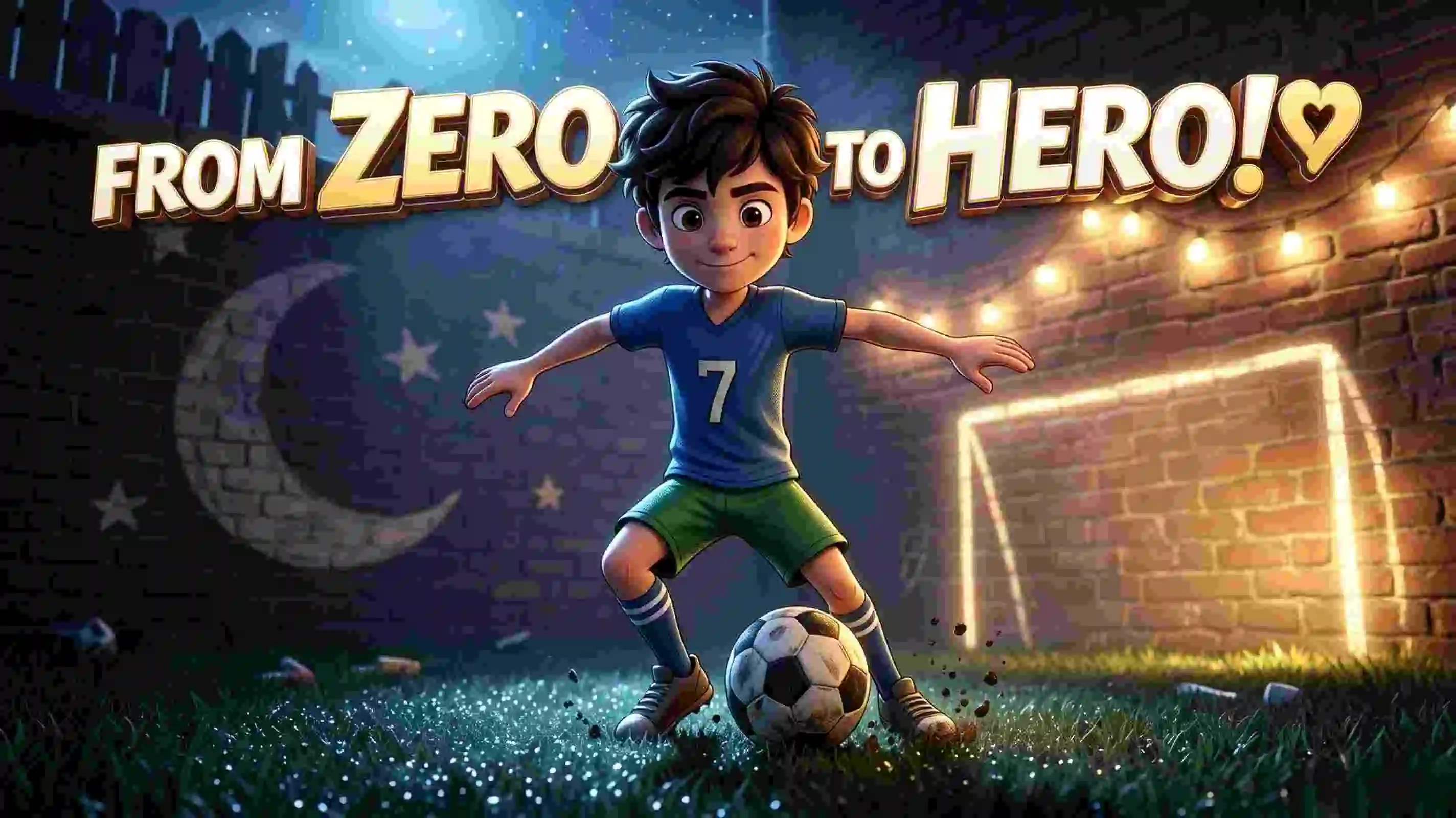
Experience dramatic depth, realistic fabric textures, and expressive cinematic lighting.
No complex prompt engineering. Build your masterpiece step by step.
Enter your story or let KiVi suggest an idea. Choose the aspect ratio, visual style, and voiceover, then freely refine the generated script.
AI extracts the main characters and creates concept art. Pick your favorite to maintain consistency across every scene.
Bring every scene to life in one click, then choose background music that fits the mood.
Customize subtitle size and style, select video quality, and export your finished story.
See how creators, educators, and authors use KiVi AI visual styles to engage young audiences.
Bedtime Story Author
“The StoryBook style gave my fairy tales a soft, nostalgic glow that children adore. Parents keep commenting on the cozy drawings!”
YouTube Kids Channel Owner
“I switched my nursery rhymes to Cinematic 3D. The theatrical lighting and expressive textures helped audience retention rise dramatically.”
Early Childhood Educator
“WaterColor is my favorite. Its soft painterly washes are beautiful and sensory-calming for early toddler groups.”
Every style is tuned for a developmental stage. Find recommended matches for your audience.
Muted pastels, sensory-calming painterly washes, and comforting craft textures.
Tactile clay animation, classic hand-drawn warmth, and a dreamy fairy-tale glow.
High-energy cartoon physics, rich anime expressions, and theatrical 3D rendering.
Answer three quick questions and we will recommend the right animation style for your project.
Question 1 of 3
Explore the complete visual suite for characters, styles, scripts, and rendering.
Browse our complete collection of free AI cartoon tools and AI cartoon generators to find tailored asset guides and adapters for kids content creators.
👤Maintain 100% consistent AI characters. Lock facial geometry and outfit textures across entire multi-scene series using our consistent character generator.
📖Turn children's storybooks into engaging, high-retention read-alouds with our kids read aloud video generator featuring consistent custom characters and narration.
🎵Generate lip-synced character sing-alongs and tracks with our kids nursery rhyme video generator in one single click.
Everything you need to know about choosing and using animation styles on KiVi AI.
KiVi AI offers 9 distinct animation styles across three groups: 3D Immersive (Cinematic 3D, 3D Cartoon, Fairy Tale 3D), Tactile & Crafted (Claymation, Handcraft, WaterColor), and 2D Storytelling (Classic 2D, Cozy Anime, StoryBook). Each style has its own unique visual aesthetic tailored for different age groups and storytelling needs.
For toddlers (ages 1-5), the WaterColor style is ideal due to its muted palettes and soft organic shapes. Handcraft (ages 2-6) with its layered felted wool and fabric textures is also excellent for very young children, providing a cozy, tactile visual experience.
While you can choose a different style for each new video project, we recommend keeping a consistent style within a single series or episode for brand recognition. If you want to switch styles, start a new episode or series rather than changing mid-video.
3D Cartoon features smooth, bouncy rubber and plastic textures with bright vibrant color blocks and high-impact energy, suited for ages 4-10. Cinematic 3D emphasizes theatrical lighting, expressive large eyes, microscopic fur and fabric textures, and deep emotional resonance, suited for ages 5-12 and co-viewing parents.
No. KiVi AI lets you select your desired style from a simple dropdown or visual picker before generating your video. You write your story naturally, pick a style, and KiVi handles the rest — no complex style prompting or negative prompts required.
Yes, KiVi AI is free to try. You can experiment with all 9 animation styles and create your first animated story video in minutes. Upgrade only when you need higher resolution exports or commercial usage rights.
Nine styles, one platform. Write your story, choose your aesthetic, and let KiVi AI handle everything from character design to final render.
Create Your First Styled Video →Join 100,000+ creators building animated stories with KiVi AI