
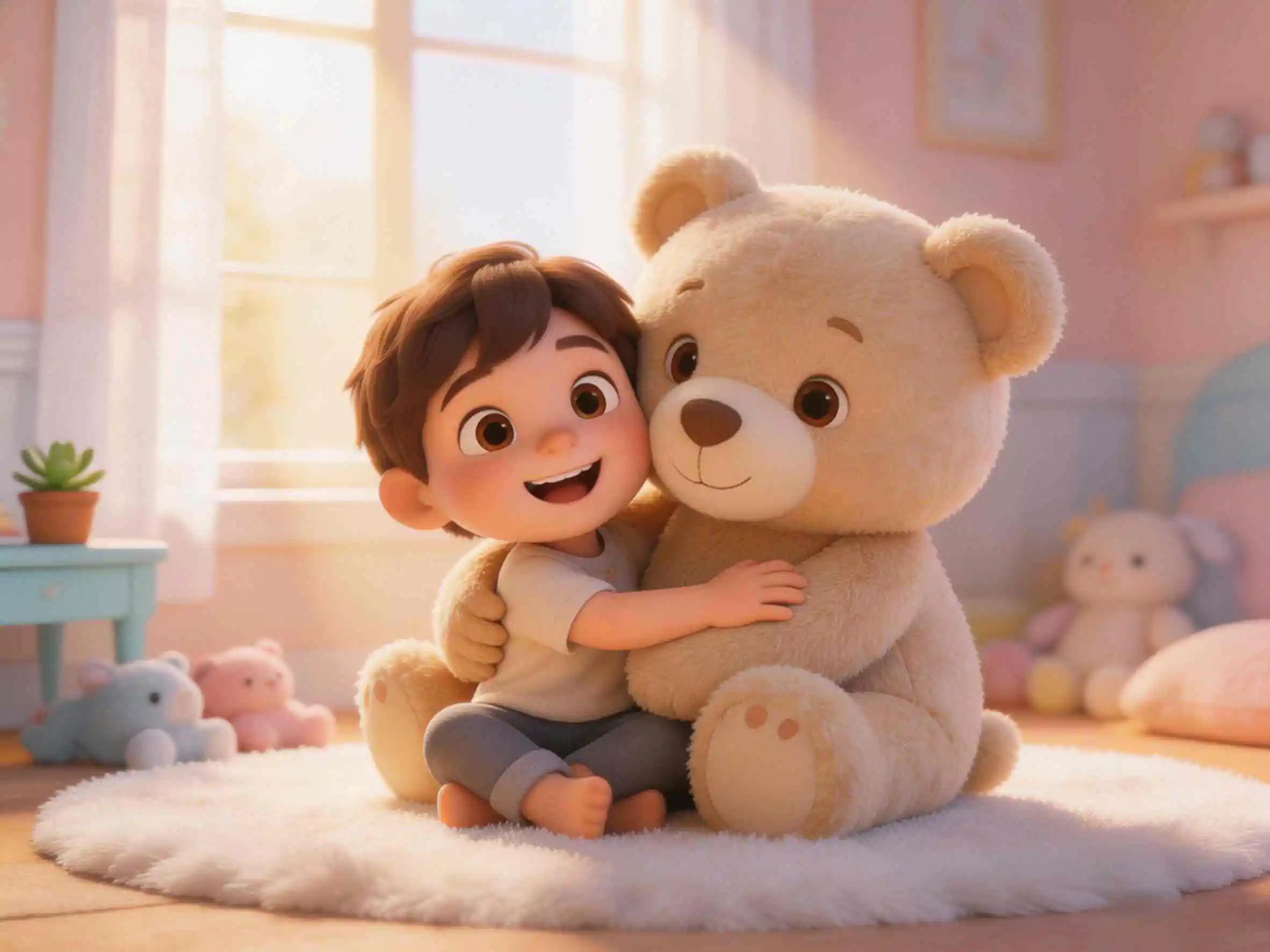
Teaching fruit names, colors, shapes, and counting through fruit videos for kids is one of the most reliable formats in early-childhood content — but producing them usually means scripts, storyboards, voiceover, and editing. KiVi's specialized AI 3D cartoon maker collapses all of that into a single sentence: describe a fruit and a moment, and it becomes a narrated animation or a sing-along song, ready for your channel or classroom.
A kids fruit video generator turns a one-sentence idea — a fruit, a character, and a changing moment — into a fully narrated cartoon or animated fruit song. Built on an AI 3D cartoon workflow, it handles narration, scene breakdown, storyboarding, character consistency, subtitles, and export, so creators can produce repeatable, age-appropriate fruit-learning episodes in minutes.
Three Tools for Your Fruit Cartoon Series—Idea, Story, and Song
Young children absorb fruit vocabulary best when each episode follows a tight, repeatable structure: name the fruit, spot its color and shape, count it, and watch a character enjoy it. Every entry point in KiVi's fruit video generator builds exactly that structure — each tool takes a different kind of input, yet all of them return the same kind of animated fruit episode, starring your characters and wearing your chosen look.
- Idea to Video: Type a fruit and a moment — KiVi writes the narration, breaks it into scenes, storyboards them, and animates the lot. Nothing to prepare but one sentence.
- Story to Video: Already wrote the lesson or the bedtime story? Paste your text and KiVi casts the characters, keeps them stable, and animates every scene.
- Music Video: Pick a built-in rhyme, write your own lyrics, or let an idea become one. You hear two arrangements before the song is animated — singing voice included.
Here is what the workflow looks like in practice — a single fruit sentence animated into a finished scene with narration and consistent characters:
- 🥕 Vegetable Videos for Kids: Same Structure, Different Garden Bed → One vegetable, one action, one character — reuse the fruit video workflow to build a garden-themed learning series.
- 🔢 Kids Number Learning Videos: Counting with Fruit → Turn the same fruit clips into early-math episodes — counting apples, bananas, and strawberries on the beat.
- 🧼 Kids Hygiene Cartoons: Wash Before You Eat → Washing fruit before eating it fits straight into a handwashing series — extend your fruit episodes into healthy-habit content.
- 🎵 Nursery Rhymes Maker: Build the Sing-Along Version → Where the sing-along side of a fruit video comes from — turn any fruit topic into an animated, sung rhyme.
Visual Styles & Ready-to-Use Fruit Idea Prompts
A memorable fruit cartoon for kids needs a consistent look and a well-shaped idea. KiVi offers nine built-in cartoon styles for AI — Cinematic 3D, 3D Cartoon, Fairy Tale 3D, Storybook, 2D Cartoon, Cozy Anime, Claymation, Handcraft, and Watercolor. Pick a style once and the whole series keeps it: you never write a style prompt. Watercolor and Storybook suit gentle, unhurried lessons, while 3D Cartoon and Cinematic 3D deliver brighter, more energetic episodes.
Build your idea by choosing four pieces — the fruit, the character, where it happens, and the moment that changes. Copy any sentence below straight into KiVi, or mix your own:
[First Taste]
A little boy finds a bright green apple on a sunny kitchen table — a first small bite and wide eyes.
[Count It Aloud]
A little girl counts five strawberries one by one at a fruit market, dropping each into her basket.
[Colour & Shape]
Two little children spot a spiky pineapple in the garden and guess its shape before cutting it open.
[Washed First]
A little boy rinses a bunch of grapes under the tap before tasting them — bubbles everywhere.
[Shared]
A little girl peels a bright orange at a picnic and shares every slice with her best friend.
[Song Idea]
"Apple, apple, red and round — banana, banana, yellow and long!" a fruit song for tiny singers.
Recommended visual elements for a kids fruit video include:
- Expressive kid or animal guides: A friendly host whose wide-eyed first bite, careful counting, and happy sharing make every action easy to imitate.
- Bold fruit close-ups: Clear, color-accurate fruit renders so young viewers connect the word to the object instantly.
- Color-coded learning moments: Bright visual highlights for color and shape beats — "red and round," "yellow and long."
- Simple, familiar settings: Kitchen table, fruit market, garden, and picnic — scenes children recognize from daily life.
- A repeated closing line: End every episode with the same chant of the fruit's name to lock the vocabulary into memory.
Step-by-Step Guide—Making a Fruit Cartoon Video with KiVi AI
Turning a fruit-learning idea into a polished narrated cartoon doesn't require animation skills or editing software. Follow these 4 simple steps to bring your fruit video for kids concept to life with KiVi's kids fruit video maker:
Write Your One-Sentence Idea
Describe a fruit and a moment — a child meeting a pineapple for the first time works perfectly. Select your desired visual style, aspect ratio (16:9 for YouTube and classroom screens, 9:16 for Shorts and tablets), and voiceover tone. KiVi writes the narration and the prompts behind each scene for you, and every line stays editable.
Lock Your Characters
KiVi reads your idea and generates concept art for the characters it finds — or you can reuse a character from a previous episode. Once you pick a design, character consistency keeps the same face, hair, and clothing stable through every scene and every episode, which is what makes a fruit series recognizable to returning viewers.
Generate & Customize the Scenes
KiVi AI storyboards every scene and animates them into a finished cartoon. If a shot is not right, edit its prompt and regenerate just that scene — the rest of the video stays untouched, so fixing one bad bite of an apple never means re-rendering the whole episode.
Add Styled Subtitles & Export in HD
Add styled subtitles, review the pacing, and export in 720p or 1080p. You keep full commercial rights to the clips, narration, and subtitles — ready to publish on your channel, play in class, or bundle into teaching materials.
Production Comparison: KiVi Workflow vs Generic AI Video Tools
A high-retention fruit video series for a faceless kids YouTube channel or a preschool classroom needs more than pretty renders — it needs repetition, calm pacing, and a character children recognize. Before choosing an AI production workflow, compare how well each option supports those needs.
- Repetition that sticks: one fruit, one action, one repeated line — the structure young children need to attach a word to an object.
- Same character across episodes: face, hair, and clothing stay stable through every scene and every episode.
- Narration that stays calm: unhurried voiceover tones written for early learners, editable line by line with single-line preview.
- Singing, not just talking: the Music Video route carries a fruit rhyme all the way to an animated song, singing voice included.
- Fix one scene at a time, and keep full commercial rights to everything you export.
- Cinematic pacing built for adult attention spans, not for repetition and word learning.
- Characters re-interpreted scene by scene, drifting between cuts and episodes.
- Generic commercial voices — fast and bright, tuned for marketing rather than listening.
- Visual generation only; a separate music tool is needed to get a singable result.
- Re-render the whole clip to change anything, and licensing terms that often restrict commercial use.
The right workflow depends on your educational goals and publishing schedule. Always preview your generated scenes to confirm each fruit moment lands cleanly with the narration before sharing it with young learners.
Frequently Asked Questions About Fruit Videos for Kids
Conclusion
A great fruit video for kids pairs one fruit with one action, one character, and one line worth repeating — and that structure is exactly what KiVi's kids fruit video generator is built to deliver. From the nine locked-in visual styles to scene-level regeneration and full commercial rights, the workflow turns a single sentence into a narrated cartoon or an animated fruit song in minutes, so your energy goes where it matters: the moment that makes a child's eyes go wide.
Create Your First Fruit Episode for Free
One sentence in — a narrated or sung fruit animation out. New accounts start with 400 credits, no card needed. Start your kids fruit cartoon series with KiVi AI today.