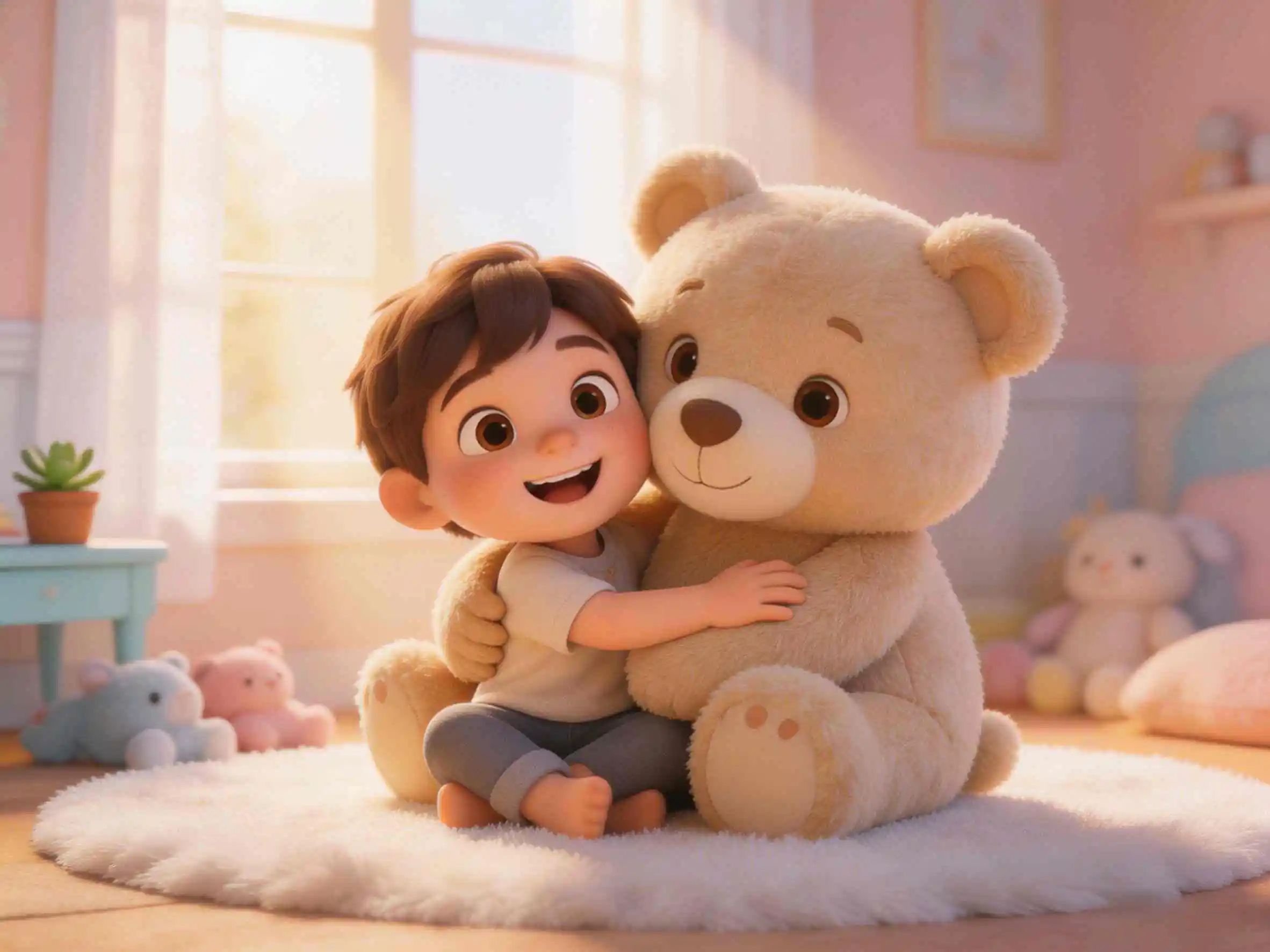
Creating high-impact English learning videos for toddlers no longer requires expensive production or complex editing skills. By leveraging KiVi AI's text-to-cartoon workflow, parents and educators can instantly generate customized 3D animations with locked character consistency, interactive TPR (Total Physical Response) storylines, and native voiceovers—turning abstract vocabulary into memorable visual micro-lessons in minutes.
What's the biggest headache for parents teaching kids English at home? You buy tons of flashcards, but they lose interest in seconds. You play native English cartoons, but the dialogue is way too fast—kids just watch for passive entertainment without retaining a single word. Effective early language acquisition requires clear visual association, high-frequency repetition, and engaging, goal-driven storylines. Today, I'm sharing my ultimate secret: using KiVi AI, an innovative AI cartoon generator, to build customized, native-tutor quality AI English animations with ease.
Real Case Study: Pipi the Monkey Catches a Star
Using KiVi AI, I created a 1-minute animated lesson structured as an interactive vocabulary game. Beyond generating cinematic-quality 3D animations, it gives you complete control over every English word presented to your child.
Here is the core storyline: Little monkey Pipi wants to catch the glowing star at the top of a tall tree. To reach it, he stacks a colorful fruit tower step by step:
- First, he places one big red apple 🍎
- Then, he adds two long yellow bananas 🍌🍌
- Next, he stacks three purple grapes 🍇🍇🍇
- Finally, with a big jump, he catches the star. It transforms into sweet candy, and Pipi cheers, "Yummy!"
Why This AI Animated Video is the Ultimate English Learning Tool
Don't let the simple plot fool you. It is grounded in Total Physical Response (TPR), a scientifically proven language acquisition methodology. Here is why it works:
- Multi-Dimensional Vocabulary Stacking (Noun + Color + Number): Instead of introducing an isolated "apple," the child experiences "One red apple," followed by "Two yellow bananas" and "Three purple grapes." As the fruit tower grows visually, numbers and colors are naturally reinforced. The direct link between the image and the word eliminates the need for native language translation.
- High-Impact Action & Emotion Words: Key actions like jumping (Jump!) and celebrating (Yummy!) are paired with energetic visual cues, encouraging toddlers to imitate both the movement and the pronunciation naturally.
AI Cartoon Generator Features for Kids' English Learning
KiVi AI provides a powerful suite of video generation tools designed to simplify animation creation for parents, educators, and content creators:
- Text to 3D Animation Generator: Automatically convert text prompts into cinematic animated scenes. Easily turn kids' stories into 3D animation with zero editing experience required.
- IP Character Consistency Lock: Lock facial features, clothing, and styles for original characters to keep them identical across episodes—perfect for custom animated stories for kids.
- Parent-Child Co-Creation Workflow: Design interactive storylines alongside your kids using parent-child animation co-creation to boost engagement and family bonding.
- Multi-Subject Educational Presets: Generate specialized learning content effortlessly, from kids' color learning videos to personality cultivation series and calm bedtime animations.
How Parents Can Use English Learning Videos at Home
To get the most out of this video, follow this simple 3-step co-watching strategy:
- Active Listening: Watch together and mirror the narration with an enthusiastic voice: "Look! One red apple!" to hold their attention.
- Pause & Point: Pause at key moments, like when the bananas appear, and ask: "Where are the yellow bananas?" Encourage them to point at the screen.
- Total Physical Response (TPR): When the monkey jumps, hold your child's hands and jump together while shouting "Jump!" When Pipi catches the star, mimic eating candy and shout "Yummy!"
Free Prompt for a Kids' AI English Learning Video
Ready to generate your own lesson? Copy the complete prompt below, paste it into KiVi AI, and produce your animated video instantly:
A story for kids learning English about a cute 3D Cinematic-style little monkey named Pipi. Pipi is trying to reach a glowing golden star at the top of a tree. It brings one big red apple and stands on it, but still can't reach the star. Pipi brings two long yellow bananas, puts them on top of the apple, and steps on them. Still not high enough. Pipi brings three purple grapes, adding them to the top of the fruit tower. The monkey jumps up with great effort and finally catches the star. The star turns into a sweet glowing candy. The monkey eats it and looks extremely happy, shouting 'Yummy!'.
How to Create AI English Learning Videos for Kids in 4 Steps
Start with a clear story prompt and visual style
Go to KiVi.ai and open the Story to Video generator. Enter your educational story prompt, target age group, and lesson goal. Select your preferred aspect ratio (16:9 or 9:16) and 3D visual style.
Define the storyboard outline and lock character consistency
Review the multi-scene storyboard outline generated by the AI. Set up your main character (e.g., Pipi the Monkey) and lock character embeddings to maintain 100% visual consistency across all scenes.
Generate animation, narration, and background audio
Generate animated scenes with dynamic camera movements. Choose a warm, native narrator from the Storybook Voices library, adjust the speaking speed for toddlers, and mix background music (BGM) smoothly.
Add captions, review, and export high-definition video
Customize English subtitle fonts and colors to boost word recognition. Preview the full video, verify audio-visual timing, and export in HD resolution ready for YouTube Kids or screen sharing.
Frequently Asked Questions
Conclusion
Teaching a child a new language should be an engaging, creative experience. Instead of relying on static flashcards or spending hours learning video editors, KiVi AI serves as a complete text to cartoon studio that converts simple ideas into captivating educational videos.
Explore KiVi today, type your first prompt, and start building custom learning animations for your children!
Ready to Make English Learning Magical?
With KiVi's Story to Video workflow, your custom English learning animation is just one prompt away. Start creating today — no animation skills required.