Quick Executive Summary: The AI Idea-to-Video Workflow is an end-to-end automated production pipeline that converts brief text concepts (up to 1,000 characters) into fully animated, broadcast-ready cartoon episodes. Powered by KiVi AI, this process integrates automated prompt expansion, AI storyboarding, character consistency locking, voiceover synthesis, and multi-format rendering into a single platform—reducing production time from weeks to minutes.
What if you could turn a 1,000-character prompt into a highly monetizable, fully consistency-locked animated episode? It sounds like magic, but with KiVi’s AI cartoon generator, it’s just another Tuesday. Welcome to the Idea to Video guide—the ultimate shortcut in the creator economy. As an all-in-one text to cartoon studio, KiVi handles the heavy lifting of scriptwriting, visual storyboarding, voiceovers, and animation so you can launch and scale your animated channels effortlessly.
What is the AI Idea-to-Video Workflow?
Every successful digital animated channel starts with a simple concept. Whether it is a bedtime story about a dinosaur afraid of the dark or an educational lesson on the solar system, bridging the gap between a raw concept and a fully rendered, ready-to-publish video has historically required massive production budgets.
The AI Idea-to-Video workflow bridges this gap by utilizing generative artificial intelligence to replace traditional multi-step pipelines. As a leading AI Animation Generator For Kids, KiVi eliminates the steep learning curves of traditional animation software. Creators no longer need to manually write scripts, draw frame-by-frame storyboards, hire voice actors, or use complex video editors. By acting as a cloud-based AI Animation Studio, KiVi transforms a short text prompt into a complete, professional animated series in minutes.
Step-by-Step: The 5-Stage AI Idea-to-Video Process
Step 1: Create Your Story & Script — The Director's Chair
The workflow begins with your core story concept. You do not need a fully formatted screenplay—a brief concept is enough for the generative AI engine to expand into a complete narrative arc.
- Input Your Concept: Enter a prompt up to 1,000 characters into the generator. KiVi’s LLM framework expands the short prompt into a structured, multi-scene screenplay with dialogue and action cues.
- Set Aspect Ratio & Duration: Select 16:9 for widescreen formats (e.g., YouTube long-form) or 9:16 for vertical platforms (e.g., Shorts and TikTok). Tailor the output length from a short 3-minute lesson to a 10-minute long-form episode.
- Style & Voice Selection: Choose a visual rendering style (e.g., 3D Cartoon, Watercolor, Claymation) and select professional AI voice actors from the voice library.
- Storyboard Fine-Tuning: Review and manually edit generated dialogue or scene descriptions before initiating image and motion generation.
Step 2: Lock Your Characters — Building Consistent IP
Character consistency is the most critical hurdle in generative video. KiVi solves this by implementing native character anchoring to guarantee visual uniformity across all rendered scenes.
- Automated Character Extraction: KiVi identifies key characters from the expanded script and auto-generates preliminary character sheets, including secondary ensemble figures.
- Concept Art Selection: The engine outputs multiple model variations for each character, allowing you to select the exact visual design that aligns with your intellectual property (IP).
- Character Consistency Lock: Once selected, KiVi locks the character embeddings, ensuring that facial features, clothing, and color schemes remain 100% consistent across various camera angles, lighting conditions, and actions.
Step 3: Animate & Add Audio — Bringing Scenes to Life
Once the narrative and visual assets are defined, the platform synthesizes image sequences into fluid animation paired with dynamic audio tracks.
- Automated Motion Synthesis: Click animate to process keyframes. KiVi generates natural character movements and camera transitions aligned with the narrative pacing.
- Audio Alignment & BGM Sync: Select background music (BGM) from the royalty-free sound library. The system automatically balances music volume against the AI voiceover tracks for clear audio mixdown.
Step 4: Subtitles & High-Definition Export — Broadcast Ready
The final phase handles post-production styling and rendering for multi-platform distribution.
- Customizable Subtitles: Automatically generate timed subtitles. Customize font families, colors, and animations to improve viewer retention and accessibility on video platforms.
- Ultra HD Rendering: Export rendered episodes in up to 1080 HD resolution for crisp presentation on smart TVs and mobile screens.
- Distribution: Download your finished file for upload to YouTube Kids, TikTok, or educational streaming portals.
Best Practices for High-Quality AI Cartoon Videos
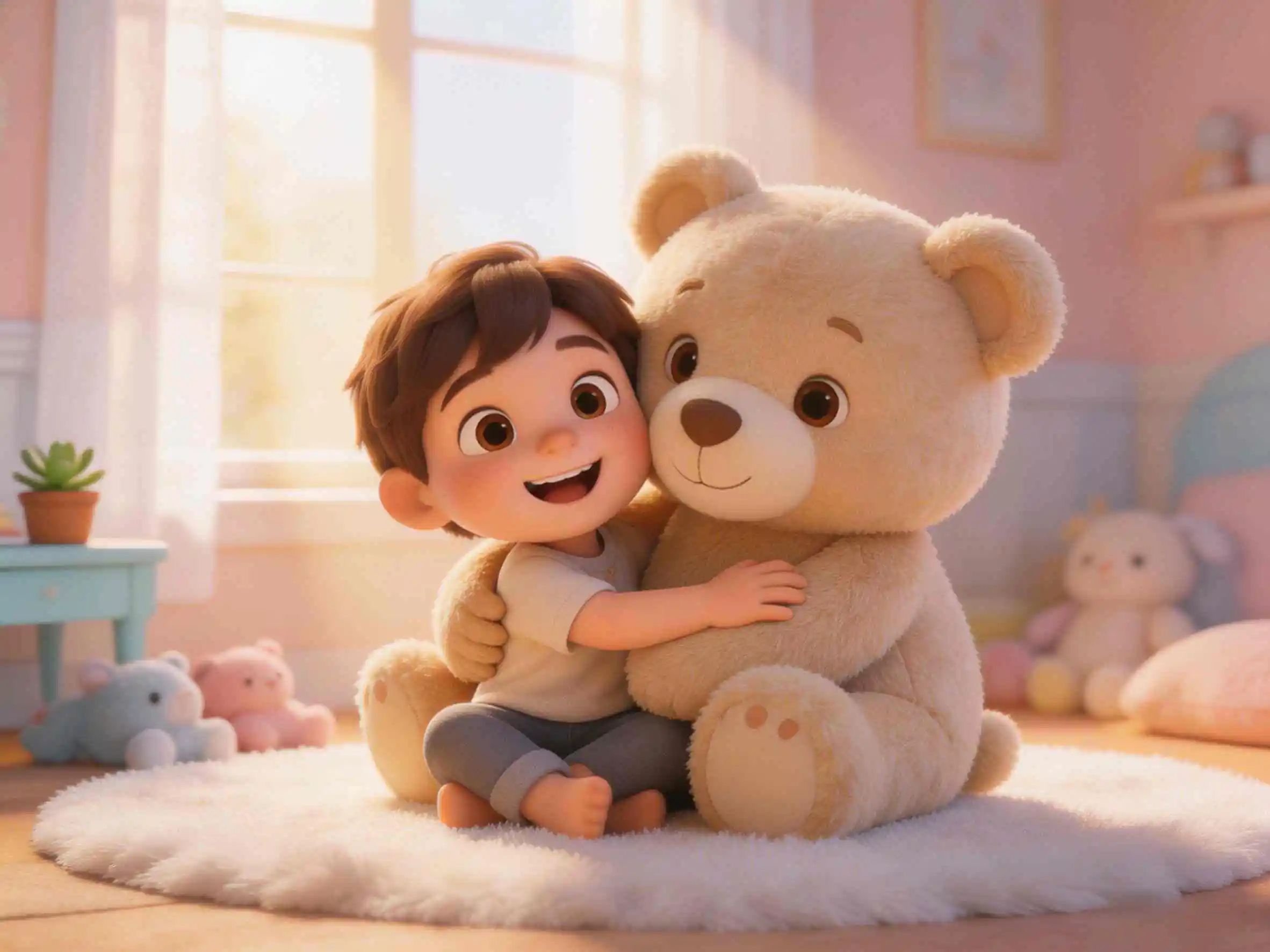
Below is an example of a complete animated scene generated through KiVi AI’s "Idea to Video" pipeline—progressing directly from a raw text prompt to animated motion, voiceover, and background music.
Traditional Animation vs. AI Idea-to-Video Workflow
Traditional animation requires significant capital, large creative teams, and months of post-production. The modern AI Idea-to-Video pipeline condenses these resource requirements drastically.
| Feature / Metric | KiVi AI Idea-to-Video Workflow | Traditional Animation Workflow |
|---|---|---|
| Script & Storyboard | Automated from a 1,000-character prompt (Under 1 min) | Manual drafting and storyboard sketching (1–2 weeks) |
| Character Consistency | Automated character embedding lock (100% visual lock) | Manual character rigging & style model sheets required |
| Audio & Voiceovers | Integrated AI voices & synchronized BGM soundscape | Hiring voice actors, studio recording & audio engineering |
| Production Cycle Time | Minutes per episode (95%+ time savings) | Weeks to months per episode |
Frequently Asked Questions
Conclusion
Developing animated content historically required large budgets, specialized technical expertise, and extensive post-production timelines. With KiVi's text to cartoon platform, creators can operate as a full-scale digital animation studio using simple text inputs.
By streamlining scripting, storyboarding, character visual locking, and audio production into an integrated pipeline, KiVi enables creators to produce high-definition animated content efficiently. Explore Idea to Video today to turn your concepts into finished video content.
Got a Story in Mind? Let's Animate It.
With KiVi's "Idea to Video" workflow, your 1,000-character idea becomes a fully realized, visually stunning animated episode. Start creating today — no animation skills required.