
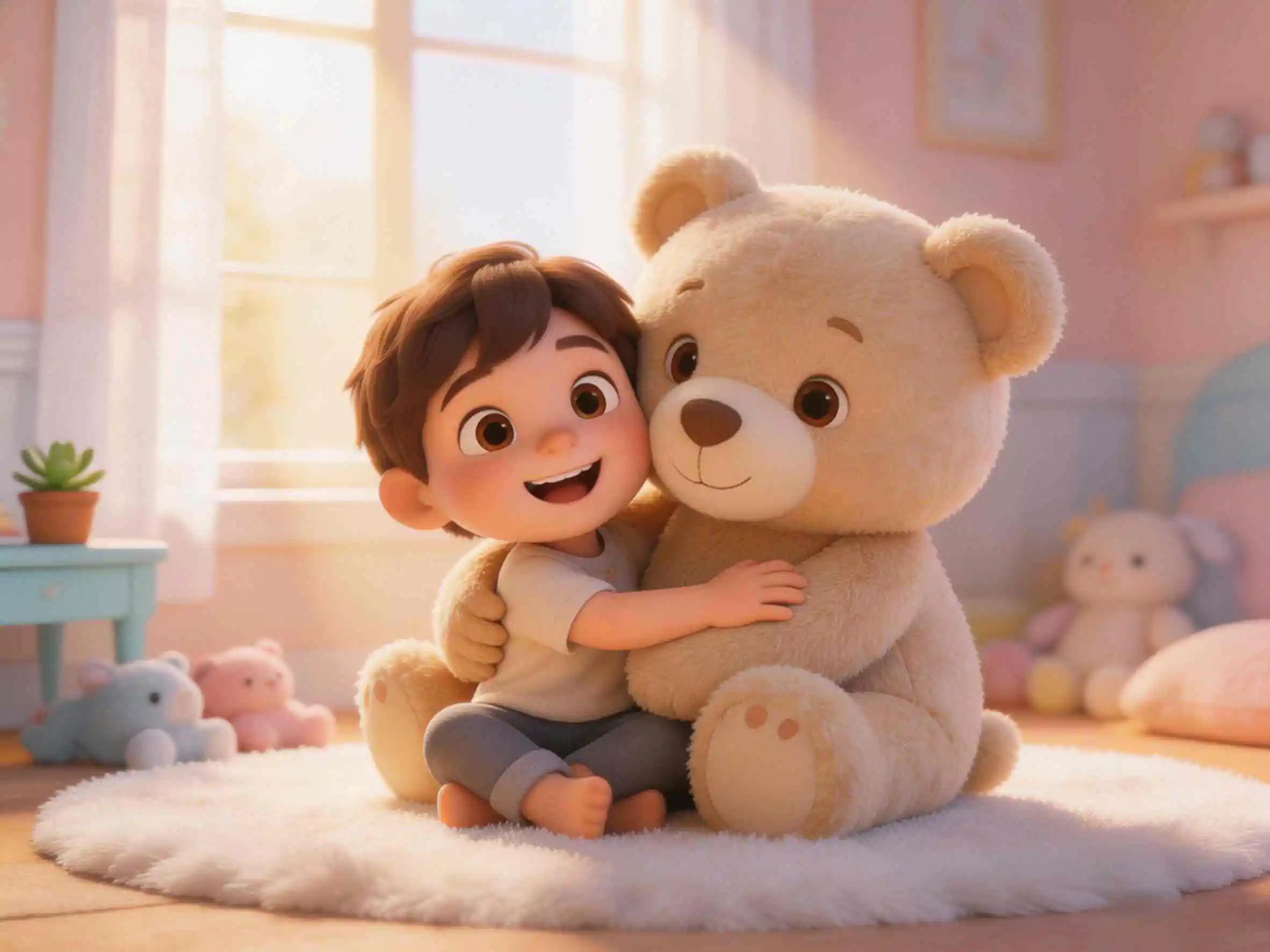
Most "AI video generator" comparisons rank tools 1–10 as if they all compete for the same job. They don't — and that's why so many creators pay for two subscriptions and end up using neither. These four tools produce four different things: Veo shoots cinematic seconds, Pika does effects, MagicLight assembles episodes, and KiVi makes series. Match the tool to the output, and the decision takes about thirty seconds.
Let's be honest about what "the best AI video model" even means in 2026. Google's Veo 3.1 can generate a gorgeous 8-second clip with dialogue, sound effects, and ambience baked in — genuinely the most complete single shot in this comparison. But ask it for a 12-episode kids series about the same two characters, and you'll be managing reference images, extend chains, and an editor timeline for months. That's not a Veo flaw. It's what Veo is built for — and it's the clearest way to explain when you need something else.
Pricing below reflects each vendor's public page as of November 2026. All four change plans often — confirm before buying. If you want the wider category view (Sora, Kling, Runway, and more), see our AI video generators for kids roundup first.
The 30-Second Summary
- KiVi AI: The only tool here built for kids' animation series — locked characters, a built-in style library (Pixar style 3D cartoon, claymation, 2D and more), and read-aloud storybook voices. Cheapest per finished minute by a wide margin (~$1.03–$1.20).
- Veo 3.1: Google's flagship. Best single shot + the only model here with native audio — but 8-second clips, manual reference images, and per-second billing that adds up fast.
- Pika: The effects lab (melt, swap, insert). Real commercial license only starts at Creator $35/mo — the $10 tier is watermarked and non-commercial.
- MagicLight: The episode factory — scripts up to ~12,000 characters, videos up to ~50 minutes.
Head-to-Head: KiVi AI vs Veo vs Pika vs MagicLight
#1 KiVi AI — Professional 3D Cartoon Maker For Kids
Most tools here were designed to answer "can I make a video?" KiVi AI was designed to answer a narrower, harder question: can I make the fortieth video with the same character and have it still look like the same character? And it approaches that question as a 3D cartoon maker first — not a general video model with a kids filter bolted on.
The Good & The Bad
- Locked character references: Define a character once — face, outfit, voice — and that reference is reused across every scene and episode. General models re-roll the character each generation; drift is annoying in a clip, fatal in a series.
- A real animation style library, not one look: Pick from different cartoon styles for AI — 3D cartoon, stop-motion claymation, 2D and more — and the whole series holds that style. Veo and Pika can approximate a style per prompt, but nothing enforces it across 40 scenes.
- Script-first, zero-editing: Paste a story or screenplay, it's broken into scenes automatically, and the export is the finished video — no timeline, no face-fixing pass.
- Read-aloud voices + education-ready formats: Built-in animated voice generator and storybook narration, plus formats purpose-built for educational AI videos — teachers use the same pipeline for hygiene cartoons and social stories, not just entertainment.
- Drawback: Not a cinematography tool — no photorealistic lighting or complex VFX. If you need one hero film shot, Veo wins and it isn't close.
Pricing (November 2026): Starter $19.99/mo ($15.99 annual), Creator $39.99/mo ($29.99), Master $79.99/mo ($59.99). Master works out to ~$1.03 per finished minute. Budget for Creator and Master if you need commercial rights.
#2 Veo 3.1 — The Cinematic Shot (With Sound)
Google's Veo 3.1 is the strongest pure video model in this comparison — and the only one that generates native audio: synchronized dialogue, sound effects, and ambience in a single pass. Through Flow's "Ingredients to Video," you can supply up to 3 reference images to keep a character or product looking consistent across shots.
- Why it's great: Cinematic lighting, camera physics, and prompt adherence that lead the category. Native 1080p (4K upscale), 16:9 and 9:16, first/last-frame control, and extend chains that reach roughly 148 seconds of continuous footage.
- Why it struggles with series content: Every generation caps at 8 seconds. Long videos are built by extending in ~7-second hops and re-stating the character description each time — consistency is maintained by you, not enforced by the tool. A 10-minute episode means assembling dozens of segments in an editor.
- The cost trap: API billing is per second — $0.40/s standard, $0.15/s Fast (audio included). One 8-second clip is $3.20; a 10-minute episode at standard quality runs roughly $240 before any editing time.
- Not ideal for: Serialized storytelling, kids' educational formats, or anyone who needs a finished episode rather than a perfect shot. Every output also carries an embedded SynthID watermark, and there are no child-safe content guardrails.
Pricing (November 2026): Flow free tier ~100 credits for testing. Google AI Pro $19.99/mo gets Veo 3.1 Fast (≈3 generations/day in Gemini) — fine for experimenting. Serious volume means the API at $0.40/s standard or $0.15/s Fast, or Google AI Ultra $249.99/mo with full Veo 3.1 and Flow access.
Use Veo for one perfect shot. Not for a season of them. If your output is measured in episodes, jump to the cost-per-minute table below — it's the whole argument in one column.
#3 Pika — The Effects Lab
Pika doesn't try to beat Veo on raw generation quality, and it's honest about that. Its identity is a set of branded editing effects nothing else replicates in the same form.
- Why it's great: Pikaffects (melt, explode, squish), Pikadditions (insert a character into existing footage), Pikaswaps, keyframe interpolation to ~25 seconds, and audio-driven lip-sync. It also fronts Seedance, Kling, and Wan under the same credits.
- Not ideal for: Clean, licensable narrative on a small budget — the commercial license is the detail reviews bury. Free and Starter ($10/mo) are watermarked and non-commercial; real entry price is Creator at $35/mo ($28 annual).
#4 MagicLight — The Episode Factory
MagicLight targets the opposite end from Veo: not the perfect 8-second shot, but the finished 20–50 minute video from a script of up to ~12,000 characters.
- Why it's great: Length, story templates by use case (kids, education, faith, explainers), character continuity across scenes, a multi-model backend (Sora 2, Veo 3, Kling 2.1 and more), and a full post pipeline — voice, subtitles, music, export.
- Not ideal for: A specific proprietary art style (template-driven), shot-level control, or predictable budgets — pricing varies across sources and credits scale with runtime, so long videos get expensive fast.
Feature Breakdown: Which AI Tool Wins?
We've broken down how the four stack up across the features that actually decide the purchase — not benchmark scores, but the workflow realities.
How we evaluated: Based on published specifications, vendor pricing pages, and hands-on creator reports as of November 2026. Character consistency was judged on each tool's ability to hold the same protagonist's face, outfit, and proportions across multiple sequential scenes without manual re-prompting; "cost per minute" uses each vendor's own stated outputs and public pricing.
| KiVi AI | Veo 3.1 | Pika | MagicLight | |
|---|---|---|---|---|
| Core job | Kids' 3D cartoon series with locked characters | Cinematic shots with native sound | Effects on existing footage | Long-form episode assembly |
| Animation styles | Library: 3D cartoon, claymation, 2D + more | Per-prompt only, style drifts | Per-prompt only | Template-driven |
| Native output | Full multi-scene episode | 8s clips (extendable to ~148s) | ~5s (to ~25s) | Up to ~50 min |
| Character consistency | Locked reference, story-level | Up to 3 reference images, maintained manually per shot | Not a focus | Story-level, template-driven |
| Script → scenes | Yes, core workflow | No (prompt-based) | No (prompt-based) | Yes, core workflow |
| Editing required after | None | Assemble + manage extend chains | Assemble in editor | Minimal |
| Audio / narration | Built-in Read-Aloud Voices + Dialogue (Coming Soon) | Native (dialogue + SFX, no storybook pipeline) | Lip-sync add-on; silent by default | Built in |
| Child-safe guardrails | Yes | No | No | Partial (template-based) |
| Best for | Kids/edu series, IP characters, 3D cartoon channels | Ads, brand films, concept shots | Social, memes, impossible edits | Kids, education, faith, explainers |
Cost Per Finished Minute (Rough, but Revealing)
Vendors price in credits and per-second meters precisely so you can't compare them. Here's the arithmetic anyway, using each vendor's own stated outputs and November 2026 pricing:
| Tool | Plan / Path | Cost | Output | ≈ Cost / finished minute |
|---|---|---|---|---|
| KiVi AI | Master (annual) | $59.99/mo | 58+ min stated | ~$1.03 |
| KiVi AI | Creator (annual) | $29.99/mo | 25+ min stated | ~$1.20 |
| Pika | Creator (annual) | $28/mo | ~70 × 5s = 5.8 min | ~$4.80 |
| Veo 3.1 | API, Fast tier | $0.15/s | pay-per-second | ~$9.00 |
| Veo 3.1 | API, Standard tier | $0.40/s | pay-per-second | ~$24.00 |
Read this correctly: these are not identical products — a Veo minute is a gorgeous shot repeated in 8-second pieces; a KiVi minute is a scene with dialogue and continuity. What the table shows is the order of magnitude. If your output is measured in episodes, per-minute cost decides whether the project is viable, and per-second billing gets brutal once you're stitching hundreds of segments. This is also why KiVi's Story-to-Video workflow prices the episode, not the generation.
By Scenario: Which Tool Should You Choose?
- "I have a 10-episode kids series with two recurring characters": KiVi AI. The only scenario here where locked character references aren't a nice-to-have but the entire cost driver. With clip-based tools you'd re-establish the character 200+ times and fix drift in post.
- "I'm a teacher making educational or social-story videos": KiVi AI. The same pipeline covers hygiene cartoons, social stories, and read-aloud lessons — with narration generated in the same pass, so a classroom-ready video doesn't need a separate voice or editing step.
- "I want a claymation or 2D look, not generic 3D": KiVi AI again — its claymation video maker and style library hold a chosen art direction across an entire series, which per-prompt tools like Veo and Pika can't enforce.
- "I need a 30-second cinematic product shot — with sound": Veo 3.1. Nothing else here produces a shot that reads as filmed and comes with synchronized dialogue and ambience natively.
- "I want to make this coffee cup melt into a puddle": Pika. Pikaffects. Not a contest.
- "I have a 3,000-word script and need a 20-minute video": MagicLight for maximum runtime; KiVi if it's a kids/edu story where character consistency matters more than length.
- "It's for children and it needs to be licensable": KiVi AI — child-safe guardrails plus commercial rights at Creator. Note Pika's $10 tier won't cover you legally, and general models including Veo offer no kids-specific content guardrails.
Frequently Asked Questions
📺 See KiVi AI in Action
Check out KIVI AI’s official content to observe the high level of consistency in characters, as well as their capabilities in producing AI 3D Cartoon for children.
The Final Verdict
Choosing between these four comes down to one question: what is your output?
If your output is a shot — a product ad, a brand film, a concept sequence — Veo 3.1 is the strongest raw model here, and its native audio removes an entire post-production step. If your output is an edit, Pika does things to footage nothing else replicates. If your output is a long episode from a script, MagicLight goes furthest.
But if your output is a series — a kids channel, an educational IP, recurring characters your audience recognizes on sight — the deciding factor isn't generation quality at all. It's whether consistency is enforced by the tool or maintained by you. That's the gap KiVi AI was built to close: a AI 3D Cartoon with a locked cast, a style library, read-aloud voices, and a paste-script-export-episode workflow. And at ~$1.03–$1.20 per finished minute, it's also the only option here priced for episodic volume.
Start Creating with KiVi AI Today
See how character consistency and smart scene transitions can streamline your series workflow.
Last updated: 2026-11-09. Pricing and model versions reflect vendor documentation as of November 2026; features and prices change frequently — confirm on each vendor's site before purchasing.