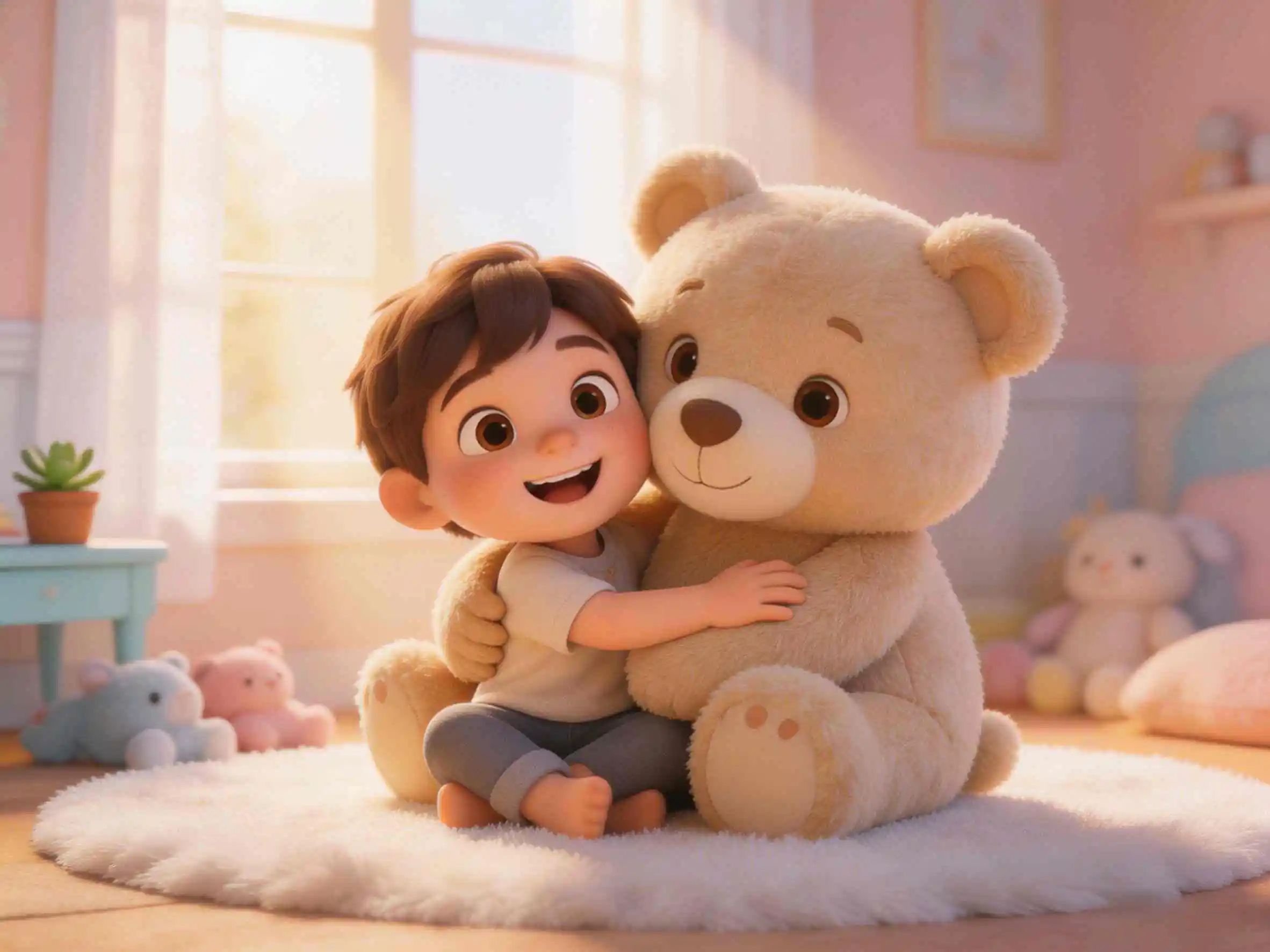
As an educator or educational content creator, you likely spend hours staying up late searching for royalty-free illustrations, cropping slides, and manually setting up transitions in PowerPoint—only to find students tuning out. Turning dry textbook content into vibrant video assets is highly effective, but renting animation studios is far too expensive. With KiVi's leading AI 3D cartoon generator, you can skip keyframing entirely. Instantly turn your outlines and curriculums into high-definition, 3D animated micro-lessons in under 3 minutes.
- Ditch the Static Slides: Upgrading from plain PPTs to 3D animated micro lessons boosts classroom engagement and course completion rates significantly.
- Built-in Storyboard Assistant: With the "Idea to Video" framework, typing a single concept auto-expands into a professional educational script and full storyboards.
- Zero Animation Background Required: Simply use KiVi AI's story to video ai free workspace to transform text scripts directly into coordinated, high-definition videos.
- Build a Lovable Teaching Avatar: Lock in characters to maintain absolute character consistency in ai animation, developing a recognizable brand IP that students trust.
- Explore Expanding Niches: Educational animations are highly valuable on streaming sites—learn more about leveraging these assets for passive income in our guide on starting a profitable faceless YouTube kids channel.
Why Slide Presentations Fail Young Audiences
In today's visual-first media ecosystem, static slides can no longer hold the interest of early childhood students or online learners. High-retention video content has proven to be the most effective format to capture focus, break down abstract systems, and boost class participation. To make this possible for independent teachers, KiVi AI serves as a powerful ai animation generator for educators, helping you transition from text-heavy documents to dynamic 3D cartoon landscapes.
By building an exclusive virtual avatar—like a friendly animal helper or an eccentric digital professor—instructors can introduce difficult subjects easily. This approach is highly effective for classroom learning and for creators building independent educational media brands. If you are interested in formatting these courses for digital video monetization, check out our companion walkthrough on how to start a faceless youtube channel for kids to scale your audience rapidly.
Try KiVi AI for FreeCore Workspaces: Idea to Video vs. Story to Video
KiVi AI provides two intuitive, specialized workflows tailored to your lesson-prep style, allowing you to master how to make educational animated videos without any prior tech experience.
💡 Weapon 1: Idea to Video (Automated Scriptwriting)
If you only have a basic concept in mind—such as "explaining the solar system to kindergarteners"—the Idea to Video scriptwriter expands your concept instantly. It creates complete, multi-scene storyboards, camera directions, and age-appropriate narrator dialogue on autopilot.
Pro Tip: Specific prompts like "A brave little astronaut bunny exploring the rings of Saturn" yield richer, highly customized scenes.
📖 Weapon 2: Story to Video (Direct Script Processing)
If you already have a polished script, lecture outline, or textbook excerpt, use the story to video ai free engine. It translates your precise lines directly into coordinated animation blocks, retaining full narrative control while automating the manual art design.
Ideal for science, history, coding tutorials, and multi-part educational modules.
4 Steps to Render Your Animated Micro-Lessons
KiVi's streamlined web app makes course building straightforward. Here is how easily you can design a complete multi-shot micro-lesson series on your browser dashboard:
Create Your Custom Animated IP
Design your recurring digital avatar on the "My Character" tab. Choose from friendly cartoon styles, science guides, or historic heroes. Setting your avatar first ensures absolute character consistency in ai animation throughout your course playlists.
Input Your Story Concept or Script
Paste your script into the "Story to Video"/"Idea to Video" workspace. The specialized AI storyboard writer instantly transforms a simple phrase like "The brave astronaut lands on a candy planet" into multi-shot cinematic descriptions.
Lock the Character for Coherent Scenes
Click the character lock icon on your storyboard. Select your pre-built character from the My Character library. The engine automatically adapts the backgrounds, facial models, and action layers to fit your IP—achieving unparalleled character consistency in ai animation across all shots.
Export & Publish Long-Form Videos
Unlike basic tools that limit you to 3-second visual clips, KiVi AI lets you assemble and render full, cohesive episodes complete with synchronized storybook voices, sound effects, and soft background scores. Export in high-definition formats and you're ready to publish!
"Bringing concepts to life using synchronized animations and consistent characters drastically reduces children's cognitive load, making complex topics easy to digest."
Watch a sample educational video created with KiVi AI:
Side-by-Side: PPT Design vs. KiVi AI Production
Traditional PowerPoint editing limits educational impact and takes hours to configure. Below is a direct comparison of why leading digital educators are utilizing KIVI AI,our automated studio workspace:
- Interactive & Editable AI Storyboard: Review and refine your story with our AI storyboard editor. Edit story text, adjust scene details, change character outfits, and refine expressions scene by scene.
- Versatile Animation Visual Styles: Generate stories in diverse aesthetic styles—ranging from low-stimulation Soft Watercolor and StoryBook to Stop-Motion Claymation, 3D Cinematic, and Classic 2D Cartoon.
- Character Consistency Tools: Help keep recurring heroes recognizable across episodes with the consistent AI character video maker, or learn how to create custom characters step by step.
- Emotional & Habit Cultivation Presets: Produce comforting stories that aid in child development, such as high EQ kids animation stories, personality cultivation videos, and custom animated stories for kids.
Frequently Asked Questions (FAQ)
Conclusion
Focus on your teaching logic, not static slides. KiVi AI serves as your dedicated AI 3D cartoon animation generator, converting your classroom inspiration into interactive educational storylines in minutes. Try our Idea to Video tool today and create lessons your students can’t wait to watch.
Say Goodbye to Static Slides Today!
Upgrade your teaching and build memorable student experiences in minutes with KiVi AI.