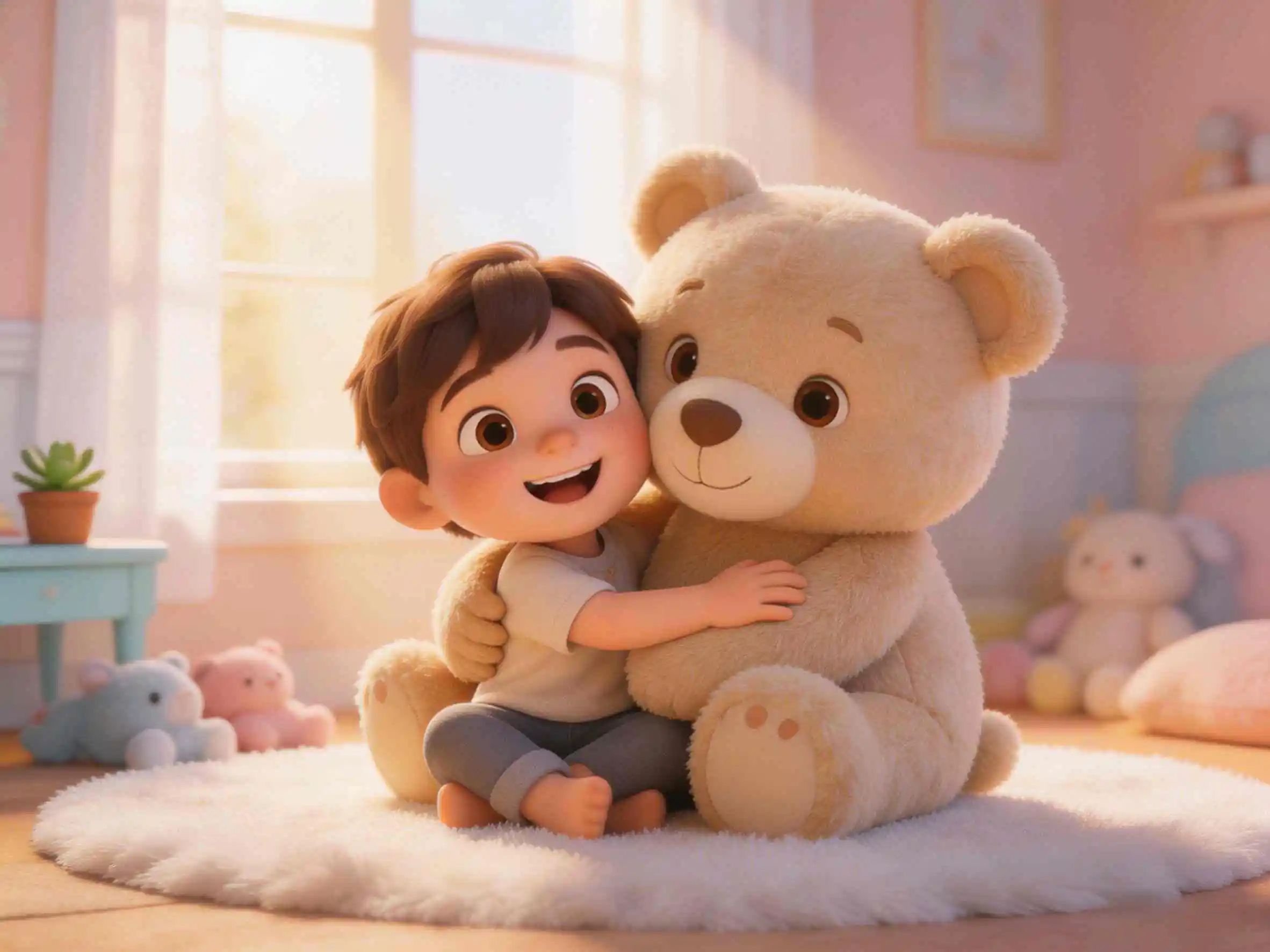
Explaining abstract concepts like gravity, the water cycle, or photosynthesis to young minds can be a challenge. Words often fly right over their heads, and traditional slides are boring. The secret to modern STEM education? Leveraging a powerful 3D AI cartoon generator to turn complex science into engaging, visual stories. Let's dive into how educators and parents can create captivating science explaining animations in minutes, vividly explaining science to kids.
Why Kids Struggle with Abstract Science & How Science Animations Help
Children are natural visual learners. When a teacher talks about "gravity," a child's brain struggles to visualize it. However, if you show them an apple falling to the ground or a bouncy ball bouncing and then falling back down, they immediately understand. Using KiVi, a dedicated 3D AI cartoon engine engine, educators can now generate these magical, educational storytelling videos without needing an animation degree. Your lesson plan becomes an engaging cartoon, keeping kids focused 100% of the time.
- Create visual explanations for any STEM topic
- 100% Safe & Kid-Friendly for classroom environments
- Built-in engaging voiceovers to capture attention
- Perfect character consistency for recurring "science mascots"
Whiteboards vs. AI Cartoon Generator for Science Lessons
To succeed in modern education, you need high engagement. Traditional whiteboards and static presentations often fail to capture the imagination of today's digital-native kids. Creating custom animations used to be impossible for teachers due to extreme costs. KiVi changes the game by giving every teacher their own animation studio.
- Turn a lesson plan into a cartoon in 5 minutes.
- Zero cost for animators or designers.
- Keep kids engaged with visual, moving examples.
- Build a library of reusable animated lessons.
- Static slides lead to wandering attention.
- Hiring an animator for a lesson costs thousands.
- Hard to explain microscopic or cosmic concepts.
- Takes hours to prepare engaging visual aids.
AI Storyboard Editor: Fine-Tuning Science Animations
Scientific storytelling requires accurate details, clear visual steps, and precise framing. KiVi AI’s advanced Storyboard Editor gives teachers granular control over how every scientific concept is demonstrated scene by scene:
- Precise Expression & Outfit Tuning: Effortlessly adjust character facial expressions, swap outfits, or modify visual traits using targeted secondary prompts.
- Smart Inpainting & Object Removal: Seamlessly erase unwanted background objects or regenerate specific frame areas without losing character consistency.
- Flexible Framing & Angle Control: Reframe compositions and test dynamic camera angles to visually highlight key scientific experiments or cause-and-effect moments.
- Scene-by-Scene Storyboard Editing: Inspect and refine individual lesson panels on the fly without having to re-render the entire science project.
4 Steps to Animate a Science Lesson for Kids
You don't need to be a tech expert to revolutionize your classroom. Here is the exact workflow used by innovative educators on KiVi AI.
Create Your Science Mascot
Enter the image of a character (like "Professor Owl" or "Curious Robot") in My Character. AI will generate your teaching mascot. Click to save it to your library for future lessons.
Enter Your Lesson Concept
Return to the dashboard and enter your science topic (e.g., "Explain how plants eat sunlight"). AI will help you write a kid-friendly script and break it down into easy-to-understand scenes.
Lock Your Character
Once the script is complete, select the mascot you created earlier. KiVi will generate storyboards based on your selected character, maintaining perfect consistency as they guide the kids through the science adventure.
Export & Play in Class
Unlike standard AI tools that make silent 3-second clips, KiVi exports full-length educational videos with synchronized voice-overs and engaging music. Download it, and press play on your smartboard.
Real Examples of Educational Science Animations
Wondering what the final output looks like? Check out this fully AI-generated science explaining animation showing how easily abstract concepts (like engineering and space) can be brought to life for kids.
Why Teachers Love Explaining Science to Kids with Visuals
Making science fun isn't just about entertainment; it's about deeper understanding. Here is why KiVi is perfectly tailored for modern educational needs.
- Simplifies the Complex: Visually show kids how gravity works or how the solar system spins, rather than just talking about it.
- Better Memory Retention: Studies show that visual storytelling improves children's ability to recall scientific facts by up to 400%.
- Safe & Age-Appropriate: Our engine filters out inappropriate themes, ensuring your content is always safe for the classroom and early learners.
- Inclusive Education: Animations with clear AI voiceovers and customizable subtitles help ESL students and children with different learning paces grasp the material easily.
Explore Visual Styles for Text to Cartoon Science Lessons
Different scientific topics call for unique artistic vibes. Whether you are demonstrating gentle nature cycles or exciting outer space exploration, KiVi provides a rich collection of low-stimulation visual presets.
- Cozy Anime:Hand-Drawn Charm, Nostalgic Warmth & Whimsical Nature
- Storybook-Inspired:Classic Illustration, Soft Warm Tones & Cozy Picture Book Aesthetics
- Watercolor Style:Fluid Paint Washes, Dreamy Blends & Artistic Storybook Charm
- Quirky Claymation:Tactile Plasticine, Fingerprint Textures & Humorous Stop-Motion
- 3D Cinematic-Style:Vibrant Lighting, Rich Depth of Field & Expressive Modeling
- Fairy Tale-Inspired Fantasy:Whimsical Environments, Soft Glows & Magical Landscapes
- High-quality Handcraft:Felt Fabric Textures, Papercut Art & Wool Fiber Aesthetics
- Classic 2D Animation:Nostalgic Hand-Drawn Outlines & Traditional Storybook Art
- Modern Cartoon:Fun Vector Shapes, Bold Lines & Bright Expressive Characters
Frequently Asked Questions
Conclusion: Easily Explaining Science to Kids with AI
Finding the best way to explain science to kids has never been easier. By utilizing the ultimate AI 3D cartoon generator, educators and parents now have a complete studio right on their laptops. Focus on inspiring curiosity and let KiVi's powerful educational animation AI handle the heavy lifting. Transform your teaching methods with our text to cartoon engine, boost classroom engagement, and start animating your science lessons today!
Ready to revolutionize your science class?
Stop explaining and start showing. Generate your first animated lesson right now.