

Creating warm, engaging shapes video for kindergarten content is one of the most effective ways for content creators, early childhood educators, and children's YouTube channels to build foundational learning habits. Understanding early geometry shouldn't be dry or abstract—young children thrive on bright visuals, interactive musical rhythms, and friendly shapes for kids stories. Powered by KiVi’s specialized 3D Wise toon engine and innovative 3D Wise toon technology, you can transform simple shape concepts and preschool lesson scripts into child-safe, high-retention 3D animated stories in minutes.
3D Kids Shape Animationrefers to vibrant, low-stimulation animated educational videos created using an advanced 3D Animation Generator . By leveraging 3D Wise toon styling, these videos transform abstract geometric concepts—like circles, squares, and triangles—into tangible, cute 3D characters and relatable everyday objects for toddlers and preschoolers.
Why 3D Shape Videos Matter in Early Childhood Education
Preschoolers learn best through multisensory exploration—sight, sound, and spatial movement. When designing a shapes video for kindergarten, turning flat 2D geometry into animated 3D adventures helps kids grasp spatial relationships effortlessly. With KiVi’s powerful prompt engine in our 3D animation generator generator, you can craft high-quality AI 3D cartoon episodes without needing 3D modeling skills.
Here is a complete, prompt-safe script for "The Great Shape Scavenger Hunt" designed with our 3D Wise toon engine in mind
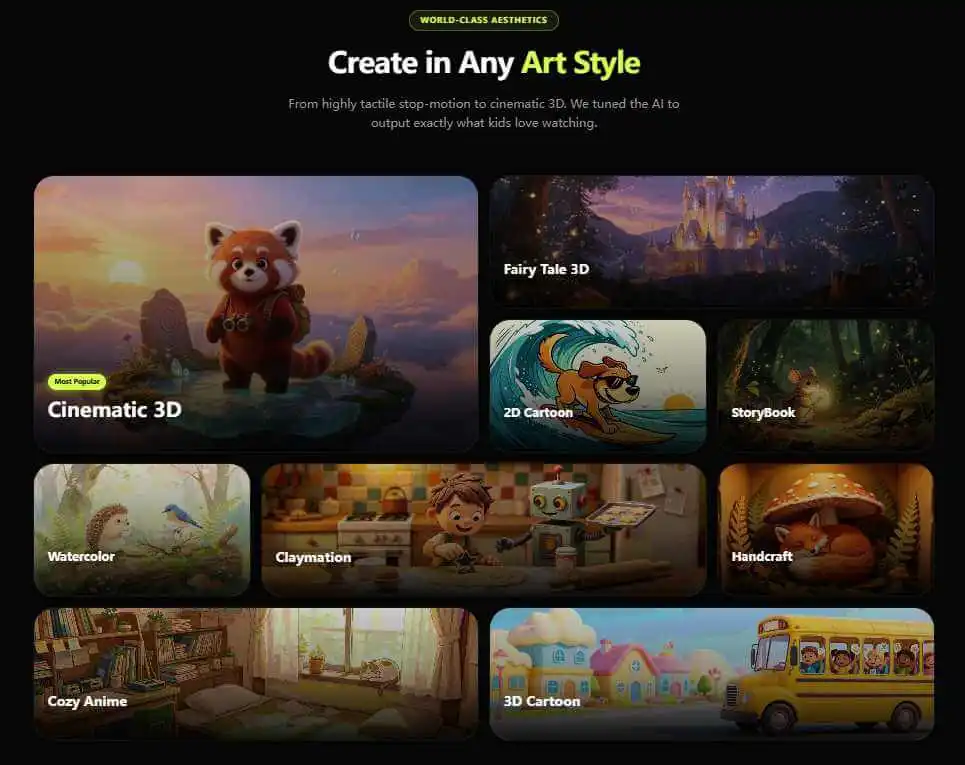
Visual Styles—Bringing 3D Wise Toon Aesthetics to Kindergarten Lessons
To ensure high retention on educational channels, tactile visual quality is critical. Overly plain or flat graphics fail to hold attention, while harsh or distorted figures can confuse toddlers.
By exploring KiVi’s different cartoon styles for AI, you can pick specialized 3D Wise toon presets, claymation finishes, or soft Pixar-style studio render options. Powered by our Character Lock feature, your core teacher characters or mascot animals keep their exact visual identity across every lesson episode.
Step-by-Step Guide—Generating a Shapes Video with KiVi AI
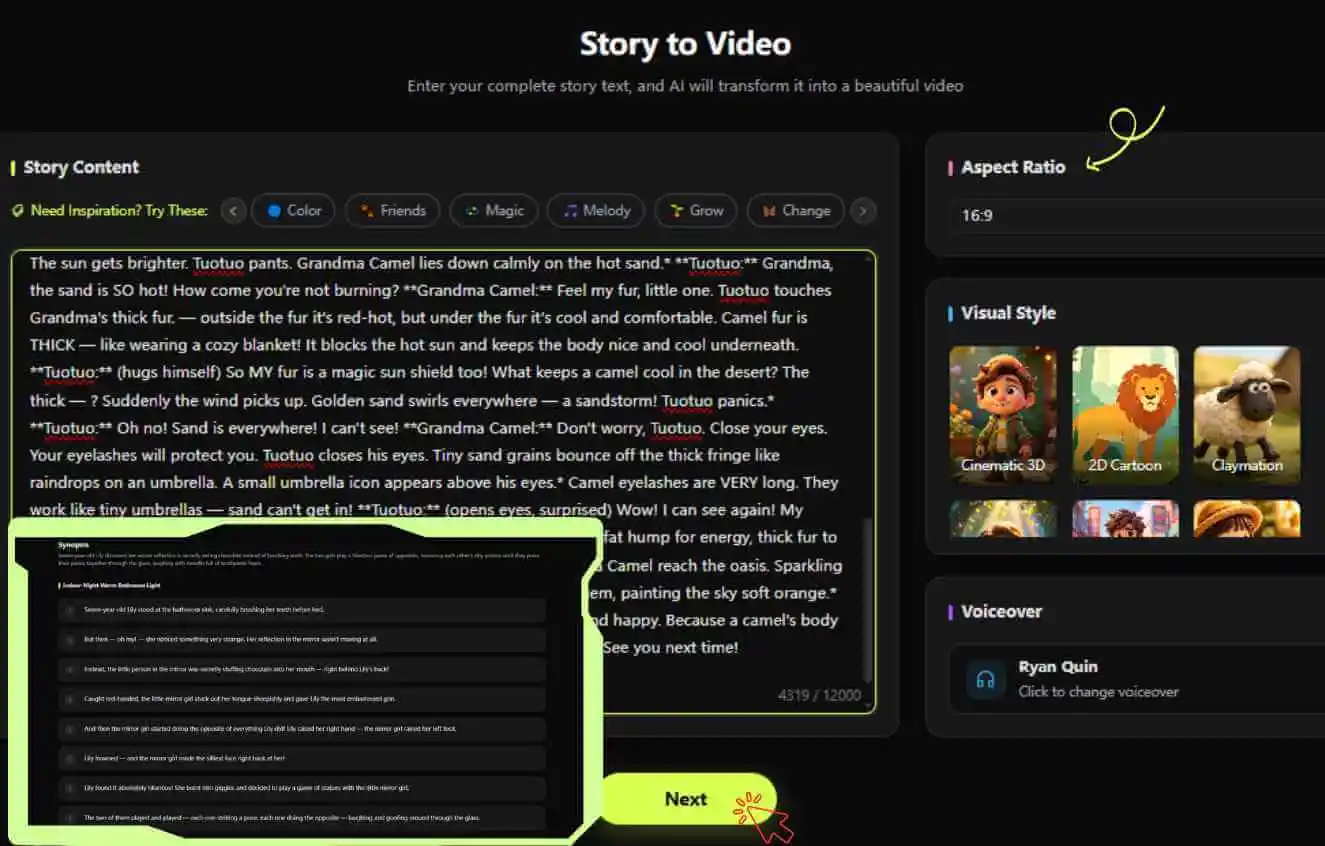
Step 1: Input Your Lesson Script
Paste your story, script, or nursery lyrics. Or, let KiVi generate creative story ideas and custom lyrics for you in a single click.
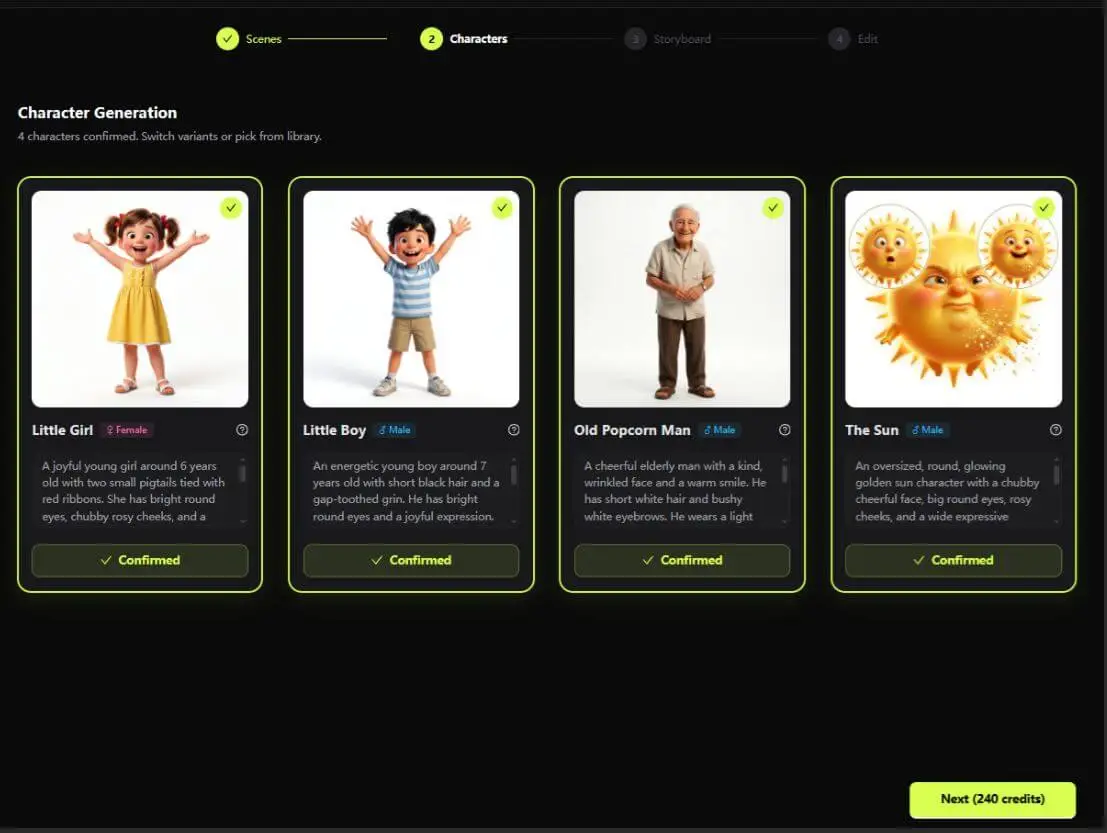
Step 2: Select character & 3D Visual Style
Set 3D Cinematic or Claymation visual presets with warm studio lighting and choose character figure.
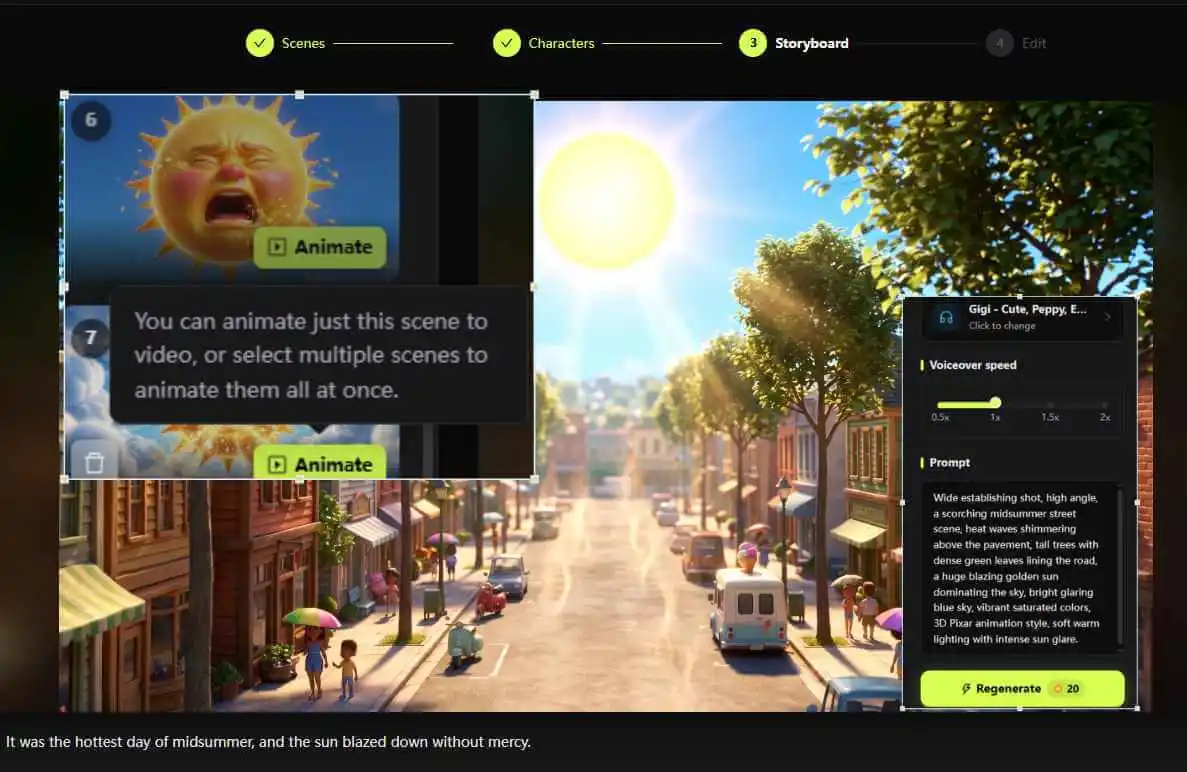
Step 3: Generate & Animate
KIVI AI can directly generate editable video storyboards—including both voiceover and visuals (with support for deleting or uploading images).
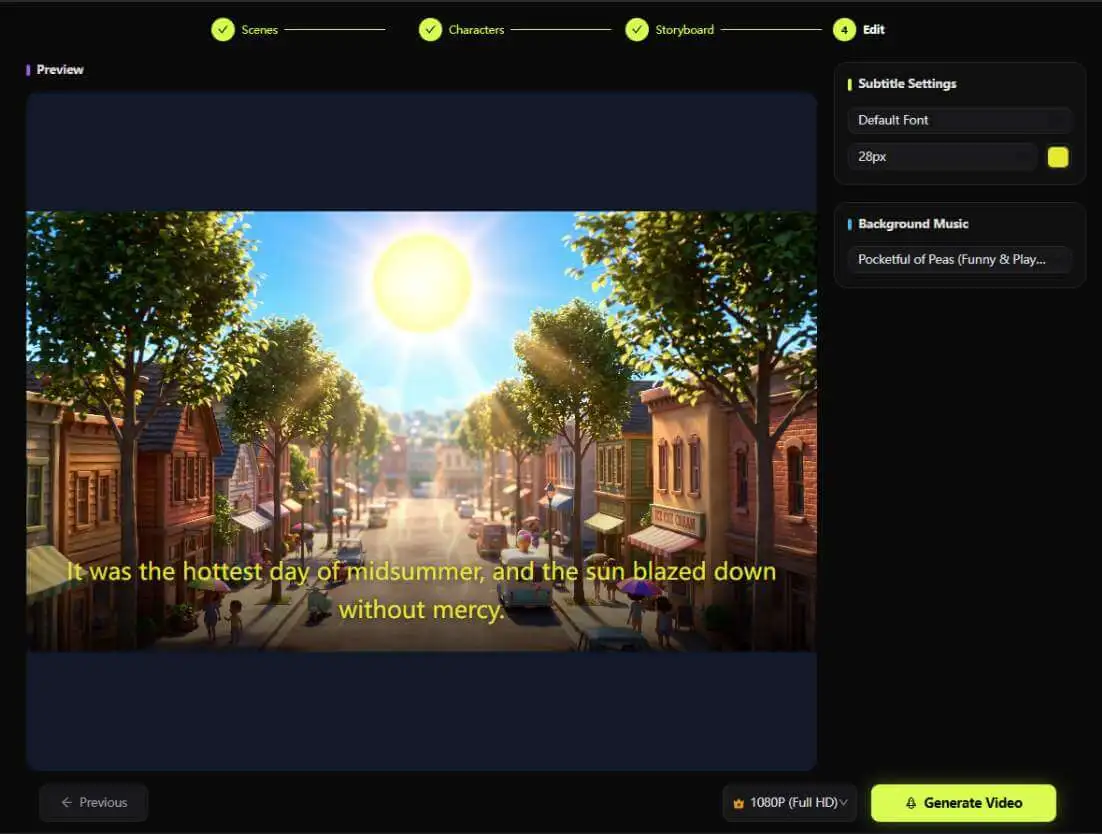
Step 4: Export & Share:
Sync a warm narrator voice and export your subtitled cartoon in minutes.
Director Mode—Locking Mascot Characters and Editing Shape Props
Educational channels demand visual clarity—making sure circles look perfectly round and square boxes maintain distinct corners in every frame. KiVi’s built-in director tools give educators and creators precision over every detail:
- Panel-Level Prompt Customization: Adjust specific scenes independently to highlight actions like "bear pointing at a square window" without breaking the storyboard flow.
- Precision Local Brush: Need to swap a pizza slice for a triangular roof? Brush over the prop area, prompt the update, and re-render the object seamlessly.
Production Comparison: KiVi Workflow vs Generic AI Video Tools
Running a dedicated Kids Faceless YouTube Channel requires high publishing frequency without sacrificing educational precision or child-friendly aesthetics.
- Create complete, highly accurate shape lesson storyboards in under 10 minutes.
- Ensure 100% child-safe, vibrant 3D Wise toon character and environment renders.
- Maintain exact character consistency throughout entire video series.
- Modify shape props, background classroom tools, and panel actions with precision brush tools.
- Frequent distortion of geometric shapes (e.g., uneven square sides or blurry circles).
- Inconsistent character appearances between different instructional panels.
- Overly complex or dark rendering styles unsuited for preschool learning.
- Rigid outputs with no local editing tools for specific educational props.
Frequently Asked Questions About Shapes Videos for Kids
Conclusion
Creating captivating, educational shapes video for kindergarten projects no longer requires expensive animation studios or complex software. With KiVi’s dedicated 3D animation generator and 3D Wise toon technology, you can convert playful learning scripts into charming shapes for kids videos in just a few clicks. Start building your preschool video library today!
Start Creating Shapes Videos for Kids Today
Turn early geometry concepts into vibrant 3D animated lessons in minutes. Experience our 3D Wise toon style, director suite, and AI prompt tools for free.