Gentle storytelling
Calm night-time stories
Slow the pace down with a warm narrator, one memorable detail, and a soft question to take into the night.
Create educational history videos as illustrated expeditions—one curious question, a handful of artifacts, and a story worth bringing home.
One topic can become a quiet story for the end of the day, a playful fact file, or a visual documentary with characters and clues.
Slow the pace down with a warm narrator, one memorable detail, and a soft question to take into the night.
Build a quick fossil-led episode around Dinosaur Facts — surprising details, comparisons, and a final “how do we know?” moment.
Use friendly characters and clear scenes to explain a person, place, invention, or civilization.
Let one tool, costume, coin, or artifact reveal how people lived and solved problems.
Travel through a place and time with a small mission, a few clues, and a child-friendly conclusion.
Put an everyday habit from the past beside a familiar modern one and invite children to spot the difference.
A visual field guide gives every educational history videos project a shape children can follow: notice something, ask why, then connect the clue to everyday life.
Give history videos for kids a simple destination, so children know what they are looking for.
Use objects, places, clothing, tools, and tiny details to make an earlier world easier to picture.
Turn a topic into history lessons for kids with an observation or prediction they can discuss.
“Every artifact is a tiny doorway. The child’s question is the key.”
THE KIVI EXPLORER’S NOTEBOOKStart with a historical figure, ancient artifact, famous discovery, or a fun curiosity question for kids.
Set 3D Cinematic or Fairytale visual presets with warm studio lighting and choose character figure.
KIVI AI can directly generate editable video storyboards—including both voiceover and visuals (with support for deleting or uploading images).
Sync a warm narrator voice and export your subtitled cartoon in minutes.
Compare different cartoon styles for AI storytelling — every style keeps your characters consistent from scene to scene. Here are four that suit history best.
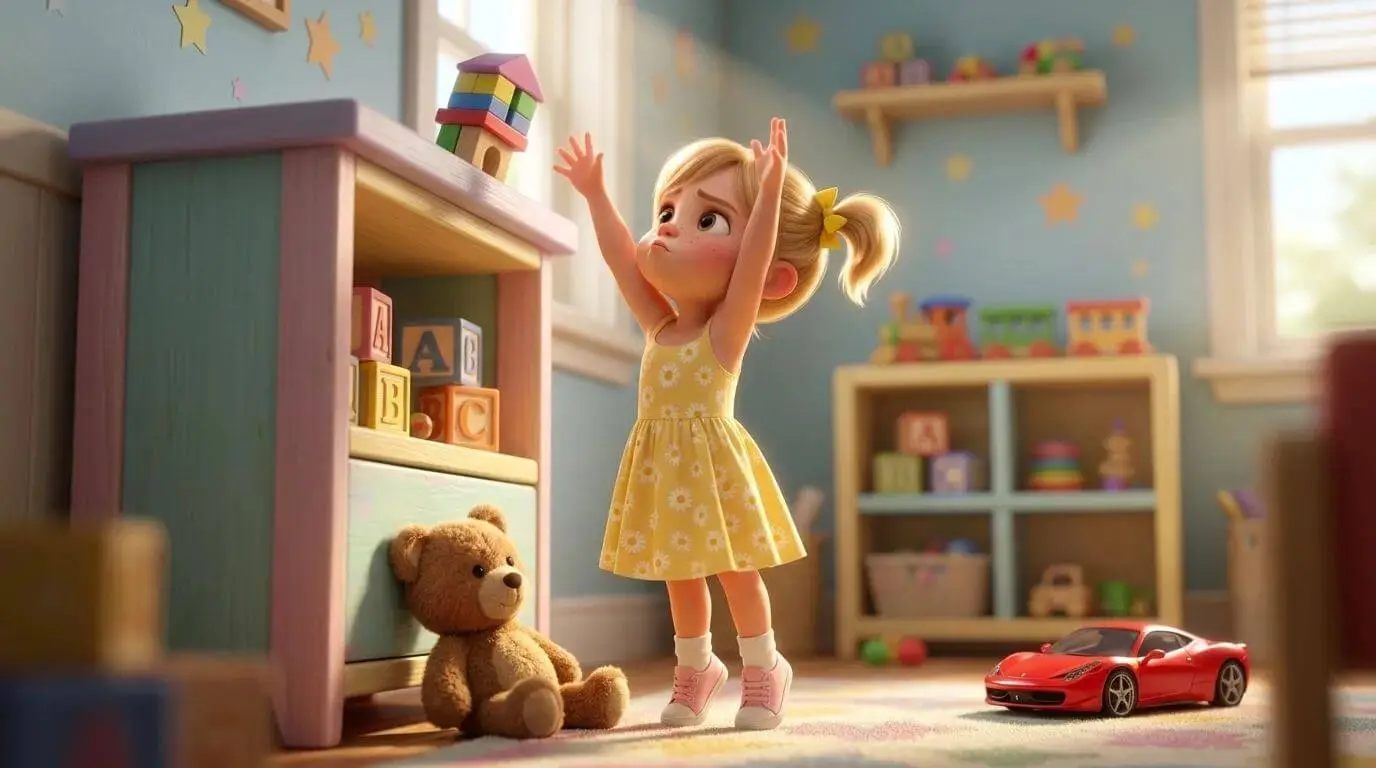
Theatrical lighting and deep texture — a natural fit for Dinosaur Facts and big prehistoric landscapes.
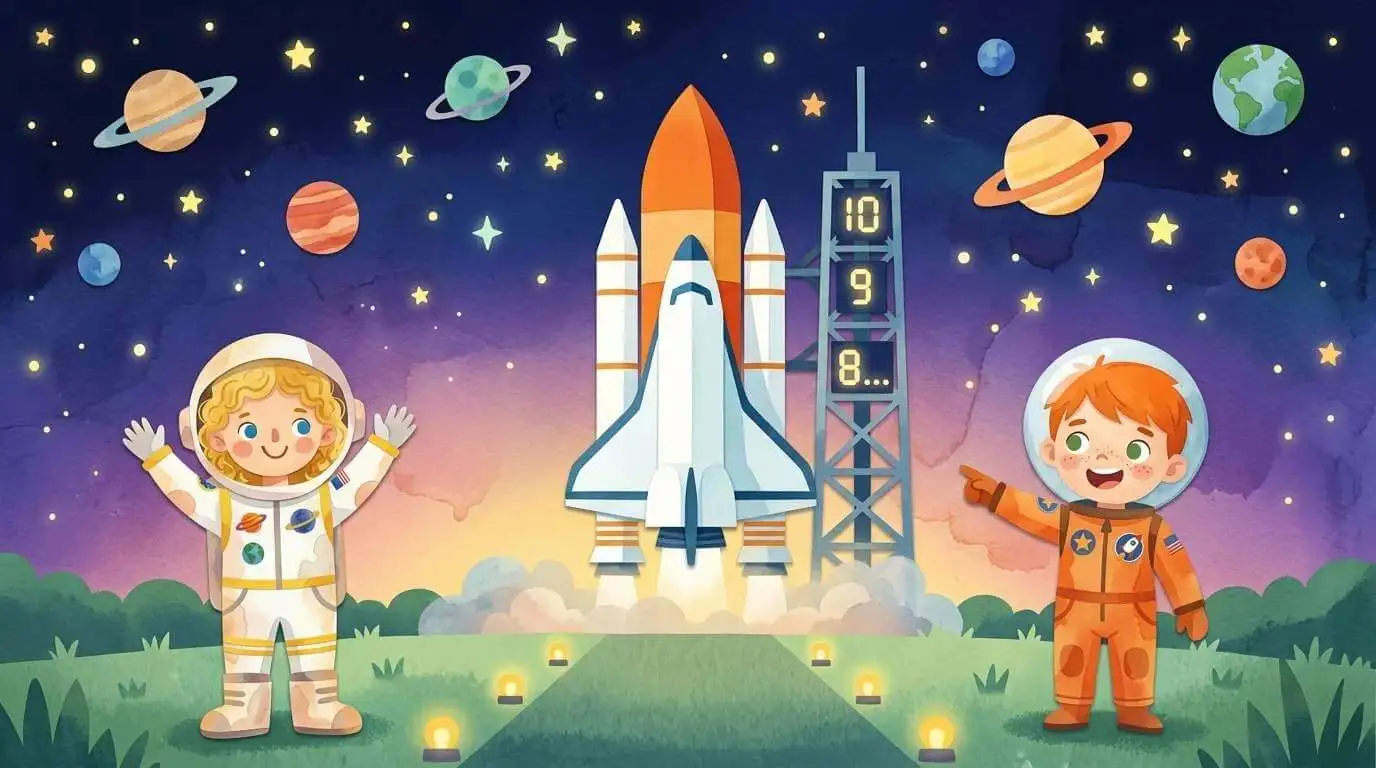
Classic picture-book warmth for gentle, slow-paced episodes.
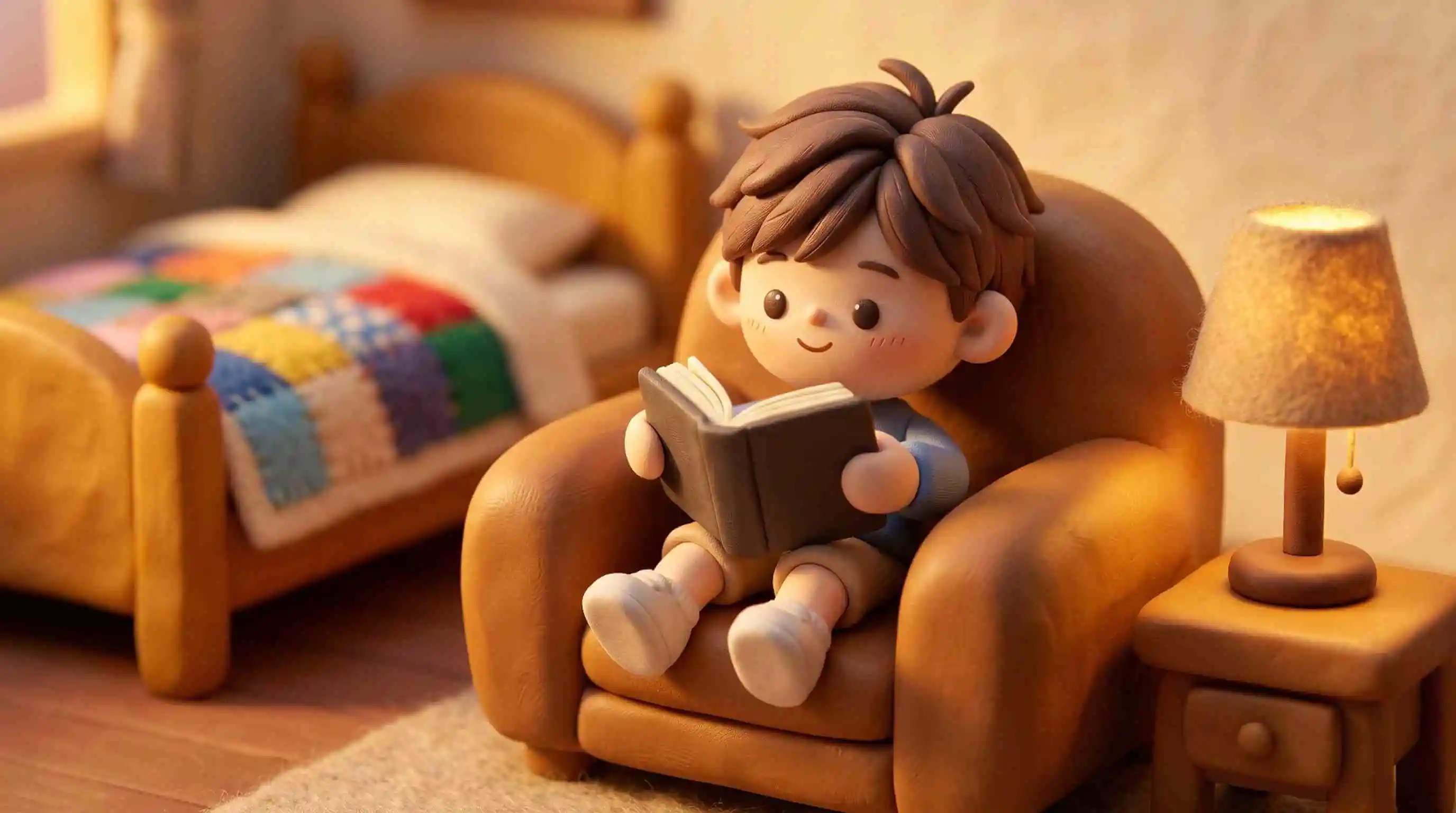
Tactile stop-motion textures that make museum artifacts feel handmade and close.
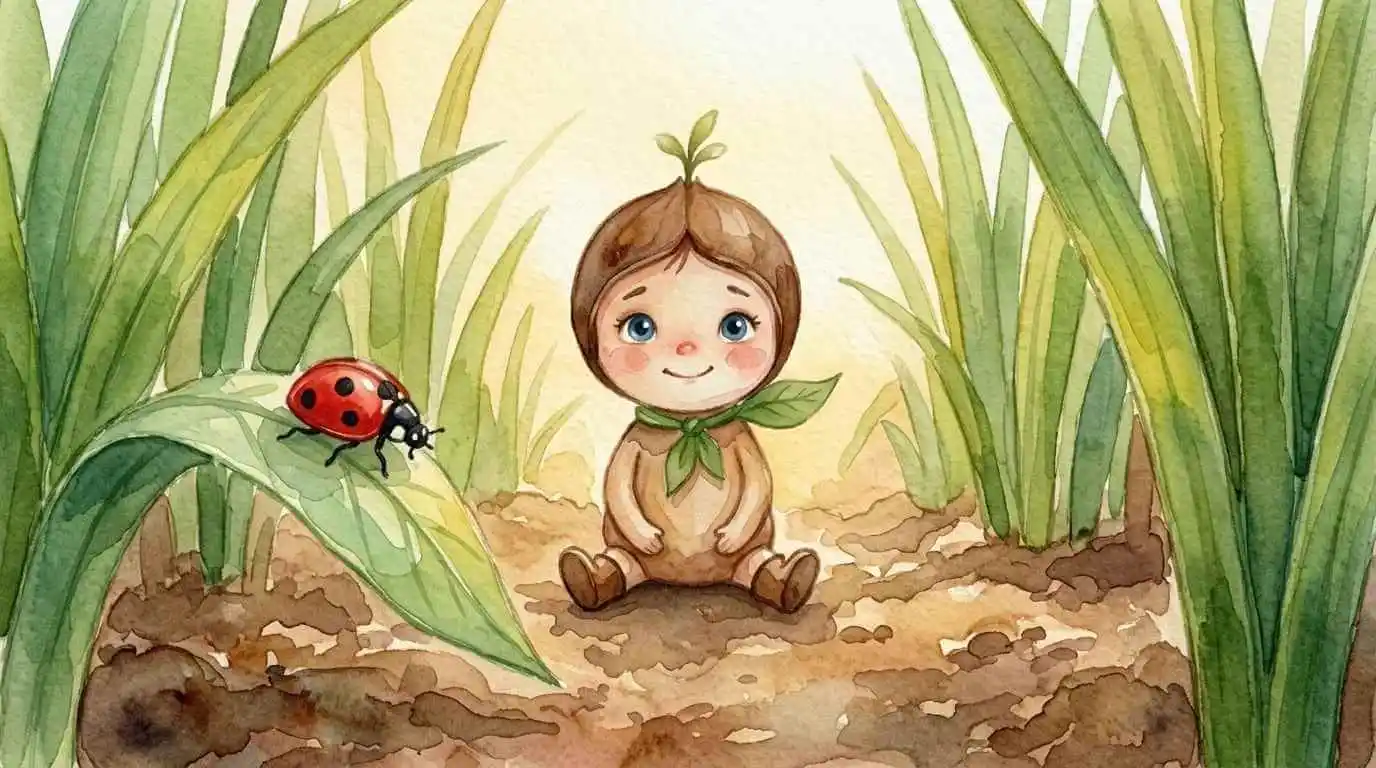
Soft, low-stimulation washes — gentle on young eyes during longer history lessons.
Pair a history expedition with these real KiVi tools — same account, same character library.
Turn a backyard observation into a calm science cartoon — insects, plants, and how they grow.
Planet songs and solar system cartoons that keep big science ideas simple for young viewers.
Turn daily routines and big feelings into gentle, child-focused 3D animations.
Gentle 3D retellings of classic scripture for ages 3–12, with violence and scary imagery filtered out.
You can start with a person, place, object, invention, daily-life detail, or historical moment and shape it into a short, child-friendly museum adventure.
Yes. Use the adventure structure as a starting point for a lesson, discussion, museum visit, or student-made history project. Adults should review historical accuracy and age fit.
Keep one clear question at the center, introduce a few memorable artifacts, connect past and present, and invite children to make a careful observation or prediction.
No. It is a creative production aid for turning an idea into an engaging visual starting point. Use trusted sources and adult guidance for deeper learning.
KiVi supports English, Arabic, German, French, Spanish, and Turkish — so one history episode can be made once and published in six languages. This is especially useful for bilingual families, international schools, and creators building a channel for more than one market.
Yes. You can clone your own voice and generate the narration in it, so every episode keeps the same warm, familiar storyteller instead of a generic robotic read. Record a short sample, and your cloned voice can narrate new history videos without you re-recording each one.
Yes — it is a strong fit for a faceless YouTube channel. You do not need to appear on camera or hire a presenter: pair an animated history episode with your cloned voice-over, keep the same characters and art style across uploads, and publish in several languages from one production workflow.
Choose a clue. Ask a better question. Build a history adventure children can remember.
Start with KiVi