Make Holiday Videos
for Kids
One sentence in. This holiday video maker for kids returns a Halloween song, a Thanksgiving story or a Christmas cartoon — same character, same look.
400 free credits to start
Three ways to make a holiday video
Start from one line, paste the Christmas story you already wrote, or turn a holiday rhyme into a song. All three come back as the same animated episode.
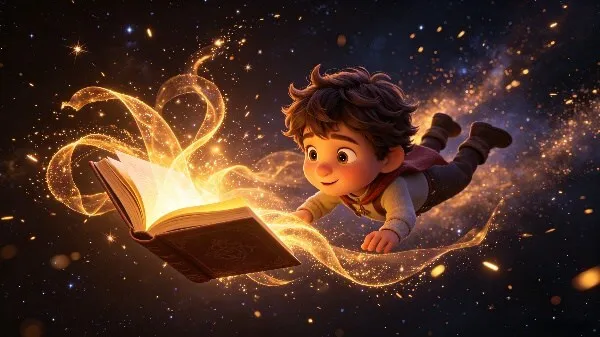
Idea to Video
You type a holiday and a moment — a pumpkin that lights up, a stocking that moves. KiVi writes the narration, breaks it into scenes, storyboards them and animates the lot.
Start with one sentence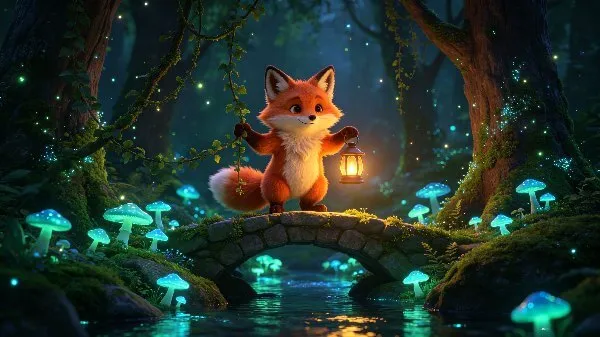
Story to Video
Have a Thanksgiving story or a Christmas lesson already written? Paste it — KiVi casts the characters, keeps them stable and animates every scene.
Paste your story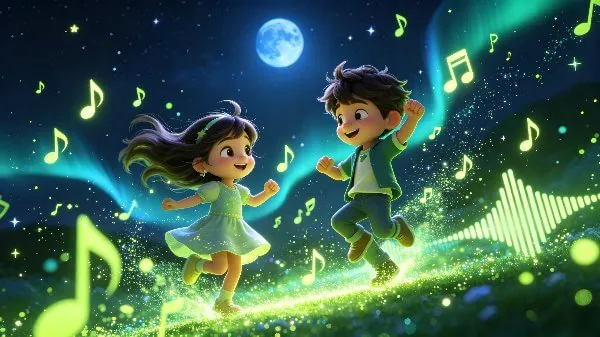
Music Video
Start from a built-in rhyme, words you wrote, or one line about a holiday. Two arrangements come back before the song is animated.
Make a holiday songOne look, nine ways to draw it
Pick a style once and it carries across the whole season — same character, same world. Claymation and Cozy Anime suit the holidays; Cinematic 3D carries a Halloween night.
Want to see them in motion? Open the styles gallery
How to make a holiday cartoon video
Three ways in — start from an idea, a story you already wrote, or a song. Every path ends in a finished, subtitled holiday cartoon.
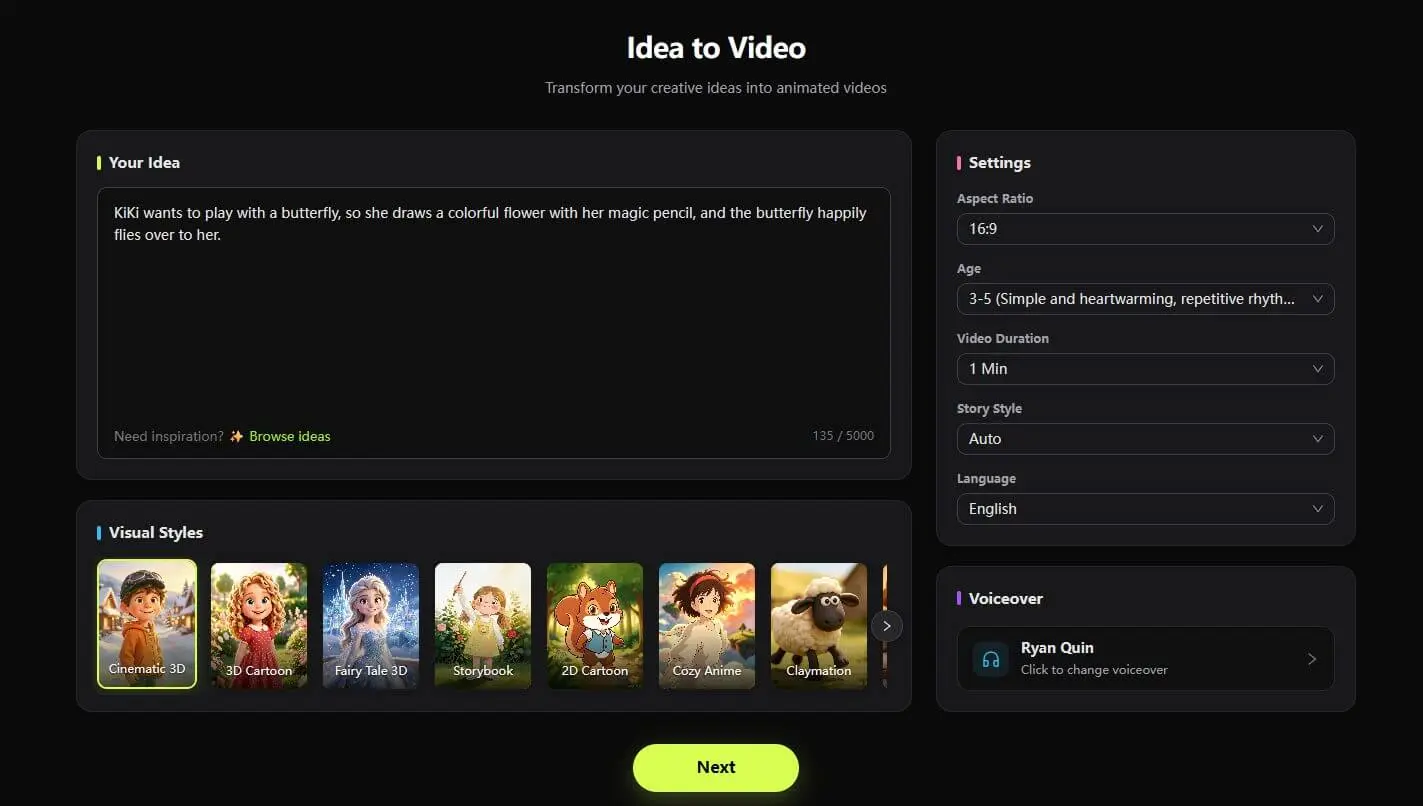
Write your idea
Enter any sentence or idea that inspires you, and select your desired visual style, aspect ratio, and voiceover tone.
Side by side, line by line
Six checks. KiVi on the left, a general AI video tool on the right.
Keep building the same series
One episode rarely stands alone. These cover the rest of a kids-content workflow.
Kids Hygiene Cartoons
Handwashing after trick-or-treat fits straight into a seasonal series.
Kids Number Learning
Counting down to Christmas — the same clips double as early-math episodes.
Vegetable Videos for Kids
Same structure, different harvest: one vegetable, one action, one character.
Nursery Rhymes Maker
Where the sing-along side of a holiday song comes from.
Habit Building Cartoons
Waiting your turn for a gift is a habit. Start from the same structure.
Consistent Character
Why the helper at the centre of the story stays recognisable every episode.
Clean Up Songs for Kids
Same structure, different topic: one toy box, one routine, one clean up song.
Animated Lesson Planner
Turn a holiday topic into a full classroom lesson plan.
Holiday cartoons and nursery rhymes
Follow the official walkthroughs — a narrated cartoon, a written story turned into animation, and a sing-along holiday rhyme.
Subscribe @KiViAI_Official Tutorial E02 Idea to Video: one holiday prompt becomes a finished scene Start here — nothing to prepare but a sentence.
 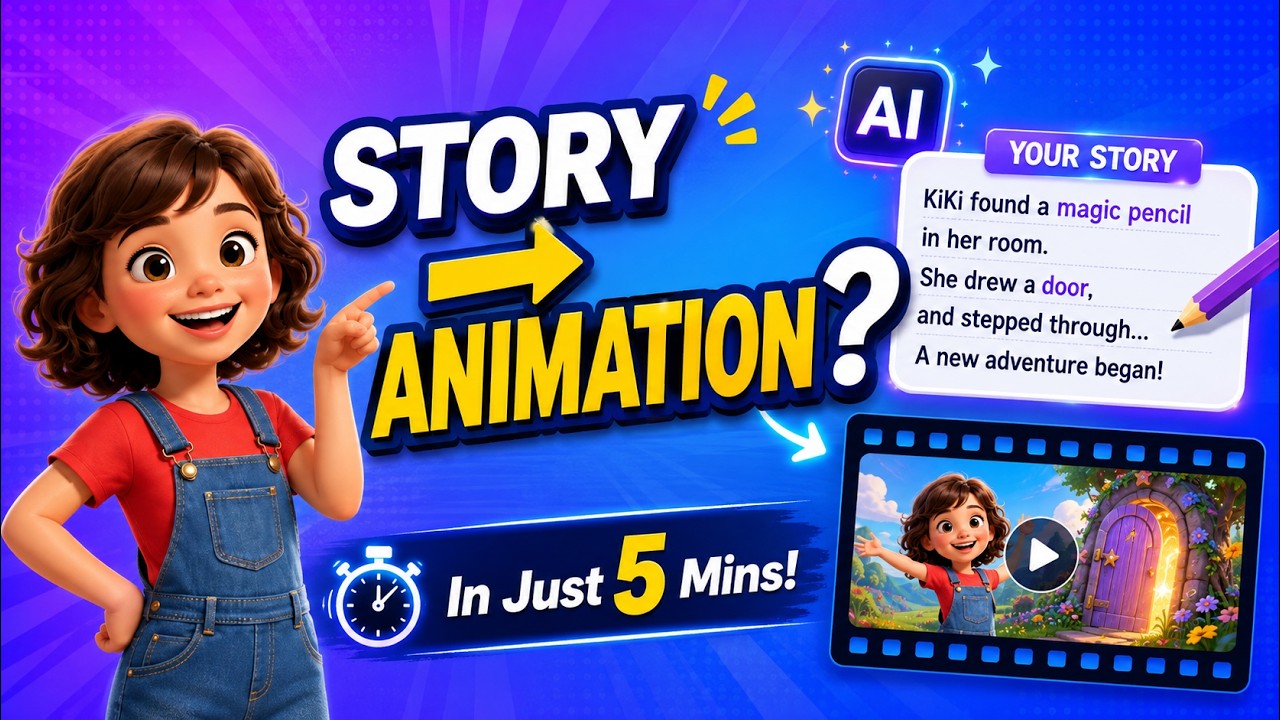 Tutorial E03 Story to Video: turn a written holiday story into animation For teachers and creators who already have the text.
  Tutorial E07 Nursery rhymes with AI: build the sing-along holiday version The music-video route, from lyrics or from a simple idea.
 Questions about holiday videos for kids
What kids-channel producers, teachers and parents usually ask before their first holiday episode.
How do I make holiday videos for kids?
Describe the holiday and the moment in one sentence — a pumpkin that lights up, a table being set, a stocking that moves. KiVi AI writes the narration, breaks it into scenes, draws the storyboard, animates it and adds subtitles, so one idea becomes a finished episode without editing software.
Can I make a Halloween video for kids?
Yes. A Halloween episode usually works best as a song or a short story: one character, one repeated line, one gentle surprise. Pick a visual style that suits the night — Cinematic 3D for a richer look, 3D Cartoon for a brighter one — and KiVi keeps that look across the whole series.
Can I make a Thanksgiving video for kids?
Yes. Story to Video is the natural route: paste the story or the lesson you already wrote about giving thanks, and KiVi casts the characters, keeps them stable and animates every scene. Claymation and Storybook styles suit the warmer, handmade feel of the season.
Can I make a Christmas cartoon video for kids?
Yes. Christmas episodes can be a narrated story, a sing-along carol or a short lesson about the traditions in your own household. Cozy Anime and Claymation are the two styles most often picked for the season, and the same character can carry from one episode to the next.
Can I make a holiday song or carol video?
Yes. In Music Video you can start from a built-in rhyme, use your own lyrics, or start from one line and let the lyrics be written for you. You pick the genre and the singing voice, and two arrangements come back before the song is animated — no separate music tool and no background-music step.
Do I need animation or editing skills?
No. You write one sentence and choose an aspect ratio, a visual style and a voice. KiVi AI writes the narration, breaks the story into scenes, draws the storyboard and animates them. If a shot is not right you can edit its prompt and regenerate just that scene.
How do I keep the same character across a whole holiday series?
KiVi AI reads your idea, story or song and pulls out the characters it finds, then generates concept art you can choose from. You can also pick a character you have used before. Once you settle on a design, that face, hair and clothing stay stable in every scene and every episode.
Which visual style suits holiday content?
KiVi AI offers nine built-in visual styles — Cinematic 3D, 3D Cartoon, Fairy Tale 3D, Storybook, 2D Cartoon, Cozy Anime, Claymation, Handcraft and Watercolor. Claymation and Cozy Anime read as warm and handmade; Cinematic 3D gives a Halloween night more atmosphere. A style is picked once and carries across the series.
Can I publish these videos on YouTube and use them in class?
Yes. You keep full commercial rights to the clips, narration and subtitles you export, so you can publish them on YouTube, play them in a classroom, bundle them into teaching materials or sell them.
What resolution can I export in?
720p is available on every plan, and 1080p is available on a membership. Pick the ratio at the start — 16:9 for widescreen lessons and YouTube, 9:16 for Shorts, phones and tablets. One project exports one ratio.
Publish your first holiday episode
One sentence in, a narrated or sung holiday animation out. New accounts start with 400 credits.