Shapes video for
kindergarten classes.
Make a shapes video for kindergarten in minutes — a shape hunt, a song or a circle lesson, same guide, same look.
400 free credits to start · No card needed
Three ways to build a shapes series
A shapes cartoon video for kids is not the only way to teach it: one line about the shape, a lesson you wrote, or a rhyme.
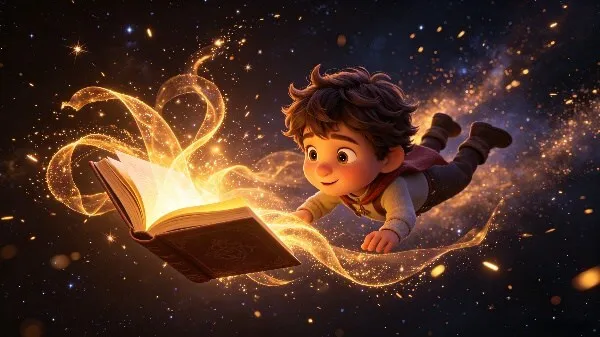
Idea to Video
Name the shape and where to find it — then keep the same guide for the next shape. KiVi writes the narration, storyboards it and animates the lot.
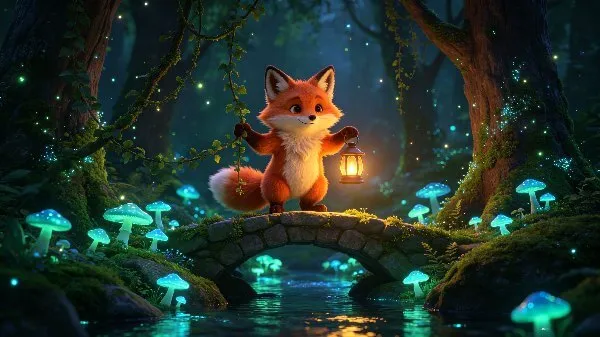
Story to Video
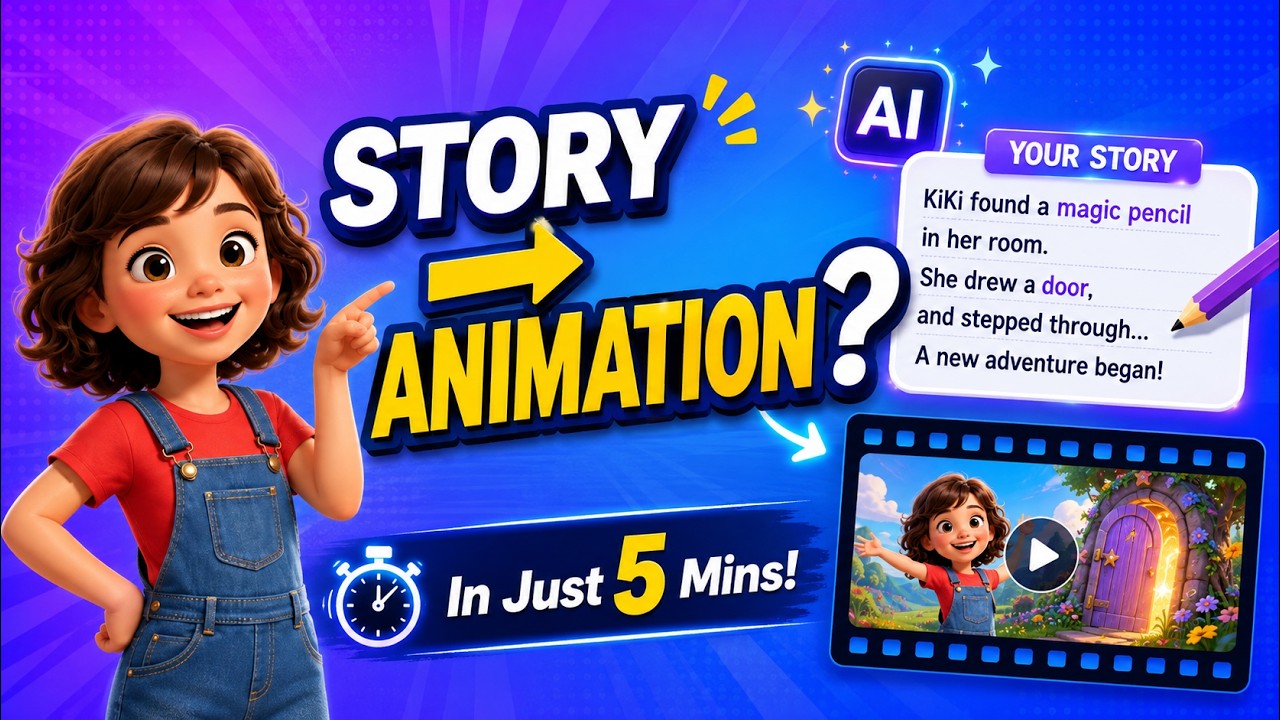
Have a shapes lesson written already? Paste it — KiVi casts the characters, holds them steady and animates every scene.
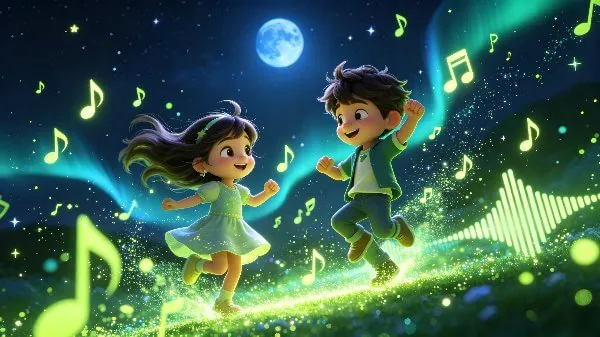
Music Video
A shapes song for toddlers is usually the one that sticks. Start from a classic rhyme, your own lyrics, or one line of idea.
A shape series needs one look
Pick a style once and every shape episode keeps it — same guide, same world. Most kindergarten series open in 3D Cartoon or Storybook.
Cinematic 3D
Theatrical lighting, expressive faces and deep texture. Reads as premium storytelling and holds attention on a bigger screen.
Want to see them in motion?Open the styles gallery
Shapes cartoon video for kids
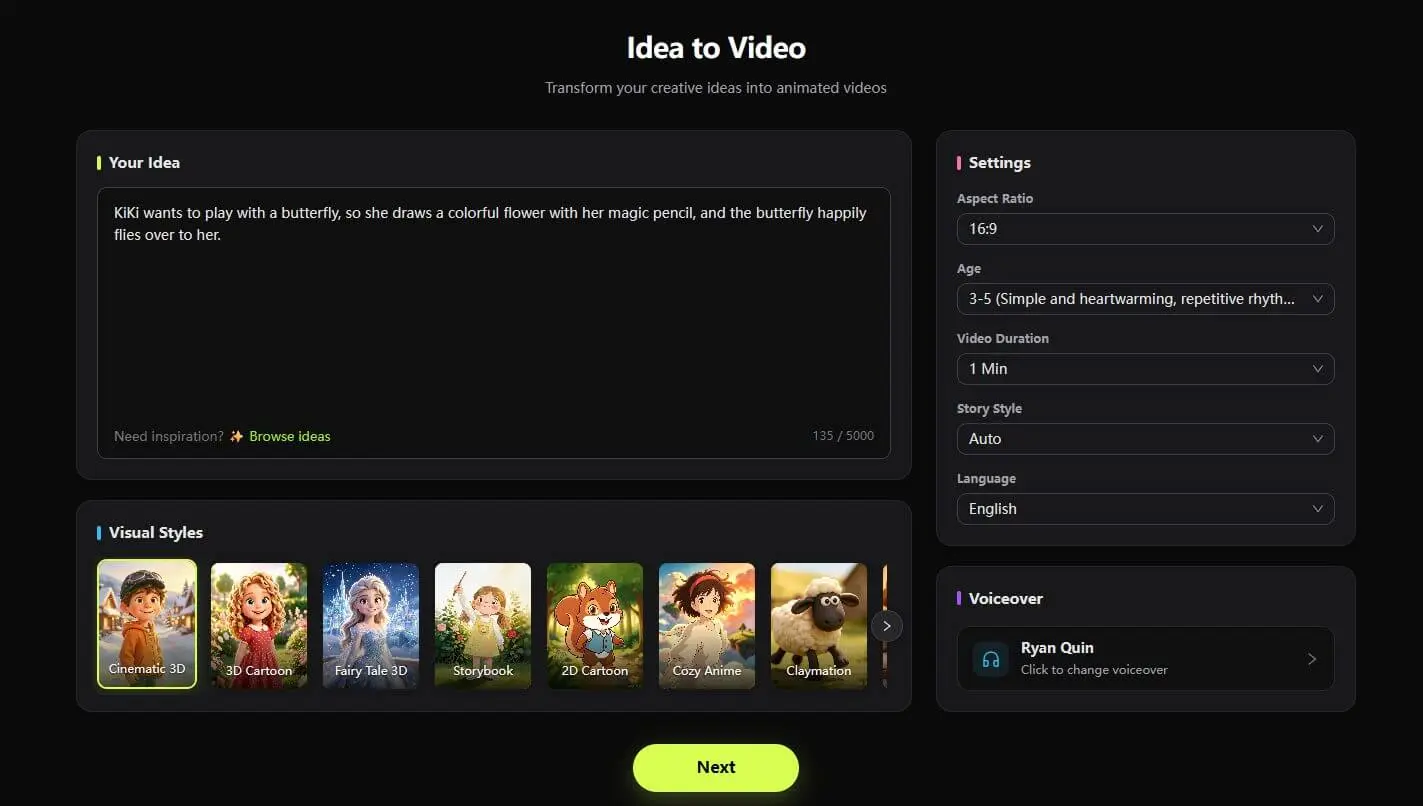
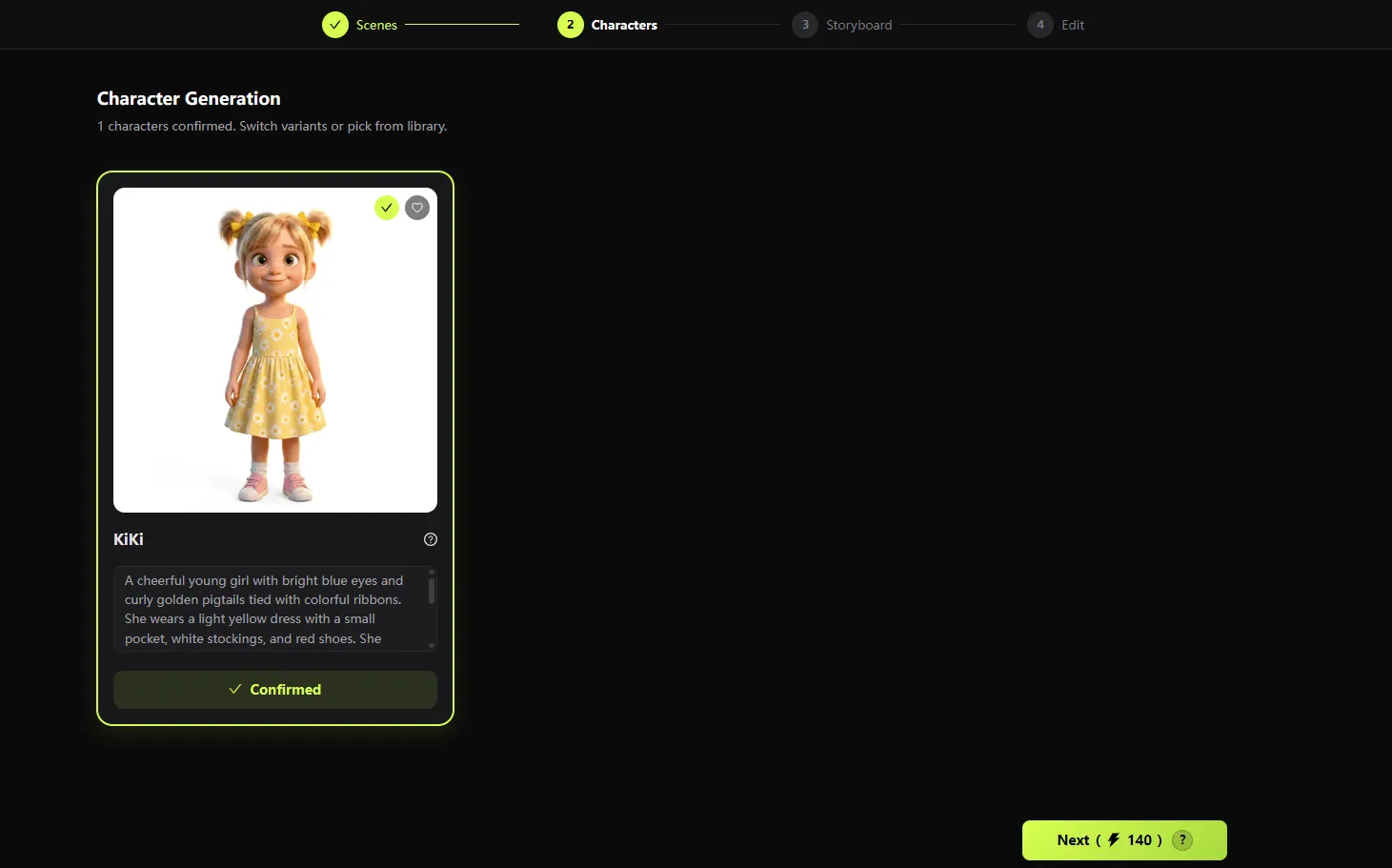
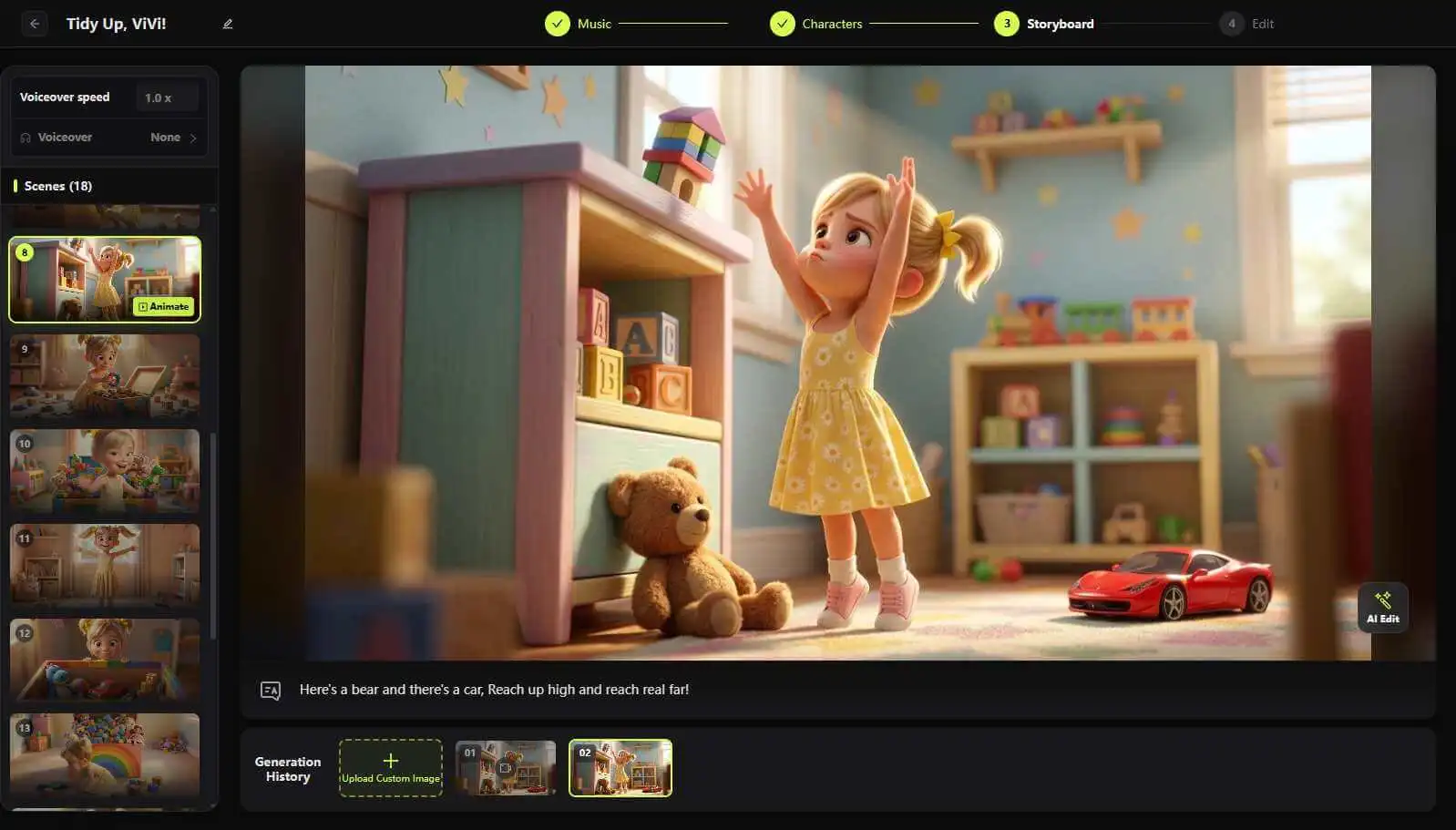
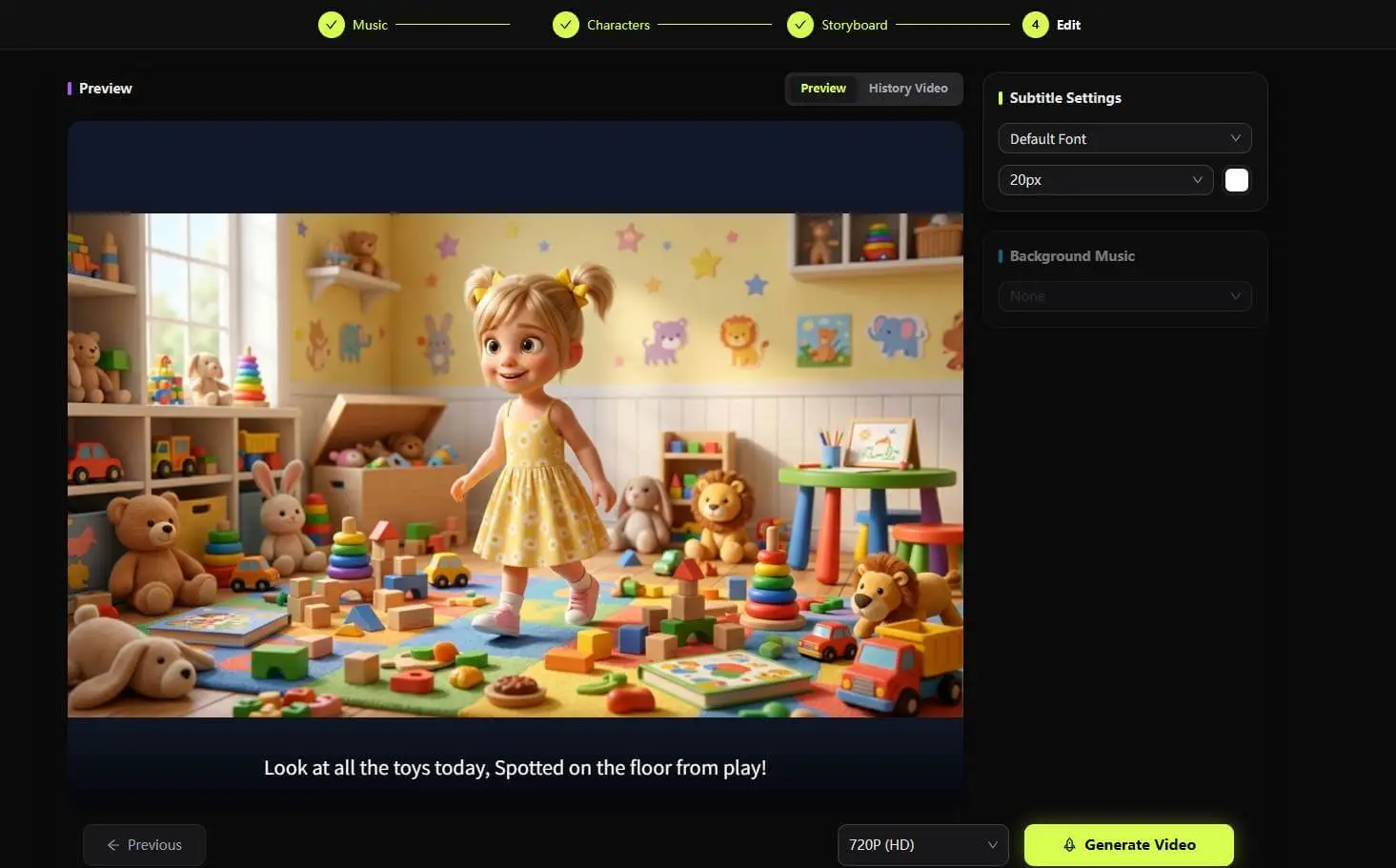
Four steps on every route: write the shape and the room, lock the guide, generate the scenes, then add subtitles and export.
Write your ideaEnter any sentence or idea that inspires you, and select your desired visual style, aspect ratio, and voiceover tone.
Built for a shapes series
Most AI video tools sell spectacle. A shapes lesson needs repetition — the same triangle ten times, until it is a word the child owns.
| What matters | KiVi AI | General AI video tools |
|---|---|---|
| A shape name that sticks | One shape per episode, one repeated line — the shape that gets a name attached to what a child can see. | Cinematic pacing written for adult attention spans, not for repetition. |
| Same guide every episode | Settle the guide once — face, hair and clothing hold steady across scenes and across episodes. | The character is re-invented scene by scene and drifts between cuts. |
| A voice a four-year-old follows | Slow, clear narration written for early learners, editable line by line before you generate. | Bright commercial voices tuned for advertising rather than for listening. |
| Shapes songs that can be sung | Music Video carries a shapes rhyme to a finished animated song — female or male voice included. | Video only; a second tool is needed before anything can be sung. |
| Re-shoot one scene | Regenerate a single scene, or fix its prompt first. Every other scene stays exactly as it was. | Change one thing and the whole clip has to be re-rendered. |
| Rights for a real channel | Full commercial rights to the clips, narration and subtitles you export. | Licences differ per tool and often block commercial use. |
Where a shapes series goes next
A shapes series rarely stops at shapes. These pages take the same guide and the same look into the next lesson.
Kids Color Learning
Shape and colour get taught together — this is the colour half.
Kids Number Learning
Counting the sides of a shape is counting.
ABC Phonics Videos
Letters next — same guide, same style, new lesson.
Body Parts Learning
A face is circles and ovals — the same shapes, one step closer.
Animated Lesson Planner
Turn a shapes unit into a full classroom lesson plan.
Fruit Videos for Kids
Fruit are circles, ovals and triangles in disguise.
Vegetable Videos for Kids
The same idea from the garden: one subject, one episode.
YouTube Kids Video Generator
Taking a finished shapes series to a kids channel.
Three walkthroughs to start with
Watch the platform work end to end before you make your own — one walkthrough per way in.
Subscribe @KiViAI_Official
Shapes video for kindergarten
What kindergarten teachers ask before their first shape episode.
Name one shape and where to find it, and KiVi AI writes the narration, splits it into scenes, storyboards them, animates the lot and adds subtitles. No editing software and no animation background needed.
Your first shapes episode free
One sentence in, a narrated or sung shapes cartoon out. New accounts start with 400 credits — no card needed.