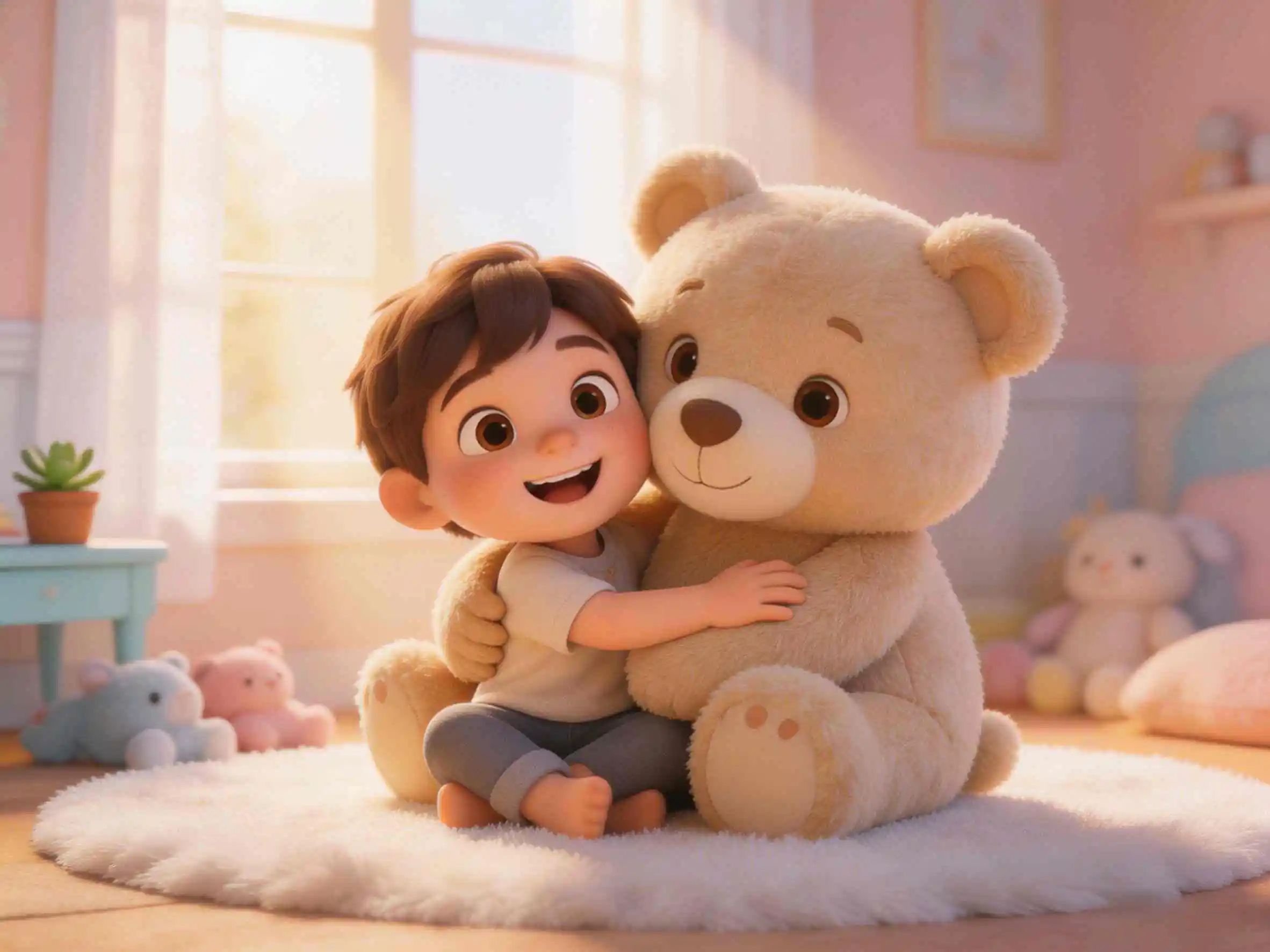
If you’ve ever watched animated classics like Wallace and Gromit, Coraline, or Chicken Run, you know the undeniable tactile magic of stop-motion clay animation. It’s quirky, highly textured, and full of organic personality. In a digital landscape dominated by overly polished 3D CGI or flat 2D vector cartoons, the plasticine claymation style is an absolute breath of fresh air. It creates a physical diorama feel that makes viewers feel like they can reach into the screen and squish the characters. Today, I’ll show you how to break free from the typical generic "AI look" and create studio-grade claymation animations directly from text prompts using KiVi AI—the ultimate AI animation generator. Let’s dive into this ultimate guide for Claymation Animation Styles.
Real Case Study: Creating Tactile Stop-Motion Claymation with AI
To demonstrate how to make claymation AI animation with authentic handcrafted visual cues, let's analyze a sample sequence generated via text-to-video prompt engineering. Instead of spending weeks molding physical plasticine, building miniature armature rigs, setting up studio lighting, and capturing thousands of photos frame-by-frame, I simply used KiVi AI as a stop motion claymation style generator to render this highly textured video sequence in under five minutes.
- Handcrafted Fingerprint Texture: Notice the authentic plasticine surface details—you can clearly observe realistic thumb smudges, micro-cracks, and matte surface reflections on the character's skin.
- Miniature Diorama Lighting: Directional warm studio lighting that casts soft, physical shadows, perfectly recreating a real-world claymation camera setup with depth of field.
- Tactile Stop-Motion Physics: Organic, subtle pose-to-pose frame motion that preserves the traditional artisan stop-motion aesthetic while eliminating artificial fluid warp.
The visuals look exactly like a premium stop-motion animation maker output. The subtle material imperfections and slightly choppy "pose-to-pose" feel make the characters incredibly charming and humorous, ideal for YouTube shorts, TikTok animations, or bedtime storybooks.
Why AI Claymation Style is a Game-Changer for Kids Storytelling & Creators
Learning how to make claymation animation historically required dedicated art studios, physical clay armatures, and complex frame-by-frame capture software like Dragonframe. KiVi AI bridges this gap by accurately simulating physical real-world rendering through three core technological advantages:
- Hyper-Realistic Textures (The Fingerprint Detail): KiVi's engine excels at simulating physical plasticine. When generating claymation, it automatically adds organic bumps, matte reflections, and even tiny finger smudges, preventing the characters from looking like cheap, glossy 3D models.
- Character Consistency Lock: Solve the biggest drawback in AI animation—character morphing. KiVi’s Character IP Lock preserves your character's facial structure, plasticine colors, and costume across every frame and scene transition.
- Inherent Humor and Charm: There’s something naturally funny and endearing about clay characters. This style naturally injects humor into your storytelling, making it the absolute best choice for funny kids' stories, quirky explainer videos, and social media viral content.
- Stop-Motion Authenticity: The magic of claymation lies in its imperfection. KiVi captures the authentic "stop-motion" vibe, creating an animation that feels handcrafted and frame-by-frame, completely eliminating the uncanny, overly-fluid "AI video" look.
Step-by-Step Guide: How to Make Claymation AI Animation in Minutes
Creating a professional stop-motion claymation video no longer requires weeks of manual clay sculpting. Follow this simple 4-step AI workflow to turn your raw ideas into fully produced animations:
- Step 1: Write or Paste Your Story Script — Enter your story outline into the KiVi AI text box, or use the AI idea generator to build a whimsical script from scratch. Select Claymation as your primary art style.
- Step 2: Lock Your Clay Character IP — KiVi will generate initial plasticine character concepts.Choose your preferred style,and KiVi will automatically apply Character IP Lock to guarantee character consistency across all generated shots.
- Step 3: Generate Voiceovers & background music — Pick from kid-friendly AI voices and select background music that suits the story content.
- Step 4: Auto-Generate Subtitles & Export — Customize your video layout (16:9 for YouTube or 9:16 for TikTok/Reels), enable auto-captions, and render your high-definition claymation video in minutes.
Prompt Engineering Guide: How to Generate Realistic Plasticine Textures
To get the absolute best results from an AI claymation video generator, your prompts should include specific sensory and material modifiers. Here is a proven prompt formula to achieve authentic clay textures:
- Key Elements to Include in Your Prompt: Focus on expressive character emotions, funny or dramatic actions, and environmental details that drive the scene forward.
- Example Story Prompt: "A clumsy little bear wearing a oversized chef hat trying to bake a birthday cake in a cozy kitchen, accidentally spilling flour everywhere and looking surprised."
- Why This Works: KiVi AI automatically transforms this plain narrative prompt into a tactile, stop-motion claymation scene with handcrafted fingerprint details and warm studio diorama lighting.
Best Use Cases: Claymation AI Generator for YouTube Shorts & Education
The unique aesthetic of tactile claymation makes it highly versatile across multiple digital content verticals:
- Faceless YouTube Kids Channels: Produce regular bedtime stories, fairy tales, and nursery rhymes quickly with consistent clay characters that build strong brand recognition.
- Viral Social Media Shorts: Stand out on TikTok, Instagram Reels, and YouTube Shorts where tactile, nostalgic visuals stop users from scrolling past.
- Low-Stimulation Educational Videos: Traditional high-contrast 3D cartoons can overstimulate young children. Soft clay textures provide a gentle, calming visual experience ideal for toddler learning.
- Commercial & Indie Brand Marketing: Give promotional explainer videos, app previews, or indie game trailers an approachable, handcrafted, and playful personality.
Beyond Claymation: 7 Stunning Visual Styles to Capture Imagination
While a quirky claymation style is perfect for humorous and engaging tales, a successful kids animated video often requires different vibes depending on the mood. KiVi AI offers a rich palette of aesthetics. From magical fantasy to nostalgic picture books, the platform allows you to effortlessly switch between visual styles.
- 3D Cinematic-Style :Vibrant Lighting, Rich Depth of Field & Expressive Modeling
- Fairy Tale-Inspired Fantasy :Whimsical Environments, Soft Glows & Magical Landscapes
- Textured Handcraft :Felt Fabric Textures, Papercut Art & Wool Fiber Aesthetics
- Cozy Anime :Nostalgic Hand-Drawn Outlines & Traditional Storybook Art
- Storybook-Inspired :Classic Illustration, Soft Warm Tones & Cozy Picture Book Aesthetics
- Watercolor Style :Fluid Paint Washes, Dreamy Blends & Artistic Storybook Charm
- Morden Cartoon:Fun Vector Shapes, Bold Lines & Bright Expressive Characters
Frequently Asked Questions About AI Claymation Video Generation
Conclusion
In the past, creating exquisite, studio-quality stop-motion claymation required months of painstakingly moving puppets millimeter by millimeter. Now, with KiVi's powerful engine, it can be done in minutes. By mastering KiVi AI's claymation style, you can effortlessly create humorous, tactile, and highly engaging kids animation videos that stand out from the crowd.
Ready to bring your own miniature plasticine world to life? Head over to KiVi AI, type in your craziest character idea, and watch the tactile magic unfold! ✨
Got an Idea? Let's Animate It.
With KiVi's AI video generation, your imagination becomes a beautifully crafted clay animation in minutes. Start creating your tactile masterpiece today—no sculpting skills required.